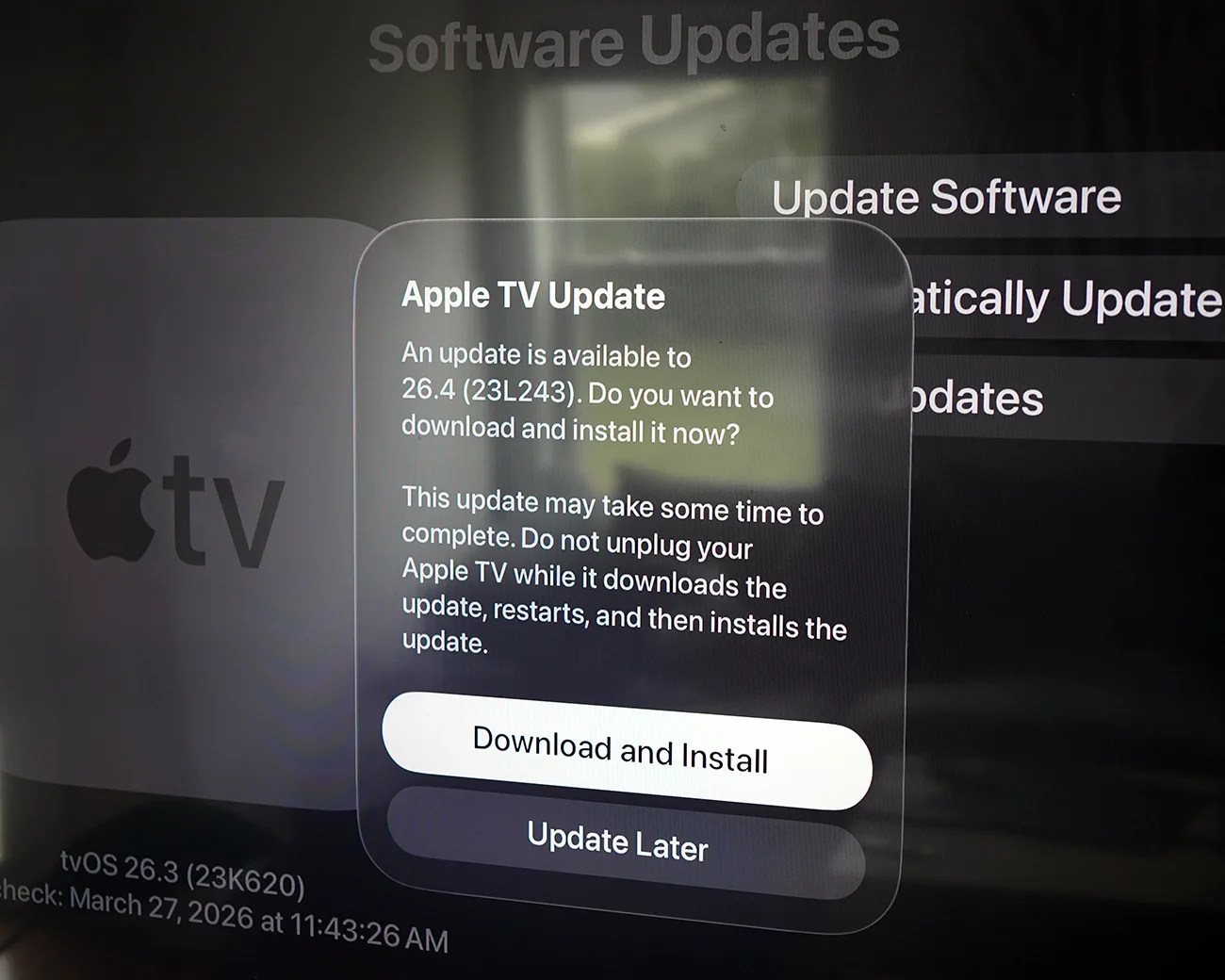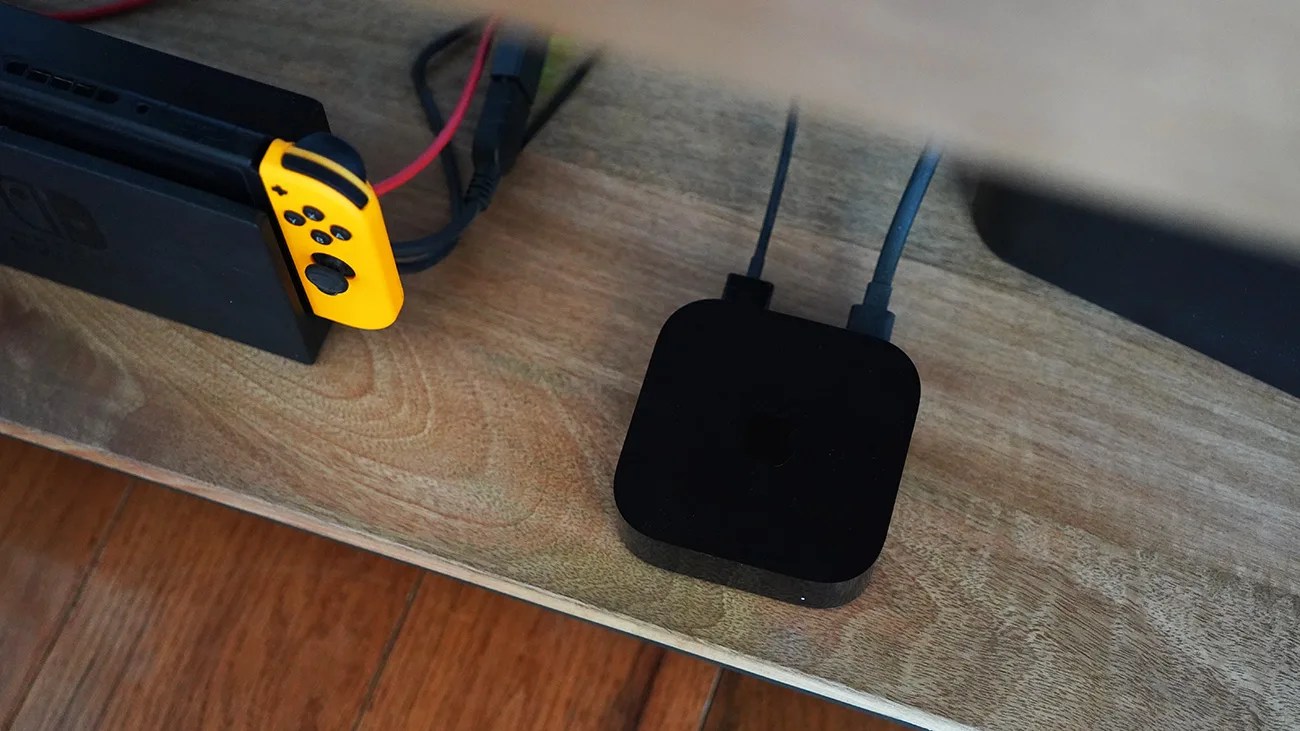

In the last week (or so), Apple rolled out a small but important software update to your current Apple TV.
With tvOS 26.4, your Apple TV gained a few new features. The standout is called Continuous Audio Connection, a setting that fixes a common audio issue for Sonos soundbar users.
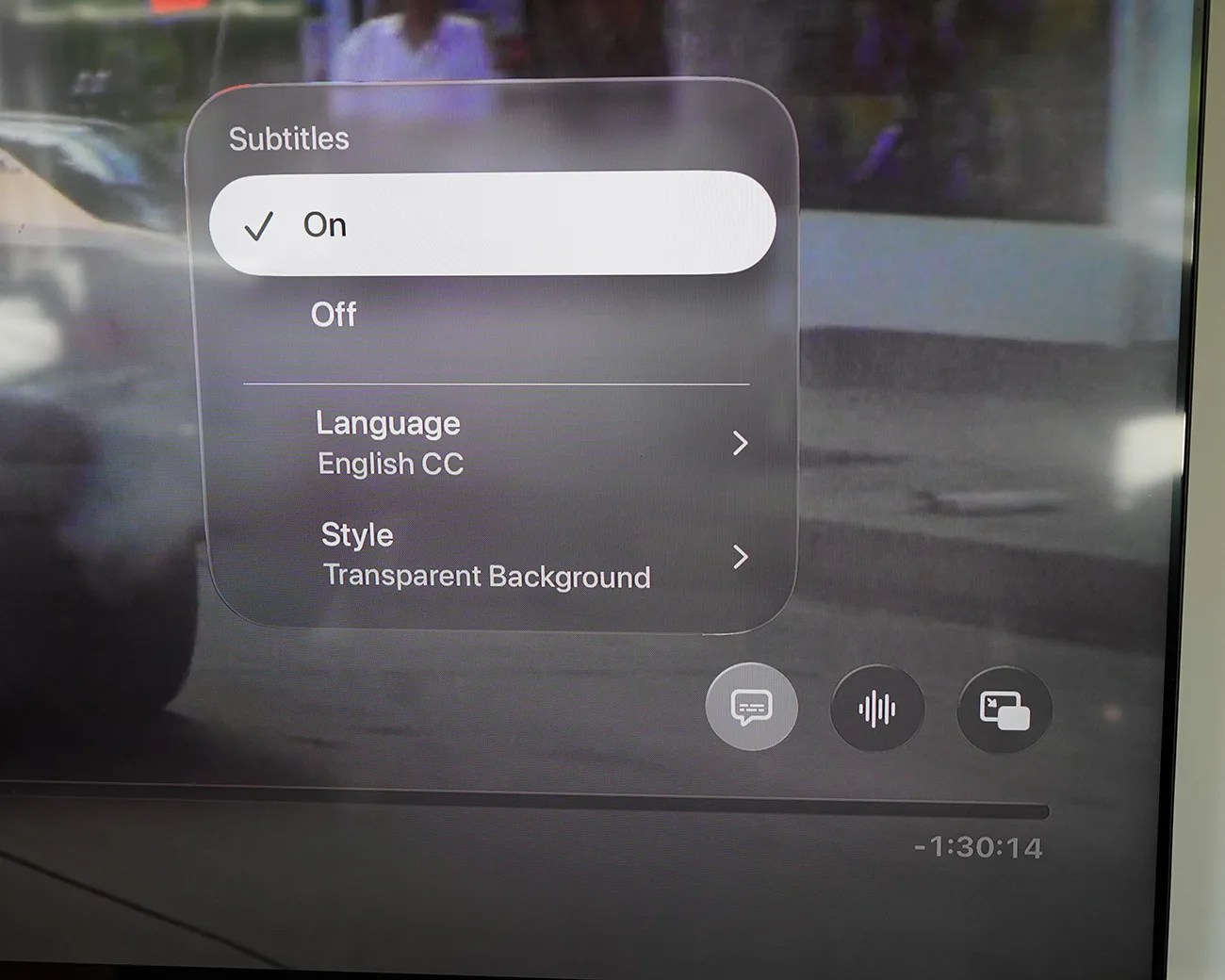
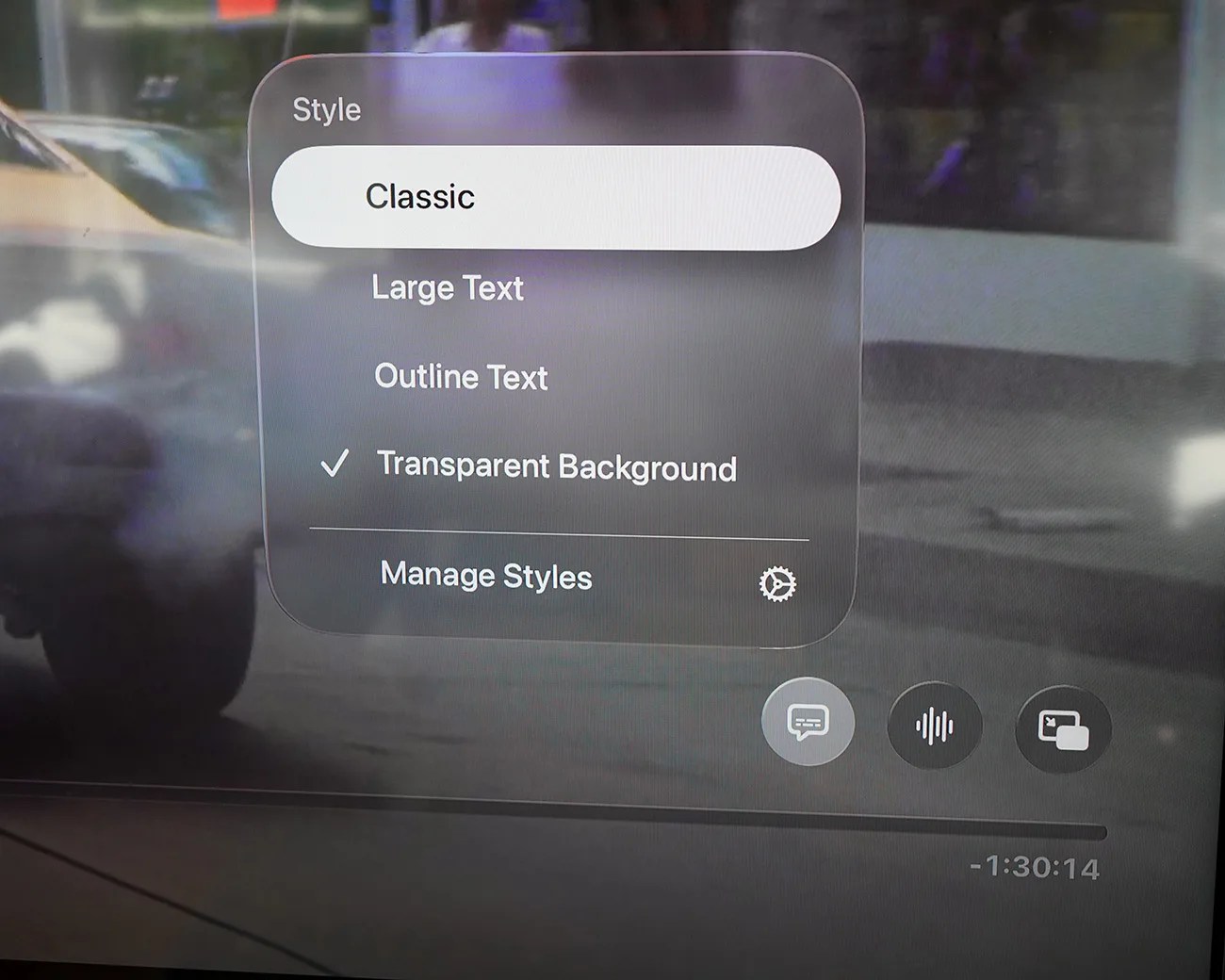
But the software also introduced a new way to customize subtitles.
Quick access, customized subtitles
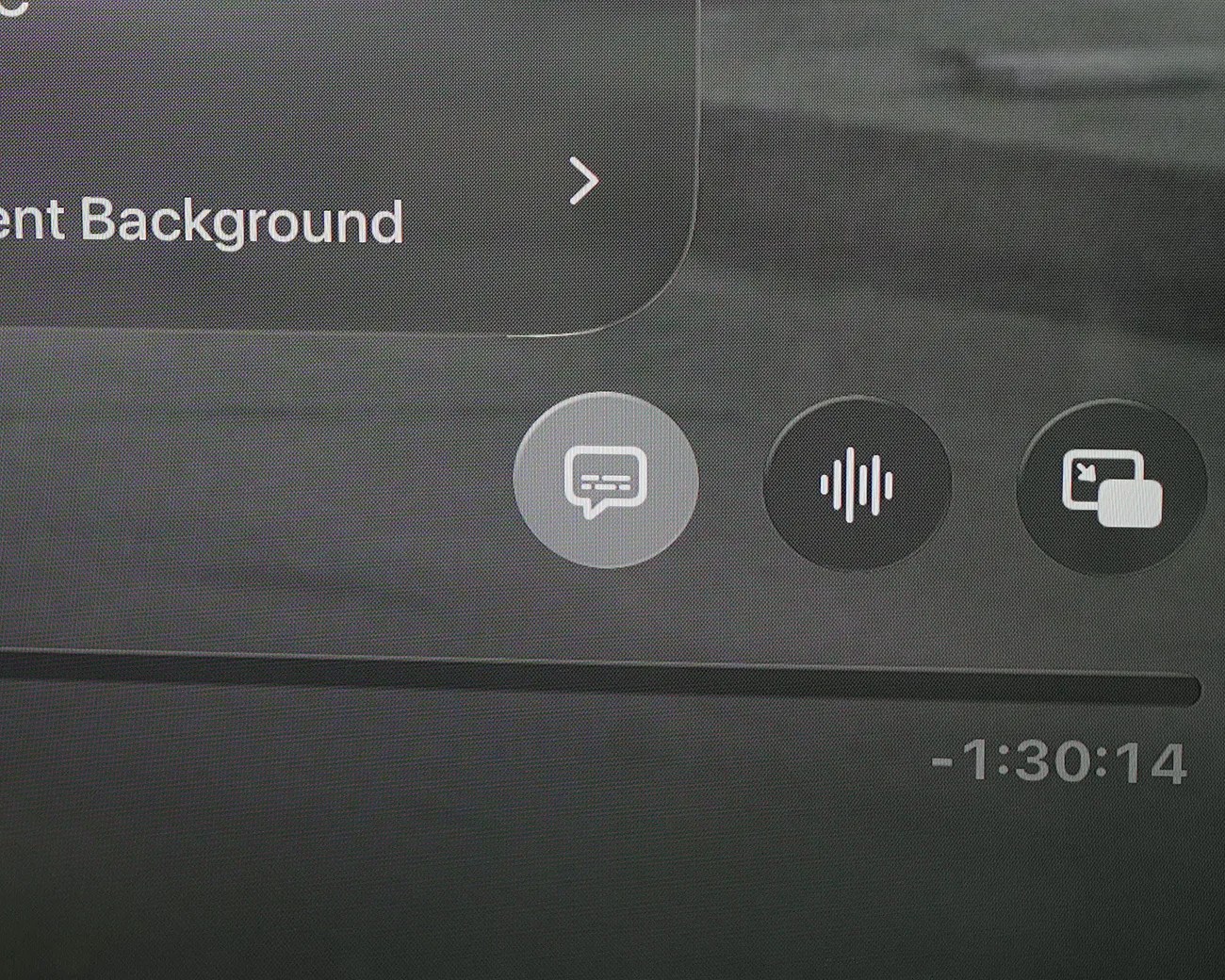
That’s right, if you’re somebody who usually plays movies and shows with subtitles turned on (or if you frequently rewind content, in which case subtitles appear for the next 10 seconds to help you catch up on missed dialogue), then this will be of particular interest.
When playing a movie or show, and you select the speech bubble button to turn subtitles on, you the option to customize how those subtitles appear. No going in the Settings app required.