
Apple Is Quietly Giving Your AirPods a Cool Hi-Fi Upgrade

A decade after the first AirPods, your current models are getting a long-awaited upgrade.

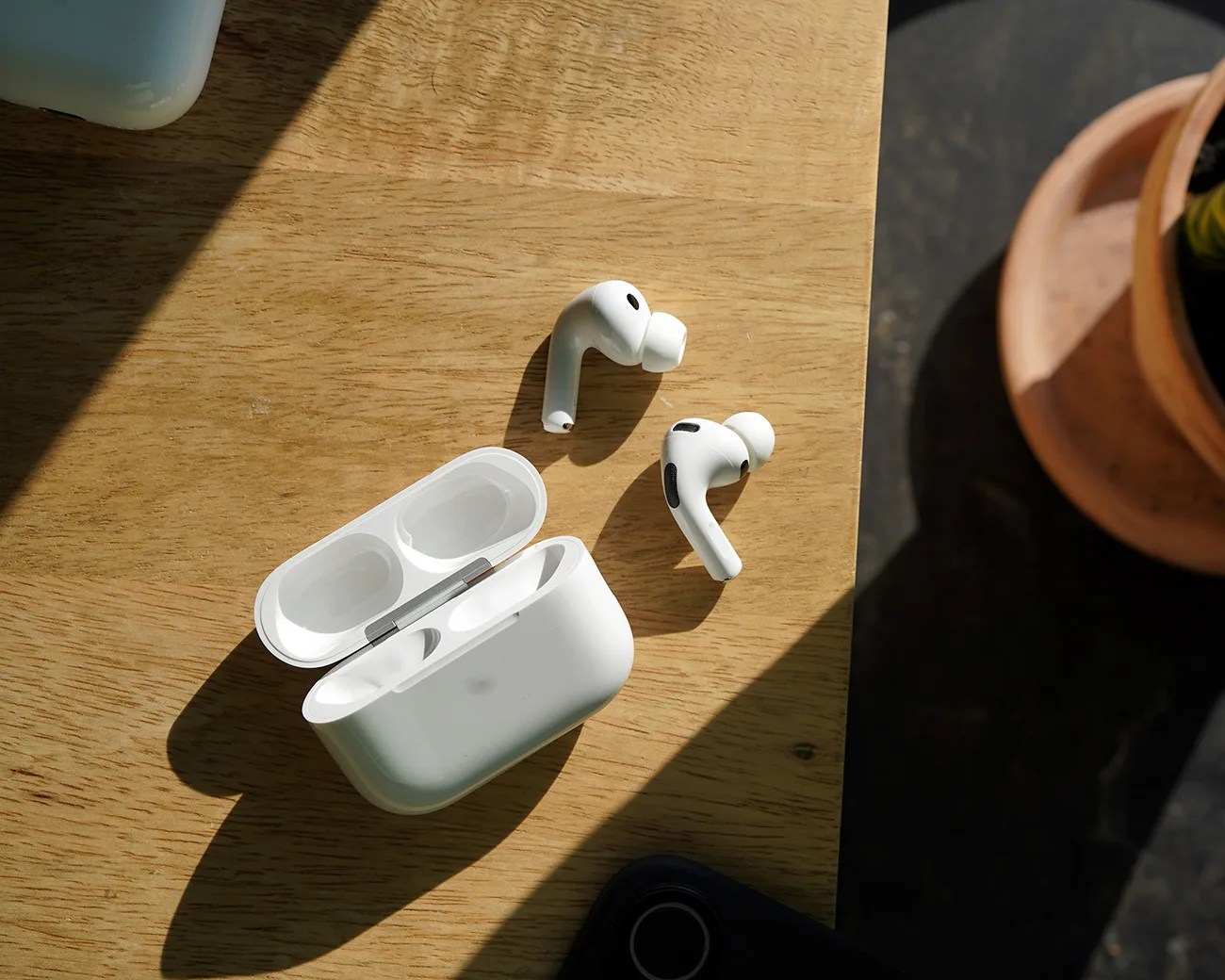
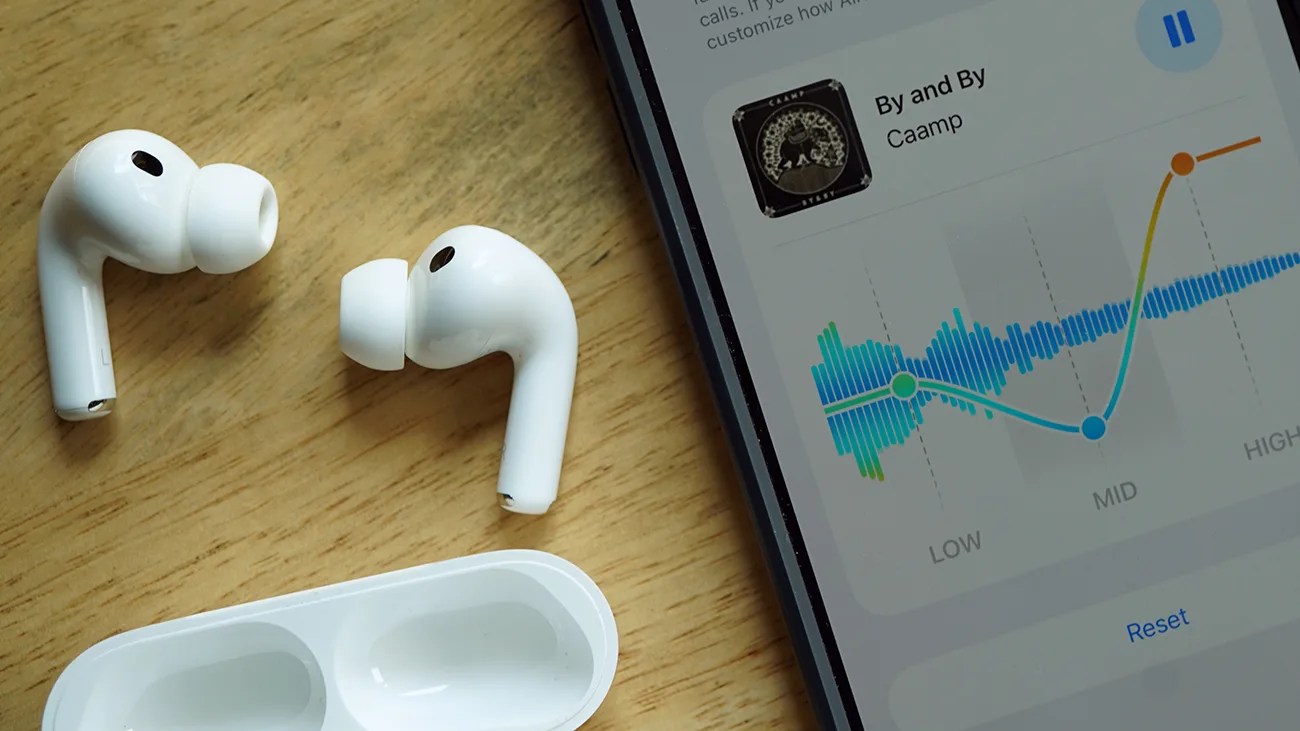
Pair of white wireless earbuds with silicone tips next to an open charging case on a wooden surface, beside a smartphone screen showing an audio equalizer.Photo by Tucker Bowe for Gear Patrol

At June’s WWDC 2026, Apple gave us a brief introduction to the next-generation operating systems coming to your various Apple devices (including iPhone, Mac and iPad), as well as highlighting some of their upcoming features.

The vast majority of these features take advantage of improvements to Siri and Apple Intelligence (or more accurately, Siri AI, which combines the two to create a way more capable, conversational voice assistant). But there were a few hidden gem features sprinkled throughout the presentation.

One of those brings a long-awaited feature to the AirPods you currently own (provided you bought a new pair in the last year and a half).
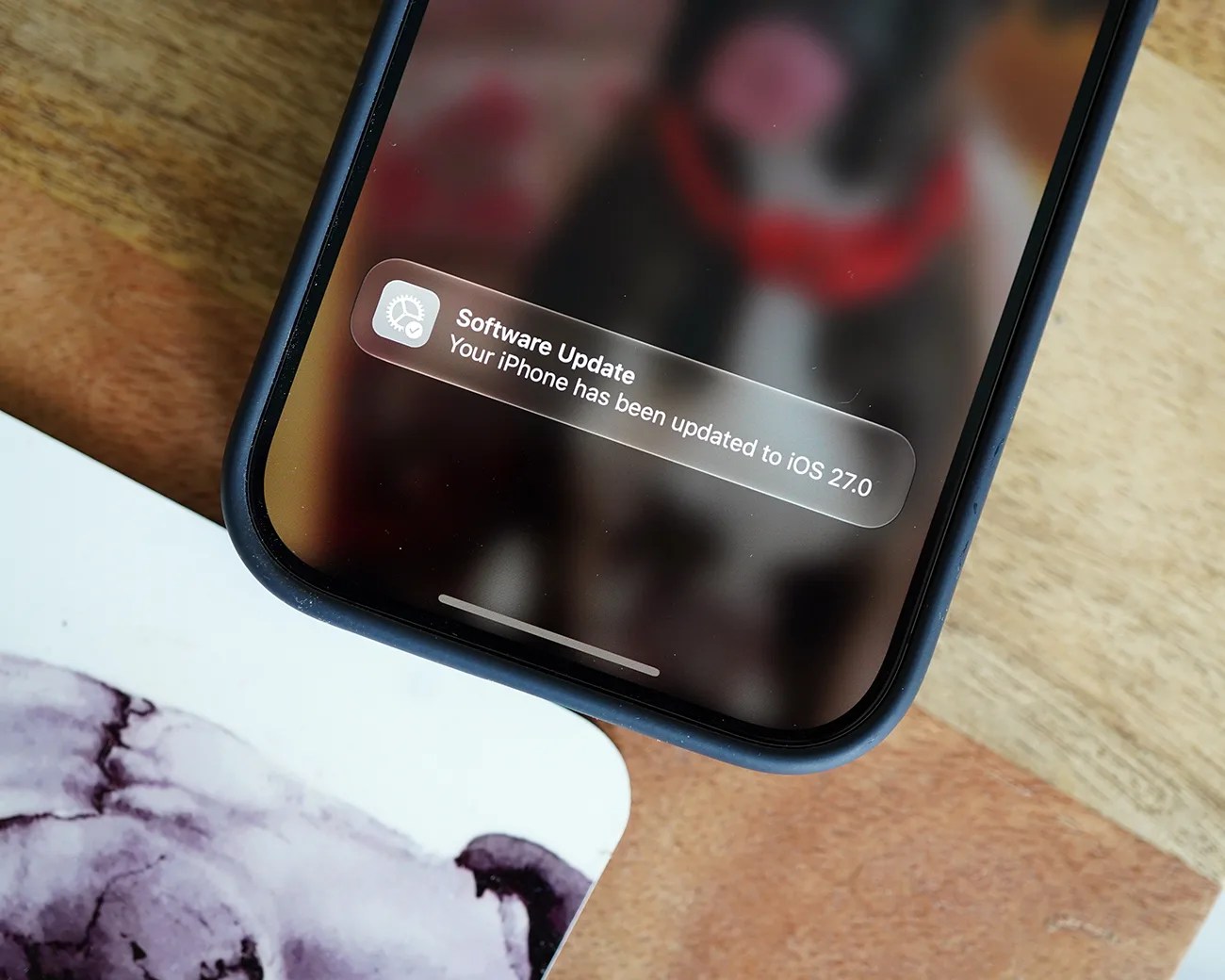
Close-up of a smartphone screen showing a notification that the iPhone has been updated to iOS 27.0.
The public beta for iOS 27 is available now.
Photo by Tucker Bowe for Gear Patrol

Apple’s AirPods are notoriously feature-rich. You can access a wide array of customization options via the Settings app, which allows you to tweak volume, noise-cancellation, spatial audio and head-tracking settings. And that’s just scratching the surface.

However, one feature that Apple hasn’t given to AirPods in all their years is customizable EQ. But a decade after the first AirPods were released, this is finally changing.
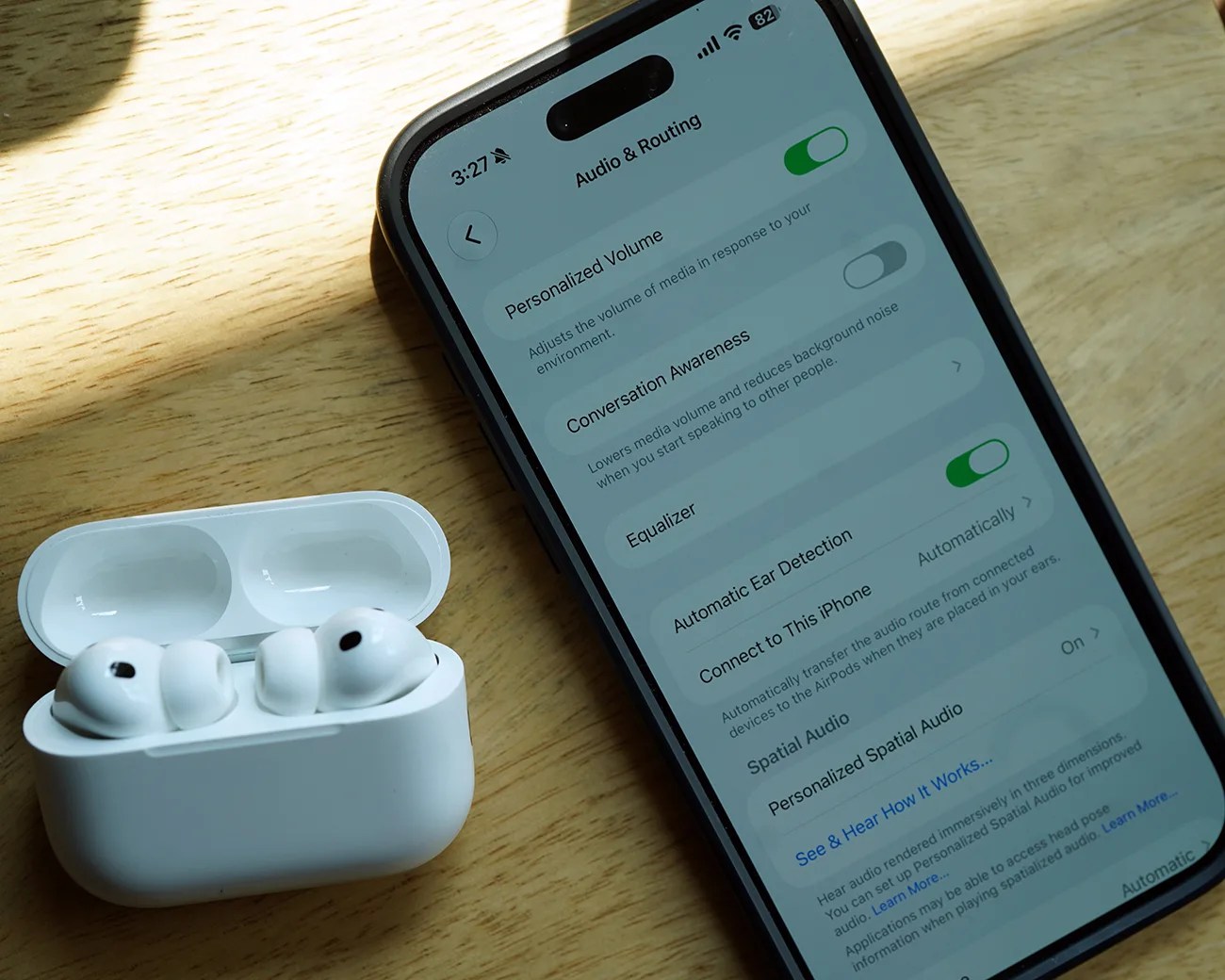
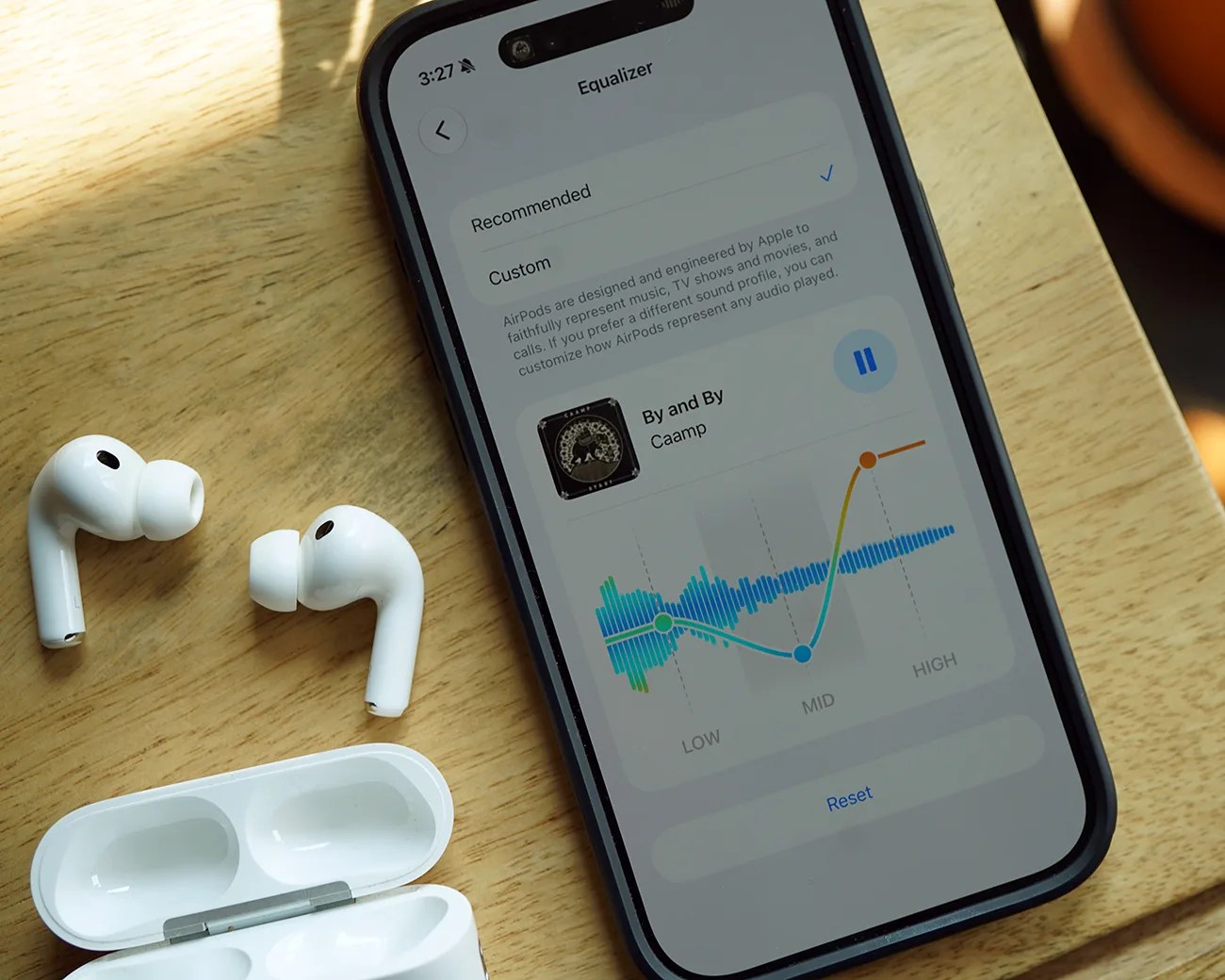
A 3-band equalizer

White wireless earbuds in an open charging case next to a smartphone displaying audio and routing settings on a wooden surface.
You’re able to adjust a 3-band (low, mid or high) equalizer directly from AirPods Settings.
Photo by Tucker Bowe for Gear Patrol

Apple just released the first public beta of iOS 27 and with it, rolled out a 3-band equalizer to compatible AirPods. Once selected, you can create a custom EQ profile and adjust low, mid and high frequency ranges.

EQ customization is something that many of today’s flagship headphones and wireless earbuds (by the likes of Sony, Bose, Sennheiser and Bowers & Wilkins) have supported. By accessing a companion app, you’ve been able to tweak the bass, treble or midrange of your music, or pick between various EQ presets.

Smartphone displaying an equalizer screen with AirPods and an open charging case on a wooden surface.
There is only one Custom EQ profile. You can’t create multiple EQ profiles and switch between them for different music genres.
Photo by Tucker Bowe for Gear Patrol

To date, the consensus on AirPods is that they sound fairly neutral: neither bass-heavy nor midrange- and vocal-heavy. However, everyone has their own preferences and listens to different music genres. And with the upcoming customizable EQ, you’ll be able to tweak their AirPods’ sound as they deem fit.

Once running iOS 27 (and your AirPods are running their latest software), you can access the Equalizer feature in the Settings app.

  1. Open the Settings app when your AirPods are connected.
  2. Select your AirPods.
  3. Tap Audio & Routing.
  4. Tap Equalizer.
  5. Select Custom.

Once Custom EQ is selected, you can adjust low, mid and high frequency ranges as you deem fit. The neat thing is that you can do this while playing music, so you can hear how the adjustments sound in real time.

White wireless earbuds with silicone tips next to an open charging case on a wooden surface.
The AirPods Pro 3 is one of four new AirPods models that’ll support the upcoming custom EQ feature.
Photo by Tucker Bowe for Gear Patrol

Which AirPods will support it?

Unfortunately, the new equalizer feature will only work with AirPods that have been updated with Apple’s H2 chip. So it’ll be available for these four models: AirPods Max 2, AirPods Pro 3 and AirPods 4 (both w/ and w/o ANC).

This means if you’ve purchased AirPods before September 2024, they won’t support the new custom equalizer feature.

Want to stay up to date on the latest product news and releases? Add Gear Patrol as a preferred source to ensure our independent journalism makes it to the top of your Google search results.

add as a preferred source on google
, , , ,