
Spotify Quietly Gets Serious About Desktop Hi-Fi with This Audiophile Feature

For music lovers who want the purest listening experience when at home.

White circular Spotify logo with three curved horizontal bars on a red to blue gradient background.Spotify

Spotify is the world’s largest music streaming service, yet it has infamously lagged behind the competition in audio quality. It only rolled out lossless audio tracks to subscribers this past September, years after its rivals such as Apple Music, Tidal, Amazon Music, Qobuz and Deezer. (Although it did roll them out at no extra cost, which was nice.)

This is part of the reason why Spotify’s latest new feature was so surprising. It’s designed for audiophiles who take desktop hi-fi very seriously.

Desktop hi-fi, Exclusive mode
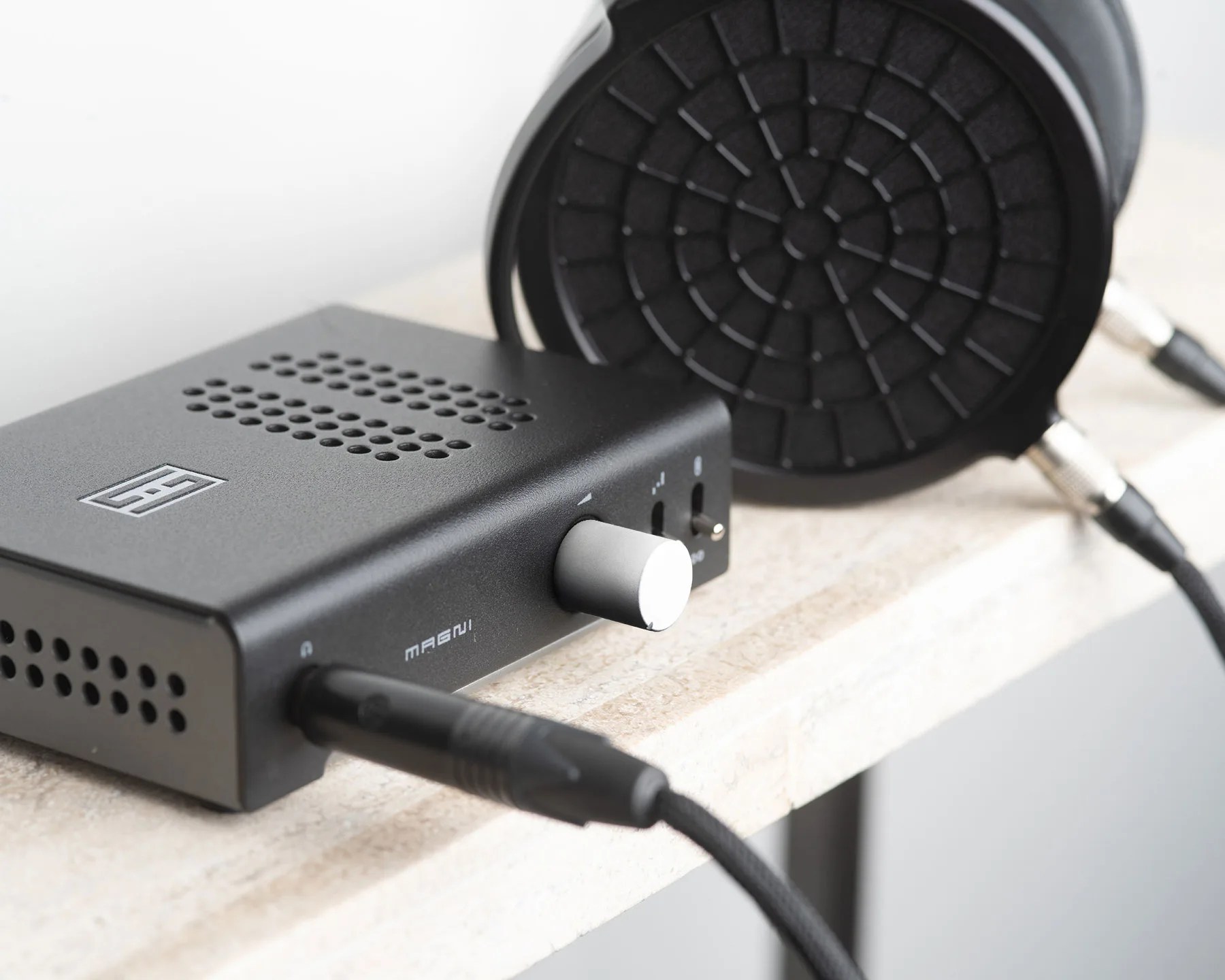
Black Schiit Magni headphone amplifier with silver volume knob connected to black planar headphones on a light stone surface.
Exclusive mode is ideal for listeners with external audio equipment (like a DAC or audio interface) with their computer.
Schiit Audio

With very little fanfare, Spotify has introduced “Exclusive mode,” which lets the service take full control of your desktop’s audio processing to deliver music exactly as it was recorded with bit-perfect playback up to 24-bit/44.1 kHz FLAC.

Spotify claims that Exclusive mode is “ideal for listeners with external audio equipment (like a DAC or audio interface) who want the purest possible sound.”

If Exclusive mode is not turned on, which it isn’t for you as the feature just rolled out, there’s a chance that your computer alters the audio (by resampling it, mixing other system sounds in, or changing the volume)  before it reaches your DAC.
Basically, Exclusive mode is Spotify’s way of ensuring that you’re getting the highest quality of music listening experience on your desktop.

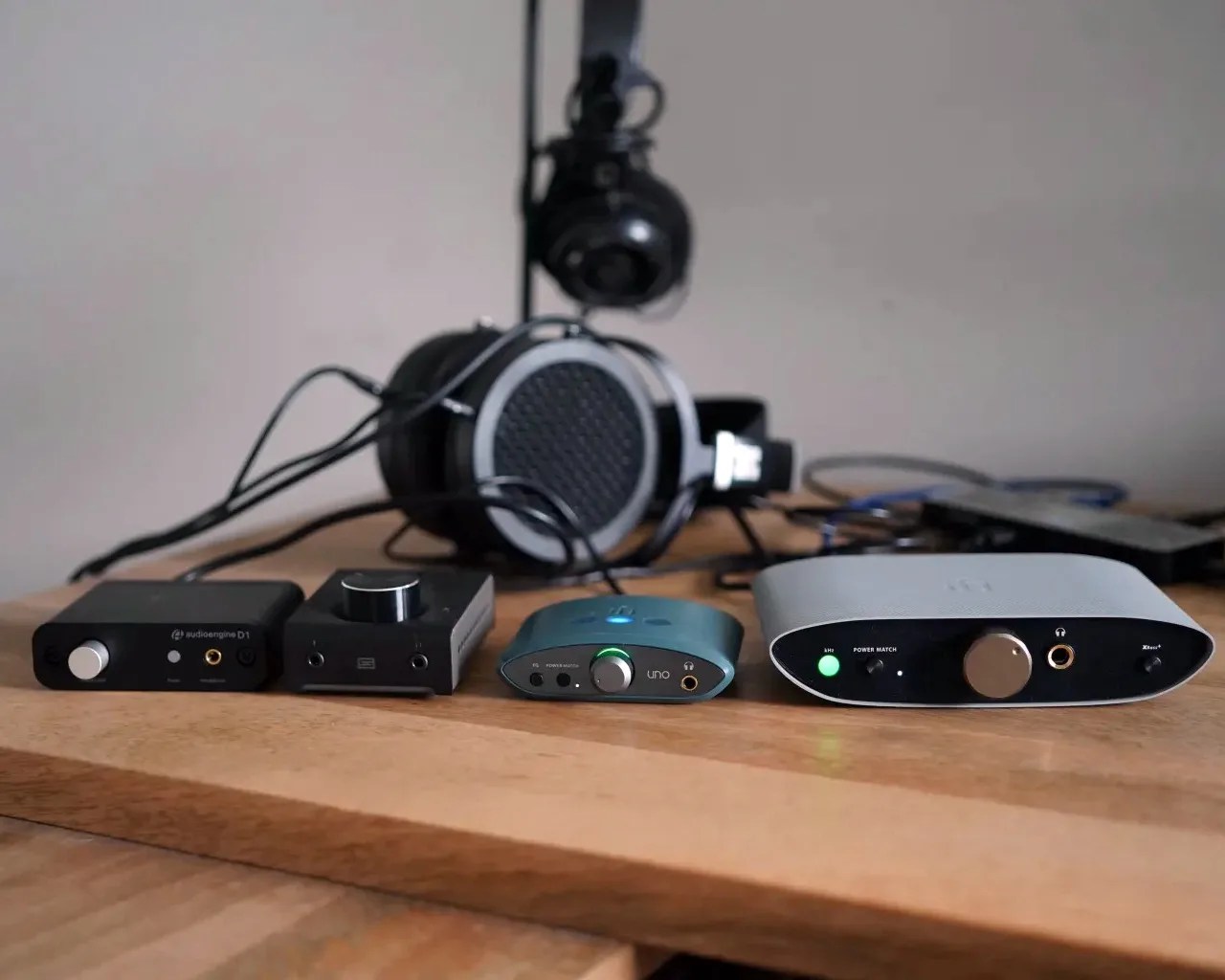
Four headphone amplifiers and a pair of headphones on a wooden surface with cables connected.
Listen to Spotify and use an external DAC/amp? Exclusive mode is designed for you.
Photo by Tucker Bowe for Gear Patrol

Only on Window (coming to Mac)

Spotify has introduced Exclusive mode as a free feature for all its Premium subscribers. The only catch is that it’s only available on its Windows desktop app. Spotify says that it will come to the Mac desktop app in a future release.

For PC owners and Spotify Premium subscribers, here’s how to turn on Exclusive mode:

  1. Make sure your external DAC or audio interface is connected to your computer.
  2. Open Spotify and go to Settings.
  3. Scroll down and select Playback.
  4. Under Audio Output, select your device from the dropdown.
  5. Toggle on Exclusive mode.

To learn more about Spotify’s Exclusive mode, you can check out its Support page or Community blog post.

Want to stay up to date on the latest product news and releases? Add Gear Patrol as a preferred source to ensure our independent journalism makes it to the top of your Google search results.

add as a preferred source on google