
Your Apple TV Has an Annoying New Feature. Here’s a Quick Fix

It was introduced to every Apple TV with the latest software update.

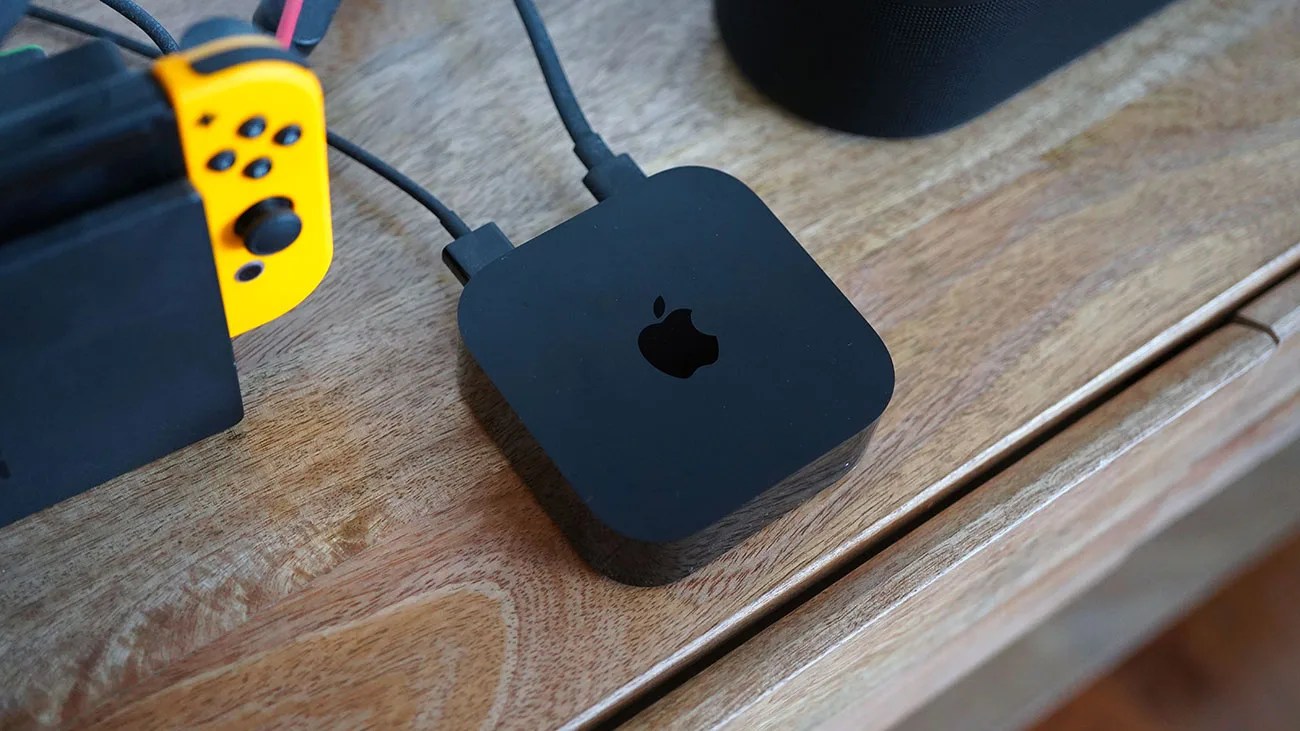
Black Apple TV device with cables connected, placed on a wooden surface next to a yellow Nintendo Switch controller.Photo by Tucker Bowe for Gear Patrol

Admittedly, Apple didn’t change much with the Apple TV when it rolled out the latest software update, tvOS 26, this past fall.

Sure, it added a few things, including a new Liquid Glass redesign, new screen saver options, and an overhaul of the Apple TV app (so more TV shows and movies can be displayed at once).

Undoubtedly, the biggest new feature has to do with AirPlay — if you have any third-party speaker or soundbar that supports AirPlay, you can set it as the default speaker for your TV. Previously, this was exclusive to Apple’s HomePod line.

But for the most part, your Apple TV works just like before … except for one small change, which I’m betting most users find quite annoying.

Apple TV’s Profile Selector screen
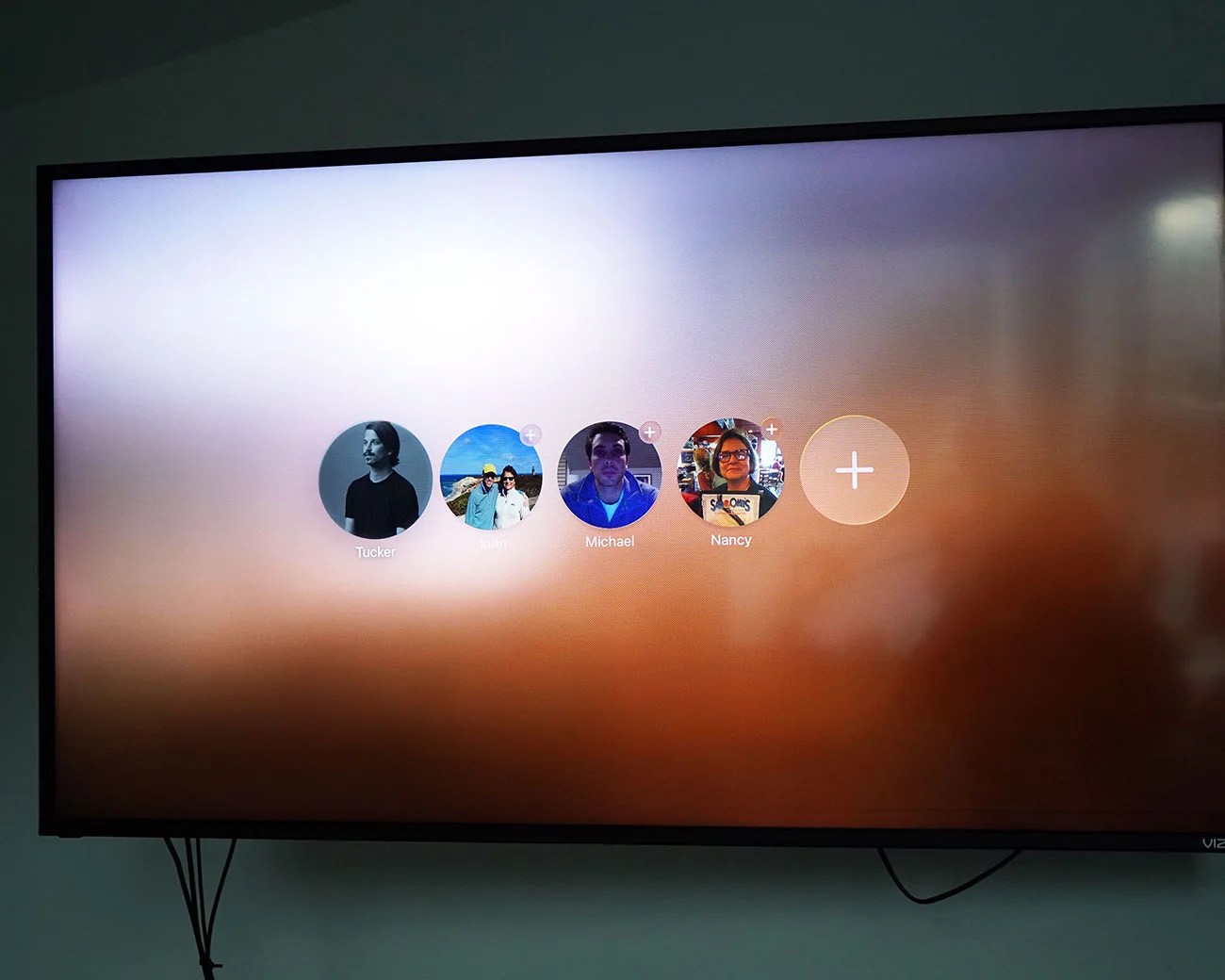
TV screen showing a user profile selection menu with five circular icons labeled Tucker, Sam, Michael, Nancy, and a plus sign for adding a profile.
With tvOS 26, there’s a new Profile Selector screen that appears when you turn on or wake your Apple TV.
Photo by Tucker Bowe for Gear Patrol

Specifically, tvOS 26 introduced a new Profiles Selector screen that appears right when you turn on your Apple TV (or wake it from sleep). From here, you have to select which family member you are.
The idea behind this new screen is sound, as it makes switching profiles easier. But for households that use only one profile (and select different profiles within apps), it feels like another screen you have to go through to get where you want to be.

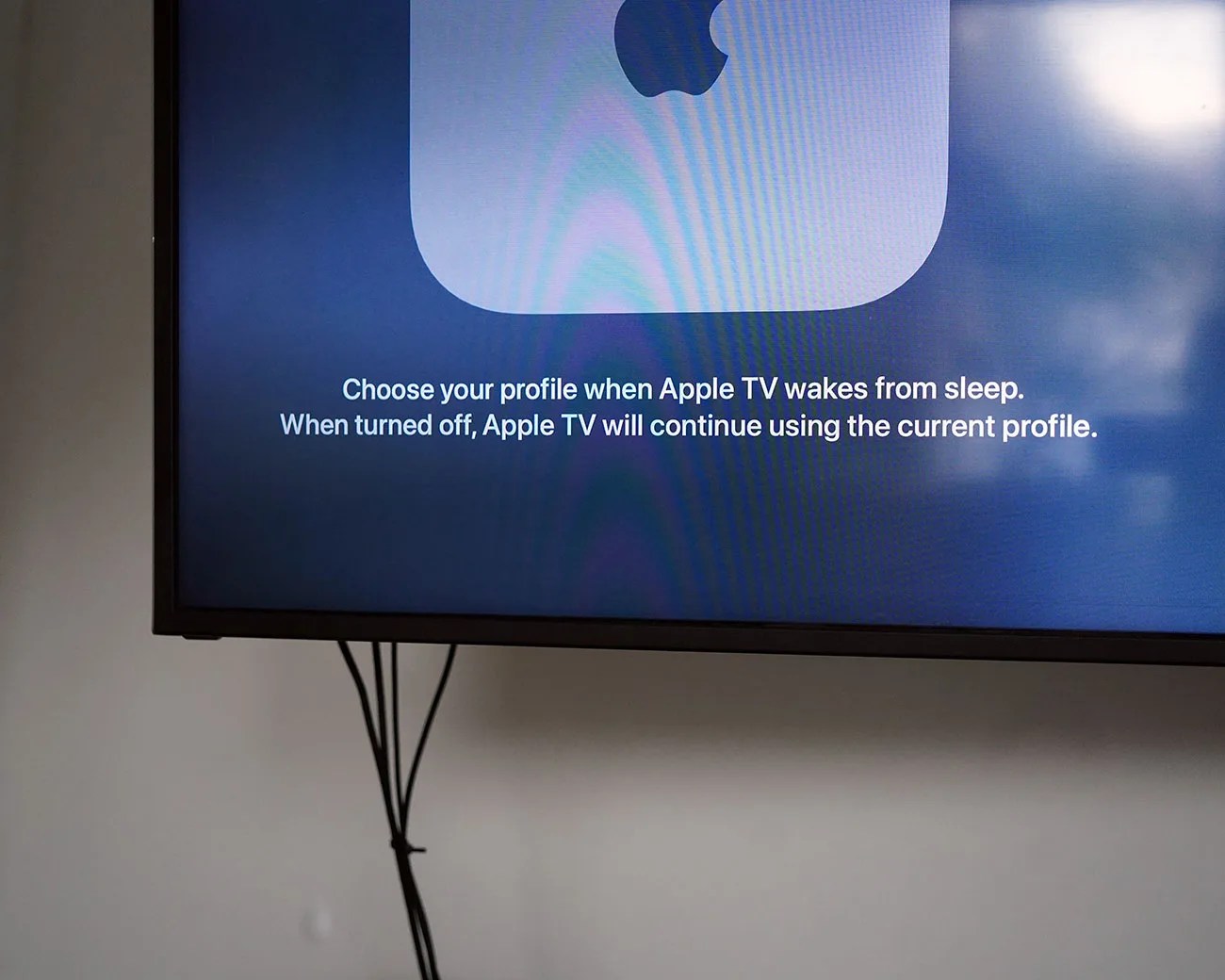
Television screen displaying Apple TV message about choosing a profile when waking from sleep, with visible cables below.
Once changed, your Apple TV will default to the profile of the person who was last using it.
Photo by Tucker Bowe for Gear Patrol

The other frustrating part is that the Profiles Selector screen gets turned on by default when your Apple TV gets updated to tvOS 26. So, for people who have updates turned on automatically, you’re greeted by a new menu screen all of a sudden. And that’s a bit jarring.

Of course, there’s good news: you can change it so your Apple goes back to working the way it did before, and you don’t have to see the new Profiles Selector screen.

  1. Turn on your Apple TV.
  2. Open the Settings app.
  3. Select Profiles and Accounts.
  4. For Choose Profile On Wake, toggle it off. For Suggested Profiles, make sure it’s Hide.
TV screen showing "Profiles and Accounts" menu with options for choosing profile on wake, suggested profiles, and default profile named Tucker Bowe.
And now your Apple TV is back to normal. No more Profile Selector screen when you wake or turn it back on.
Photo by Tucker Bowe for Gear Patrol

And that’s it. Next time you use your Apple TV, it’ll continue using the same person’s profile it was using when it was last turned off.

Want to stay up to date on the latest product news and releases? Add Gear Patrol as a preferred source to ensure our independent journalism makes it to the top of your Google search results.

add as a preferred source on google