Your iPhone Quietly Got a Neat New Ability You Probably Didn’t Know About

It brings a key improvement to a feature that you likely use quite often.

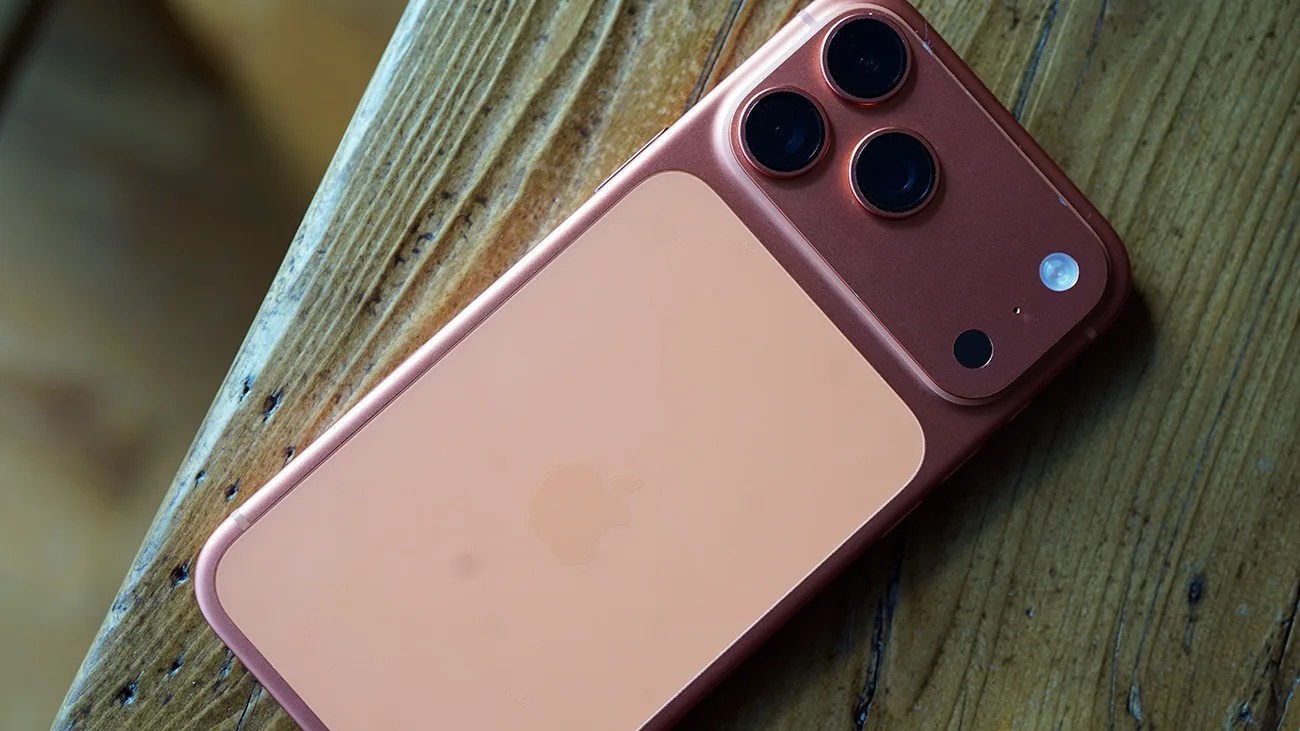
Rose gold iPhone with triple camera lenses on a wooden surface.Photo by Tucker Bowe for Gear Patrol

iOS 26.4 is here. And with it, your current iPhone gained several new abilities. There’s a new camera setting, a new way to keep tabs on your iPhone’s battery health and a bunch of new features for Apple Music users. Oh, and there are new emojis, too.

Maybe running a little under the radar, iOS 26.4 also improves a popular Control Center feature that you probably use quite frequently.

A Control Center Upgrade
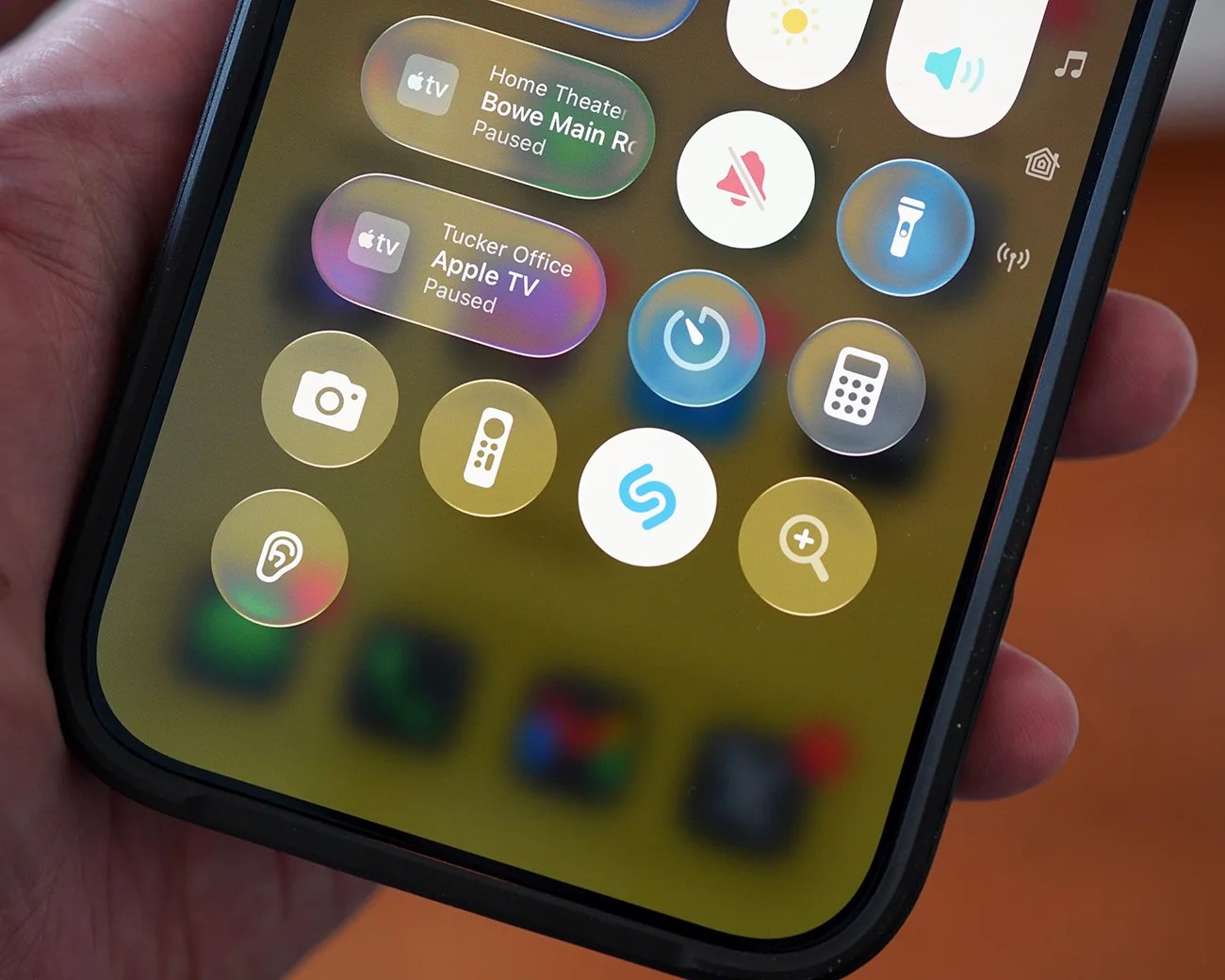
Close-up of a smartphone screen showing Apple TV controls and various utility icons like camera, flashlight, calculator, and Shazam.
The Recognize Music feature has been accessible from your Control Center since 2020. But now it’s even better.
Photo by Tucker Bowe for Gear Patrol

You likely know this, but you’ve been able to access Shazam from your iPhone’s Control Center for years. When you hear a song you don’t recognize, you can quickly swipe down on your iPhone, tap the Shazam icon, and identify it. (You can also ask Siri, “What’s the song?” and it’ll do the same.)

Backstory: Apple acquired the music recognition app in 2018. It then rolled out the ability to quickly access Shazam from your iPhone’s Control Center with iOS 14.2, which launched in November 2020.

Since its introduction, you haven’t needed the Shazam app downloaded on your iPhone to access this music recognition ability from the Control Center. That’s because Apple’s own Recognize Music feature is powered by Shazam, but it’s not full-blown Shazam.
The catch is that the Recognize Music feature isn’t quite as good as using the Shazam app (as noted in this Reddit thread), and many of the more advanced features are missing. One of those is offline music recognition.

But that’s now changed.

Offline Music Recognition

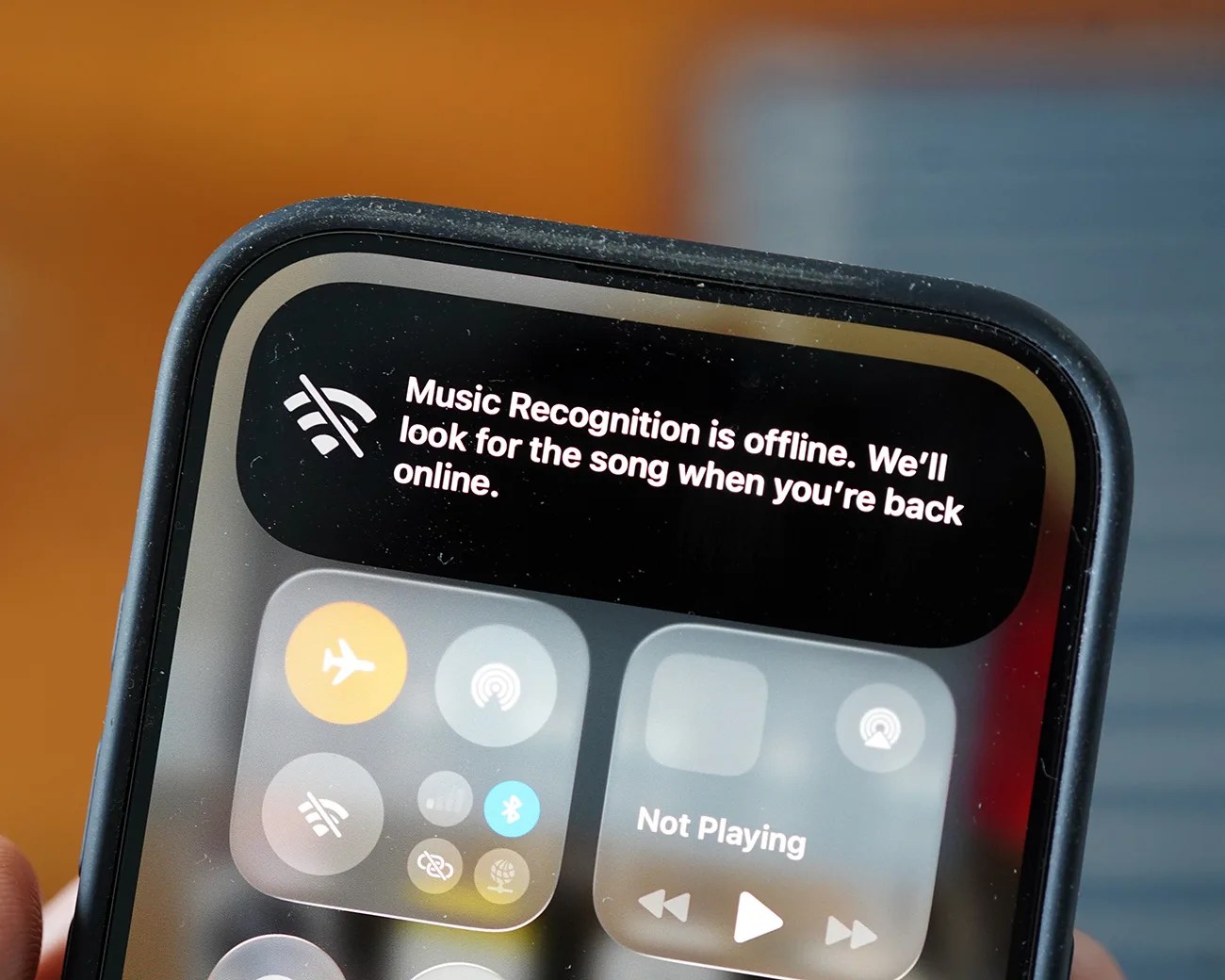
Smartphone screen showing "Music Recognition is offline. We'll look for the song when you're back online" message.
This is the new notification you’ll see when you’ll see when trying to identifying songs when offline.
Photo by Tucker Bowe for Gear Patrol

With iOS 26.4, you can use the Recognize Music feature from your iPhone’s Control Center even when you don’t have a Wi-Fi or cellular connection.

Before the update, if you used the Recognize Music without service, you were met with a notification that said, “Your device has no connection.” And that’d be that. Tough luck.

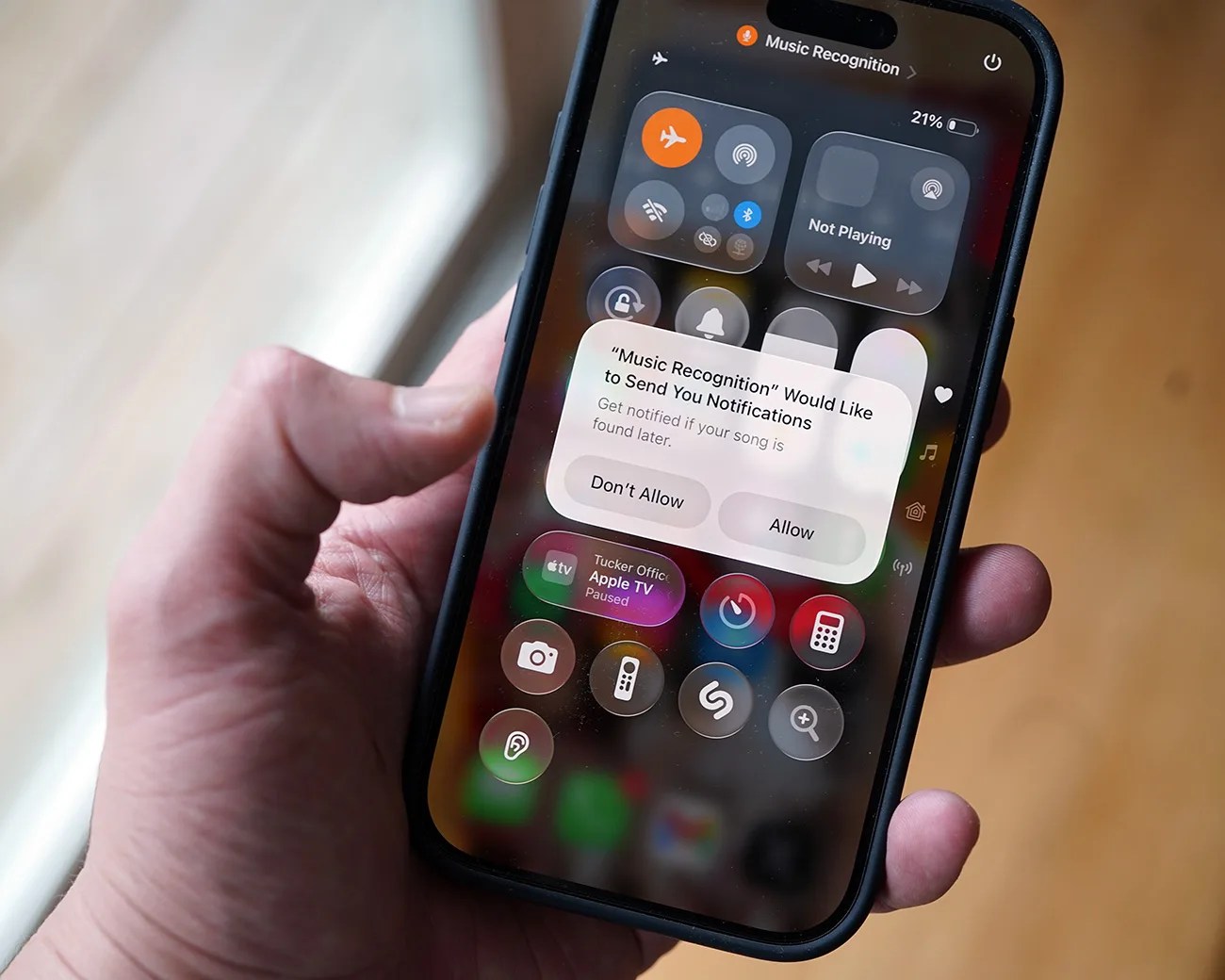
Hand holding a smartphone displaying a notification asking to allow Music Recognition to send notifications.
You’ll be prompted to allow the feature to send you notifications.
Photo by Tucker Bowe for Gear Patrol

Now, when running the new software, you’re notified that with this notification: “Music Recognition is offline. We’ll look for the song when you’re back online.”

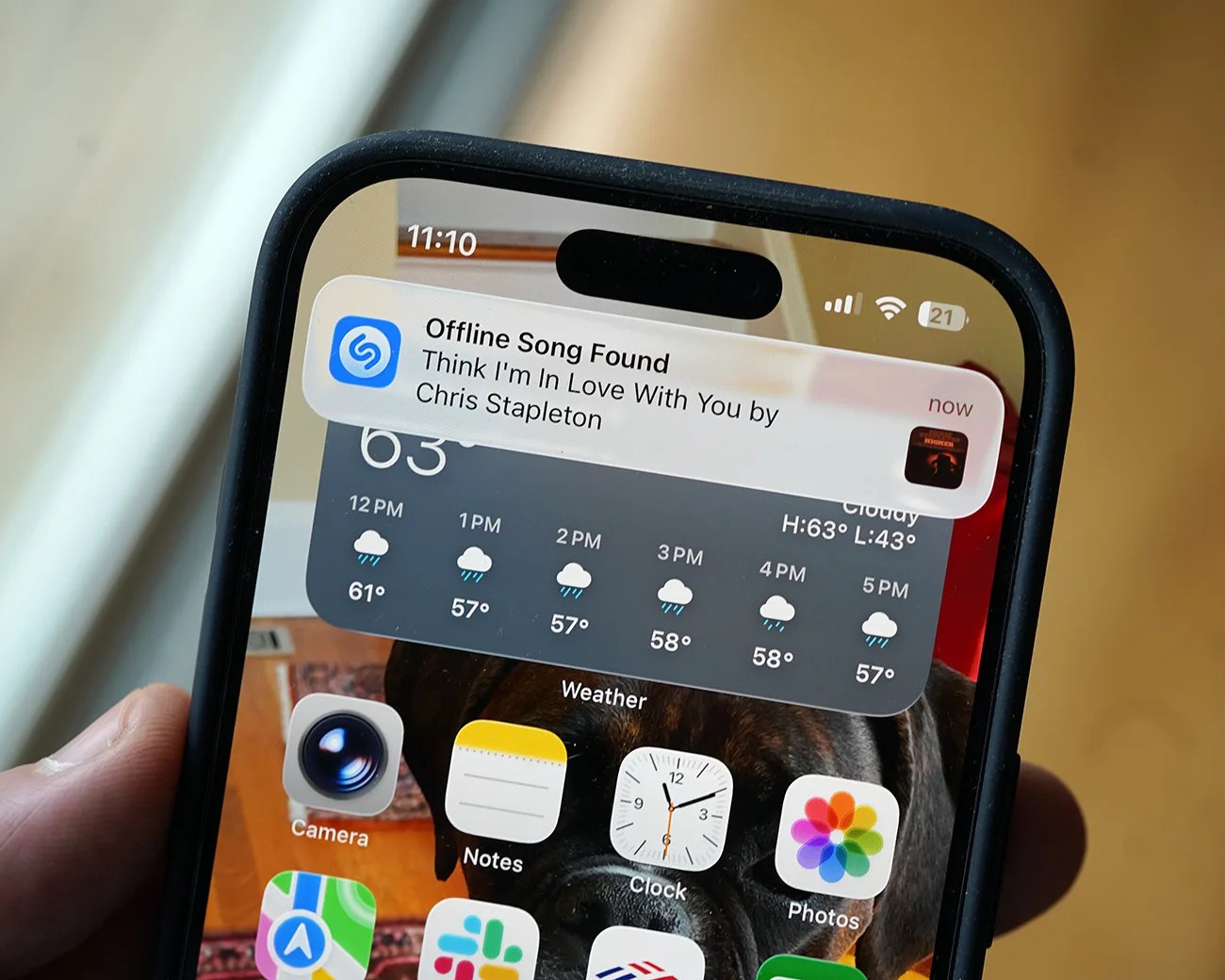
Once your iPhone reconnects to Wi-Fi or cellular, you’ll be notified of the result. See below.

Smartphone screen showing a Shazam notification for "Think I'm In Love With You" by Chris Stapleton with weather and app icons visible.
When you reconnect to Wi-Fi or cellular, you’ll be notified of the song that you tried to identify.
Photo by Tucker Bowe for Gear Patrol

The feature promises to be useful whenever you want to identify a song without service. Which likely happens more often than you realize.

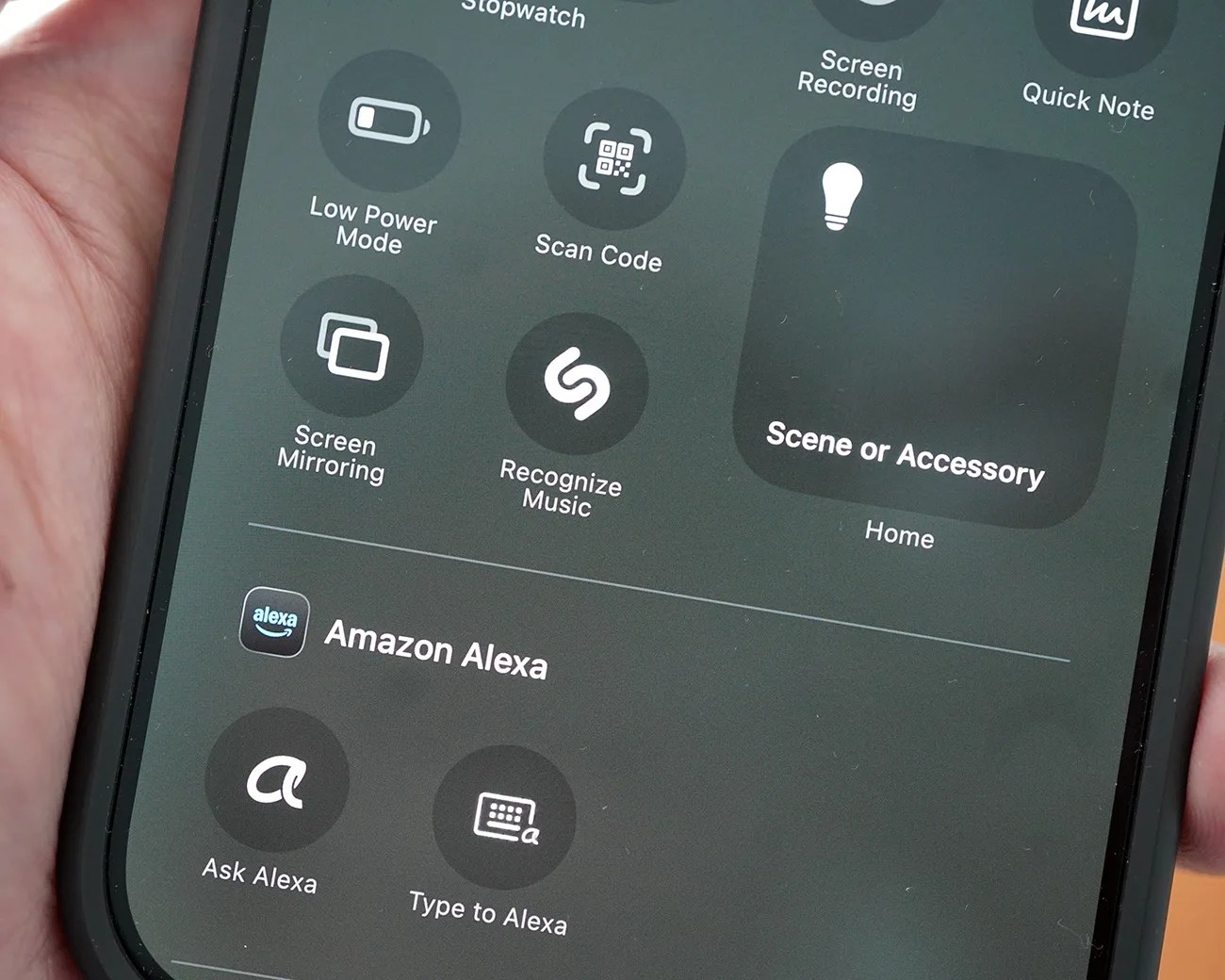
Important note: If you haven’t used the Recognize Music feature in the Control Center before, it doesn’t appear there by default. To add it, swipe down to open the Control Center > tap the “+” in the top-left corner > tap “Add a Control” > select “Recognize Music.”

Smartphone screen showing control center with options like Low Power Mode, Scan Code, Screen Mirroring, Recognize Music, and Amazon Alexa features.
The Recognize Music feature needs to be added to your iPhone’s Control Center. It’s not there by default.
Photo by Tucker Bowe for Gear Patrol

Want to stay up to date on the latest product news and releases? Add Gear Patrol as a preferred source to ensure our independent journalism makes it to the top of your Google search results.

add as a preferred source on google