
Apple Is Quietly Making It Even Easier to Use Your Current AirPods

It’s one of several big changes coming to your AirPods next month.

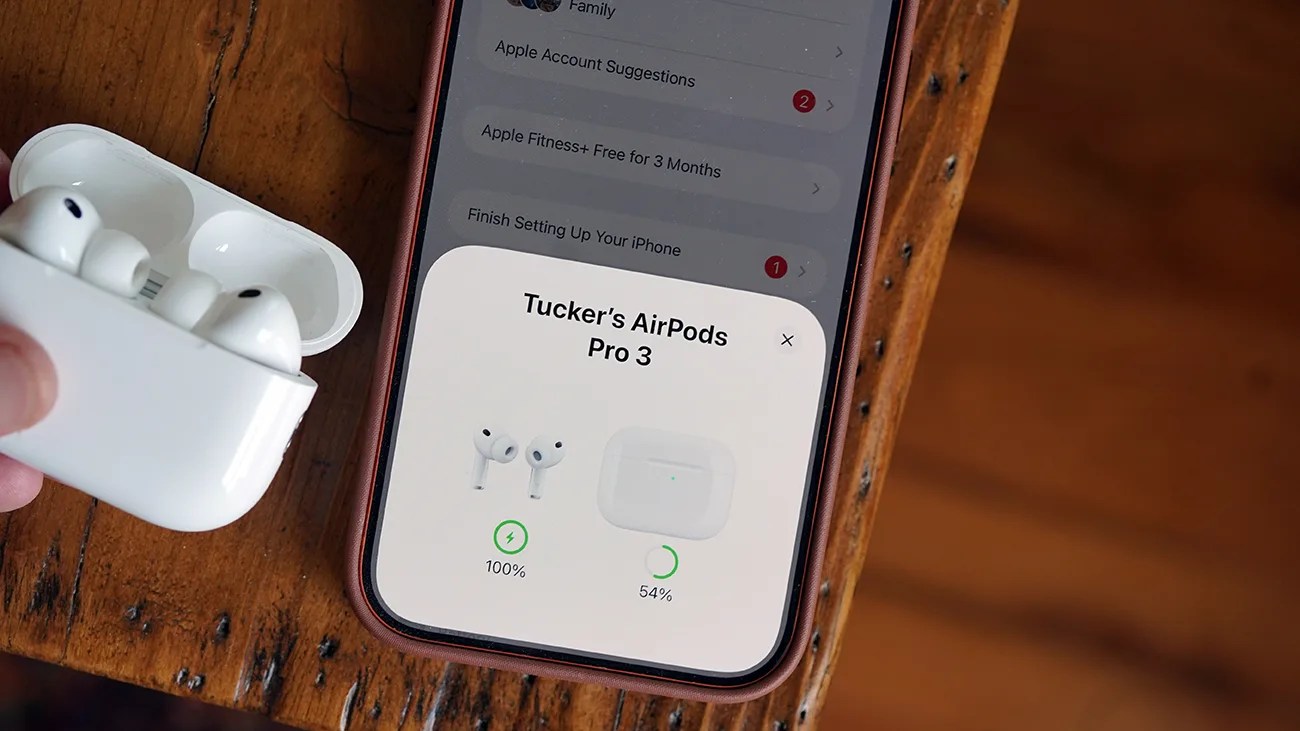
White AirPods Pro 3 earbuds in an open charging case held near a smartphone displaying their battery status.Photo by Tucker Bowe for Gear Patrol

Most people never dive into their AirPods settings. They simply pop the AirPods in their ears, which automatically pair to their iPhone, and (boom!) they’re listening to music.

That’s the beauty of AirPods: It’s easy, and they just work.

But for “more advanced” users, Apple provides numerous ways to customize the AirPods experience.

A better AirPods experience
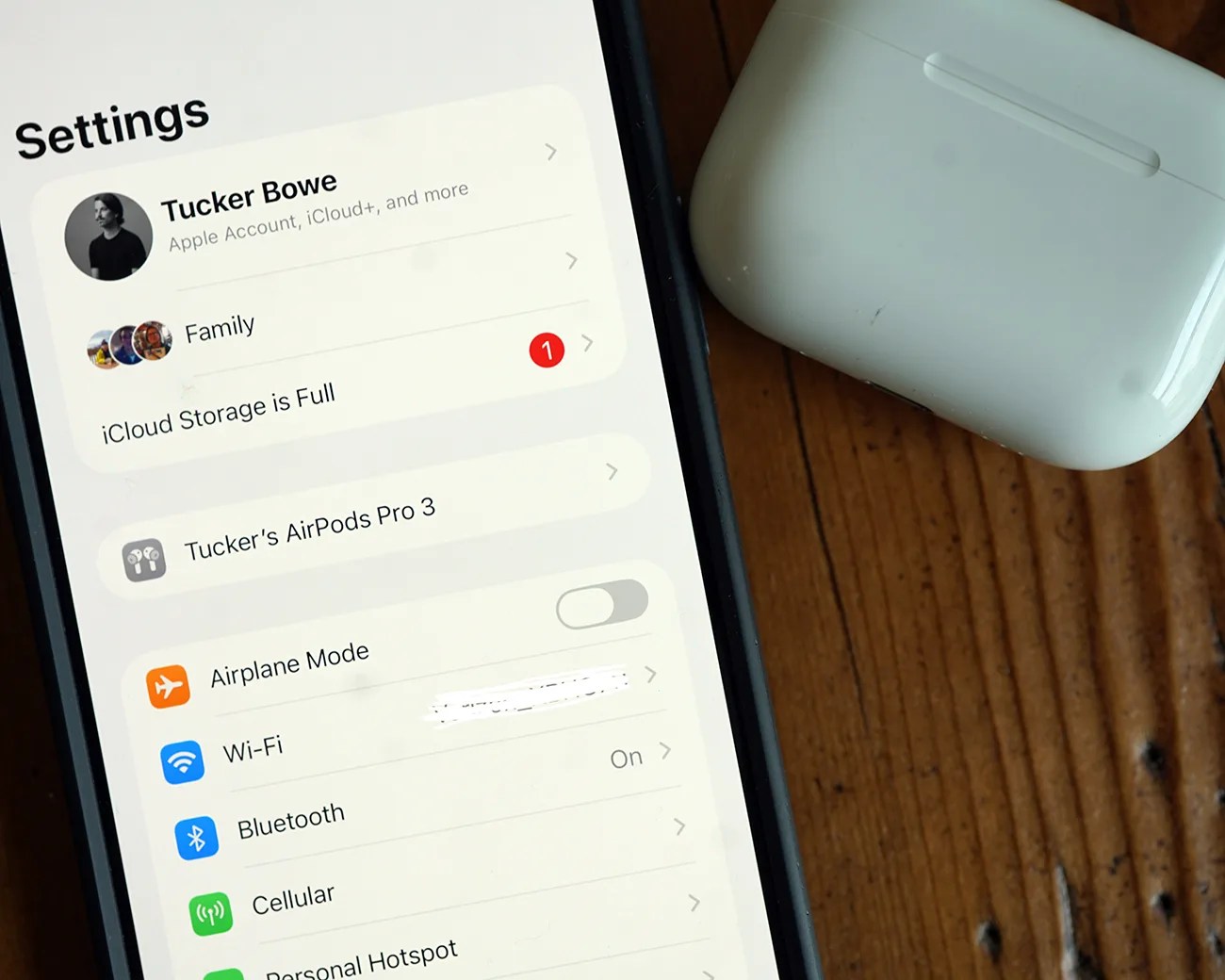
Smartphone screen showing iPhone settings menu with AirPods Pro 3 connected and white AirPods Pro charging case on wooden surface.
When AirPods are paired, you can locate AirPods Settings right within your iPhone’s Settings app.
Photo by Tucker Bowe for Gear Patrol

When paired and in AirPods Settings, you tweak the on-stem controls for switching between listening modes, answering calls and activating Siri. And you can customize these controls for the left and right AirPods.

Depending on the model of AirPods you have, you may have access to customize more advanced controls, such as head gestures, sleep detection and using your AirPods as an iPhone camera remote. And that’s really just scratching the surface.
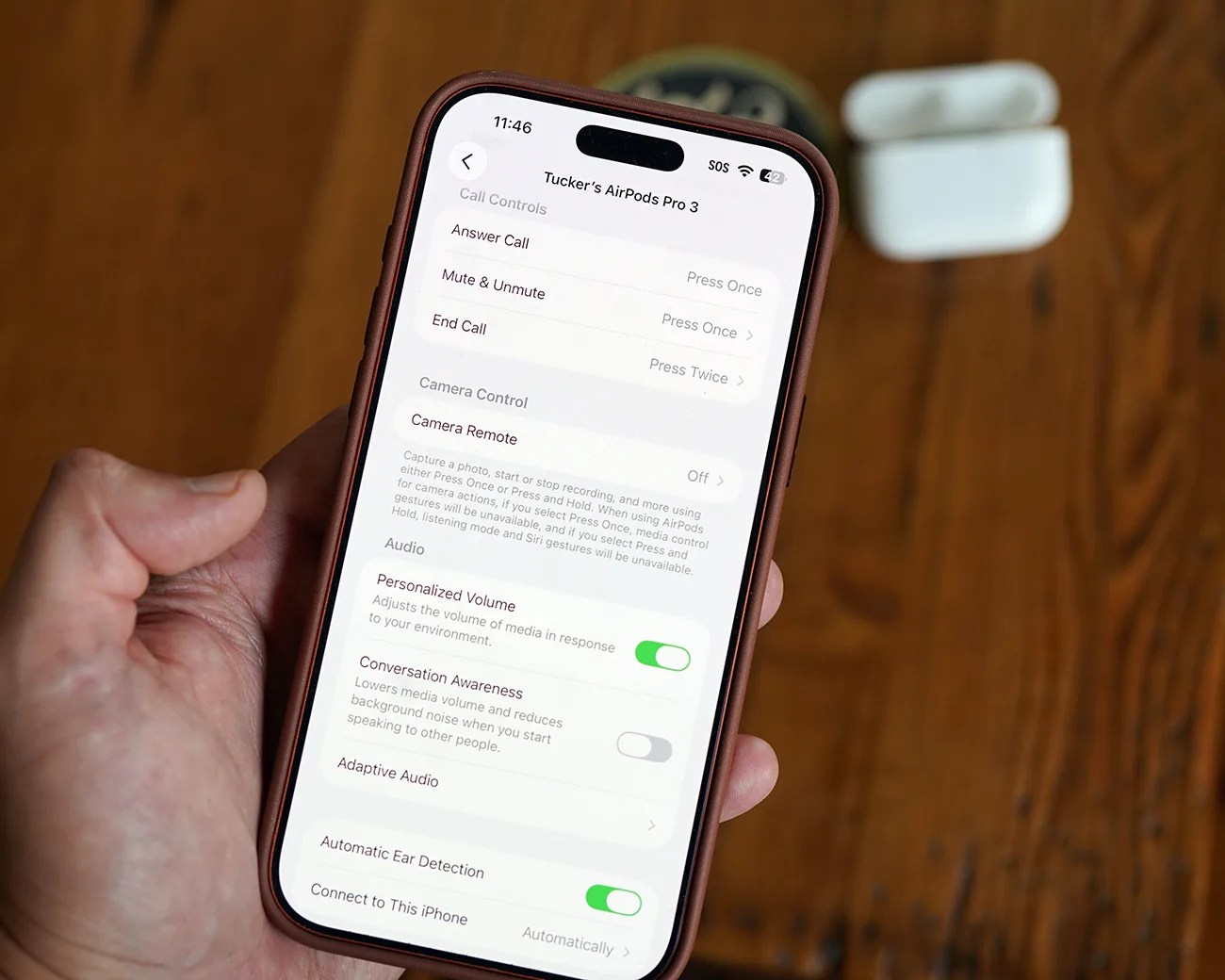
All these customization options are in AirPods Settings, which you can access in your iPhone’s Settings app (when your AirPods are paired). To date, however, these settings have been a little unorganized as they’ve all lived together.

That’s now set to change.

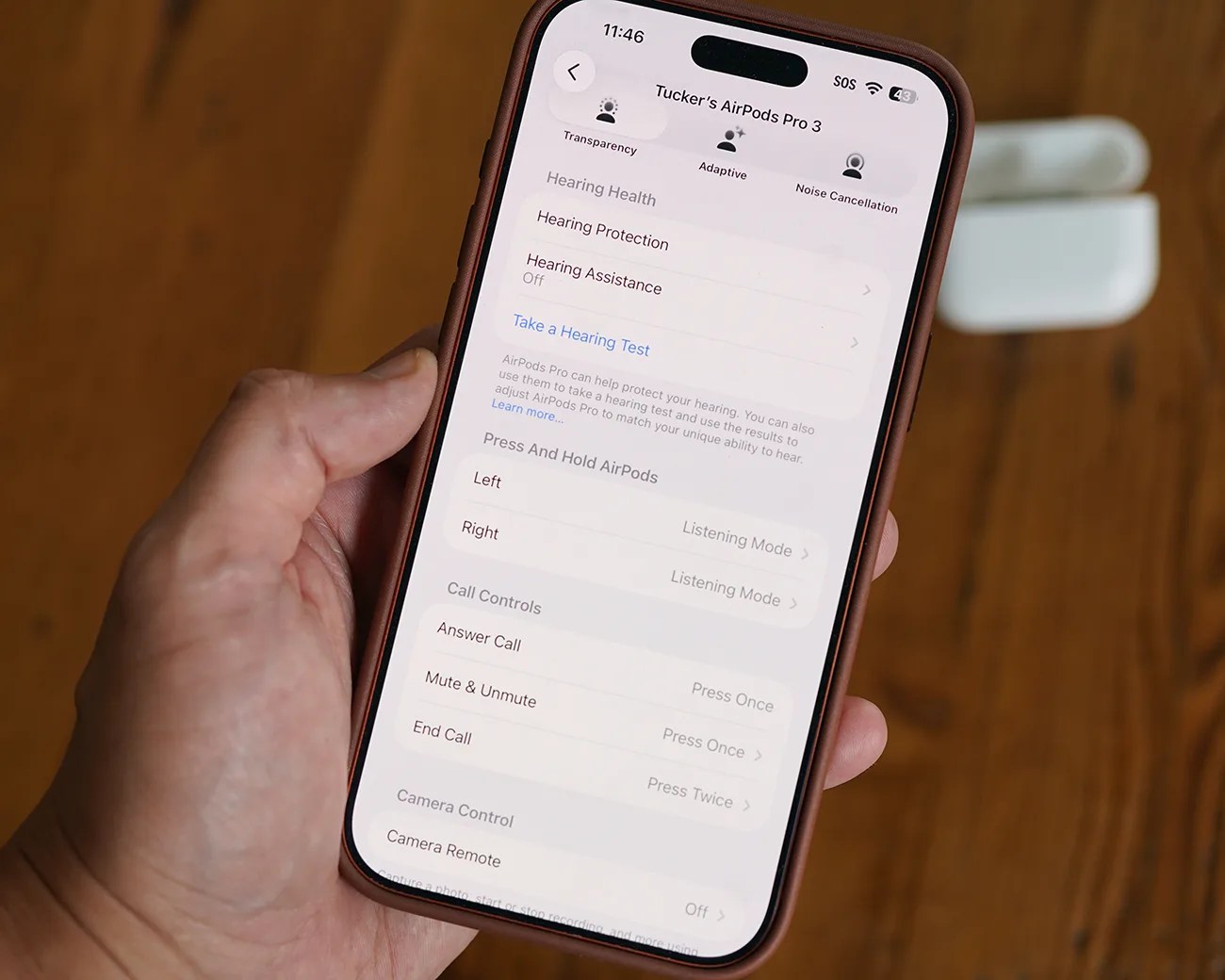
Smartphone screen showing AirPods Pro 3 settings with hearing health and call controls, held in a hand over a wooden surface.
Running the previous software, all your AirPods Settings lived in one place.
Photo by Tucker Bowe for Gear Patrol
Hand holding a smartphone displaying AirPods Pro 3 settings with a white AirPods case on a wooden surface.
You’d have to scroll pretty far down in AirPods Settings to see all the customization options.
Photo by Tucker Bowe for Gear Patrol

A redesign AirPods Settings menu

When Apple rolls out iOS 27 this fall, it’s going to bring several key changes to AirPods.

The headline-grabbing feature is the introduction of a Custom EQ, which lets you create a custom sound signature for your AirPods (must have AirPods Pro 3/2, AirPods 4 or AirPods Max 2). But Apple will also introduce a redesigned, more organized Settings menu for AirPods, too.

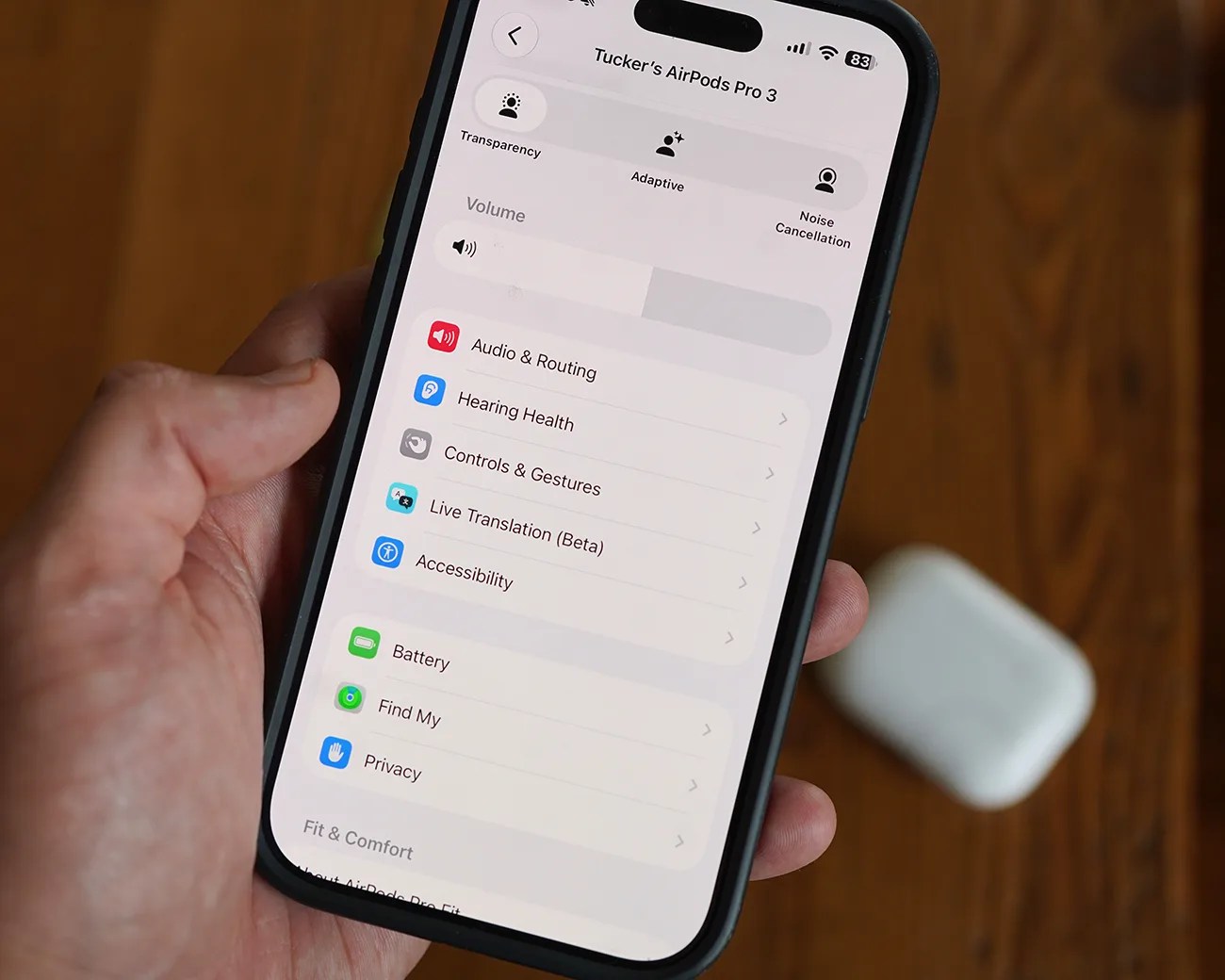
Smartphone screen showing settings for Tucker's AirPods Pro 3 with options like Transparency, Adaptive, Noise Cancellation, and menu items including Audio & Routing, Hearing Health, Controls & Gestures.
When running iOS 27 (seen in public beta), these AirPods Settings will be reorganized into categories and menus. There’s also a new volume slider.
Photo by Tucker Bowe for Gear Patrol

When you select your AirPods in iPhone Settings, the various settings will be split into new categories: Audio & Routing, Hearing Health, Controls & Gestures, Live Translation (Beta) and Accessibility.

There will also be new menus: Battery, Find My and Privacy. And there will be a new volume slider.

It’s admittedly a small change, but it’s one that should make navigating the various AirPods Settings a little bit easier.

iOS 27 will roll out this September after Apple announces its next batch of iPhones. For those who want to try out the new features (and the revamped AirPods Settings), the public beta is available now.

Want to stay up to date on the latest product news and releases? Add Gear Patrol as a preferred source to ensure our independent journalism makes it to the top of your Google search results.

add as a preferred source on google
, ,