
Your Apple Watch Is Quietly Gaining a New Feature to Help Extend Its Battery Life

The feature aims to stretch the Apple Watch’s infamous “all day” battery life even further.

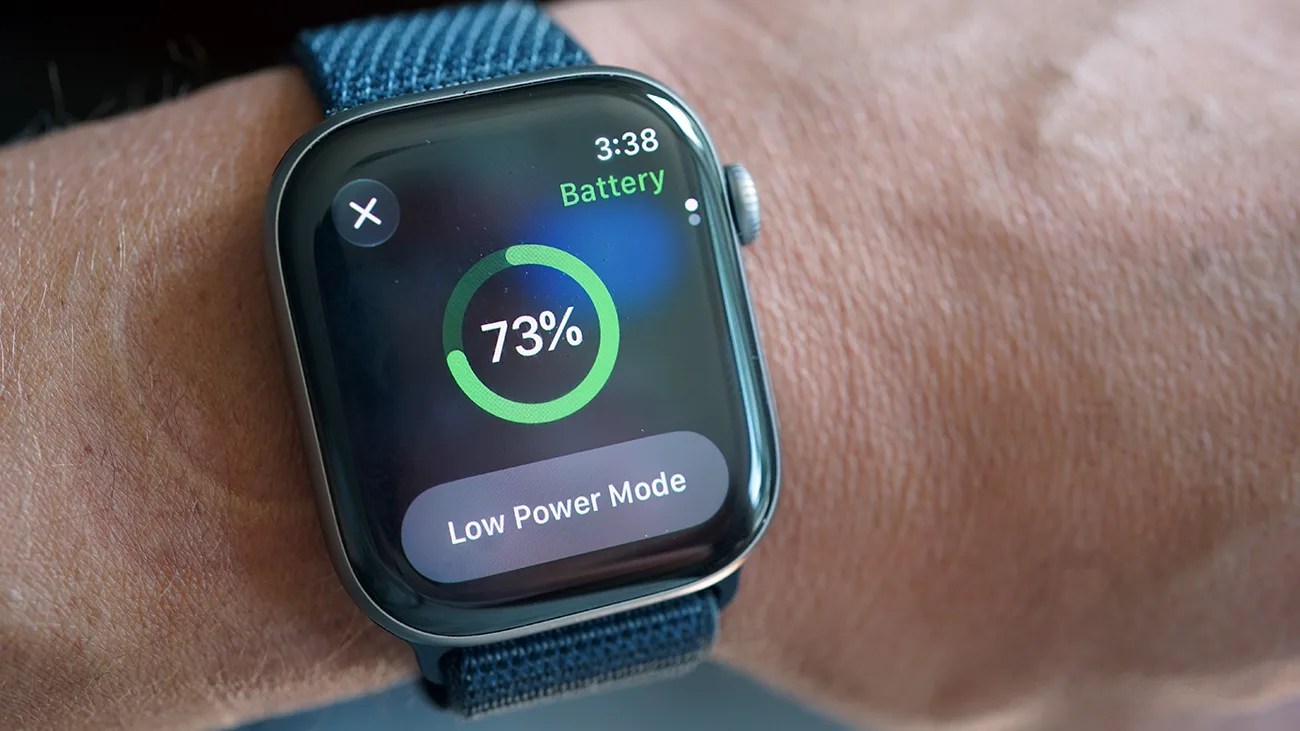
Smartwatch with a blue fabric band showing 73% battery and "Low Power Mode" on the screen, worn on a wrist.Photo by Tucker Bowe for Gear Patrol

The weakest aspect of the Apple Watch has always been its battery life. Its so-called “all day” battery life pales in comparison to other smartwatches on the market, which, depending on the model, can last for multiple days, weeks or even longer.

In recent years, Apple has rolled out numerous new features to help extend the battery life of its smartwatch. This includes a Low Power mode, minimizing notifications and turning off the always-on display (which every one of its current models now has).

With watchOS 27, the upcoming new operating system set to launch in September, Apple is quietly giving the Apple Watch another feature that aims to get more out of its battery life.

It’s called Proactive Battery Extension Notifications.

Smart (battery) savings
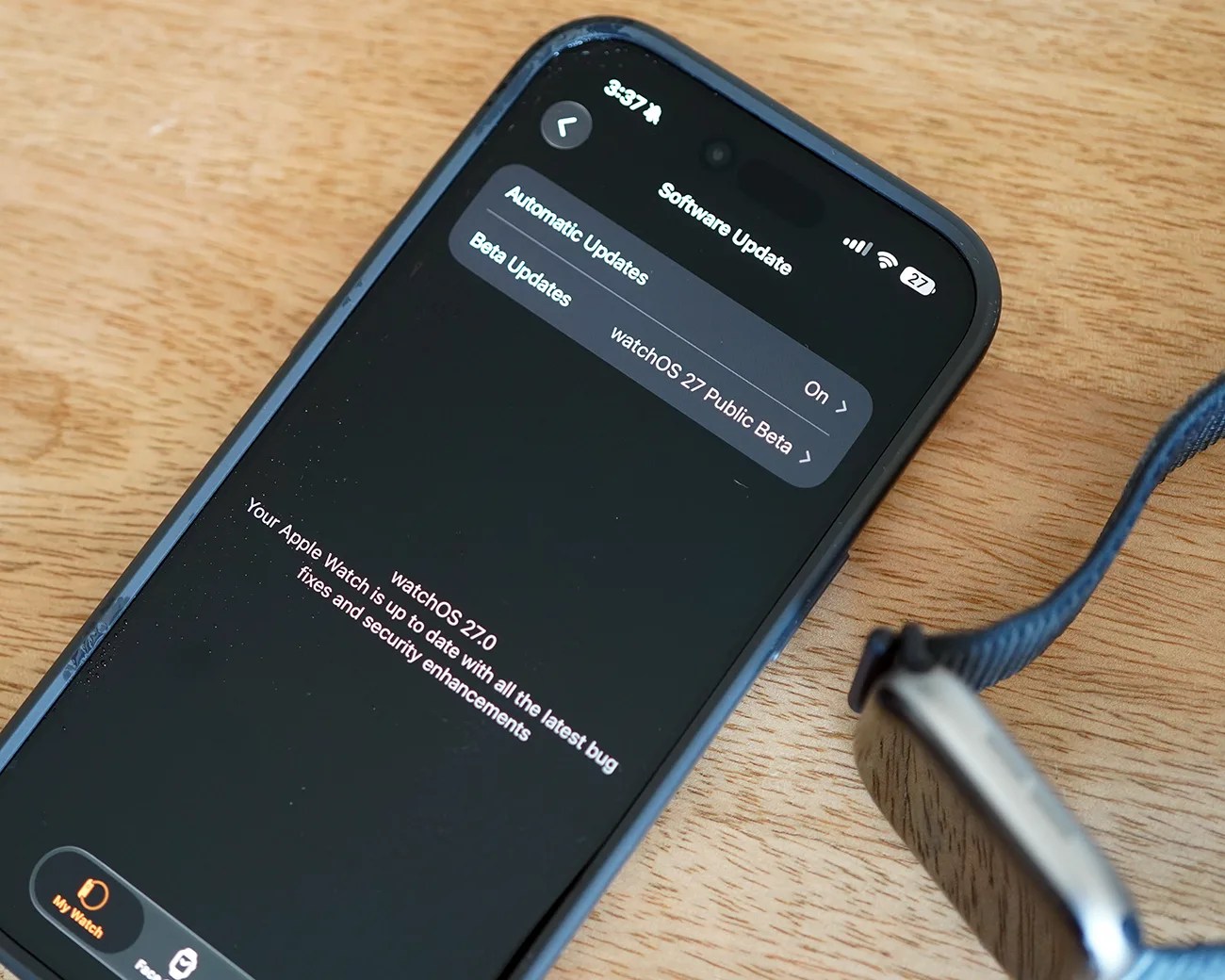
Smartphone displaying watchOS 27.0 software update screen next to an Apple Watch with a blue woven band on a wooden surface.
watchOS 27 will roll out sometime in September. The public beta is available now.
Photo by Tucker Bowe for Gear Patrol

As initially reported by 9to5Mac, Proactive Battery Extension Notifications is a new feature coming with watchOS 27 that effectively works in the background, observes your habits and which battery-draining features you aren’t using, and then disables them on your Apple Watch.

The idea is that you’re using these features anyway, so might as well turn them off to give your Apple Watch more runtime.

As for the features in question, they mostly involve various gestures. One of the standouts is Raise to Speak, a feature where you bring your Apple Watch near your mouth, and it automatically triggers Siri.

Start Workout reminders are another one of these features. For example, when you take your dog for a walk and, after a few minutes, your Apple Watch asks if you want to start an Outdoor Walk workout. If you constantly cancel those, your Apple Watch will learn this, disable them and then not ask you again.

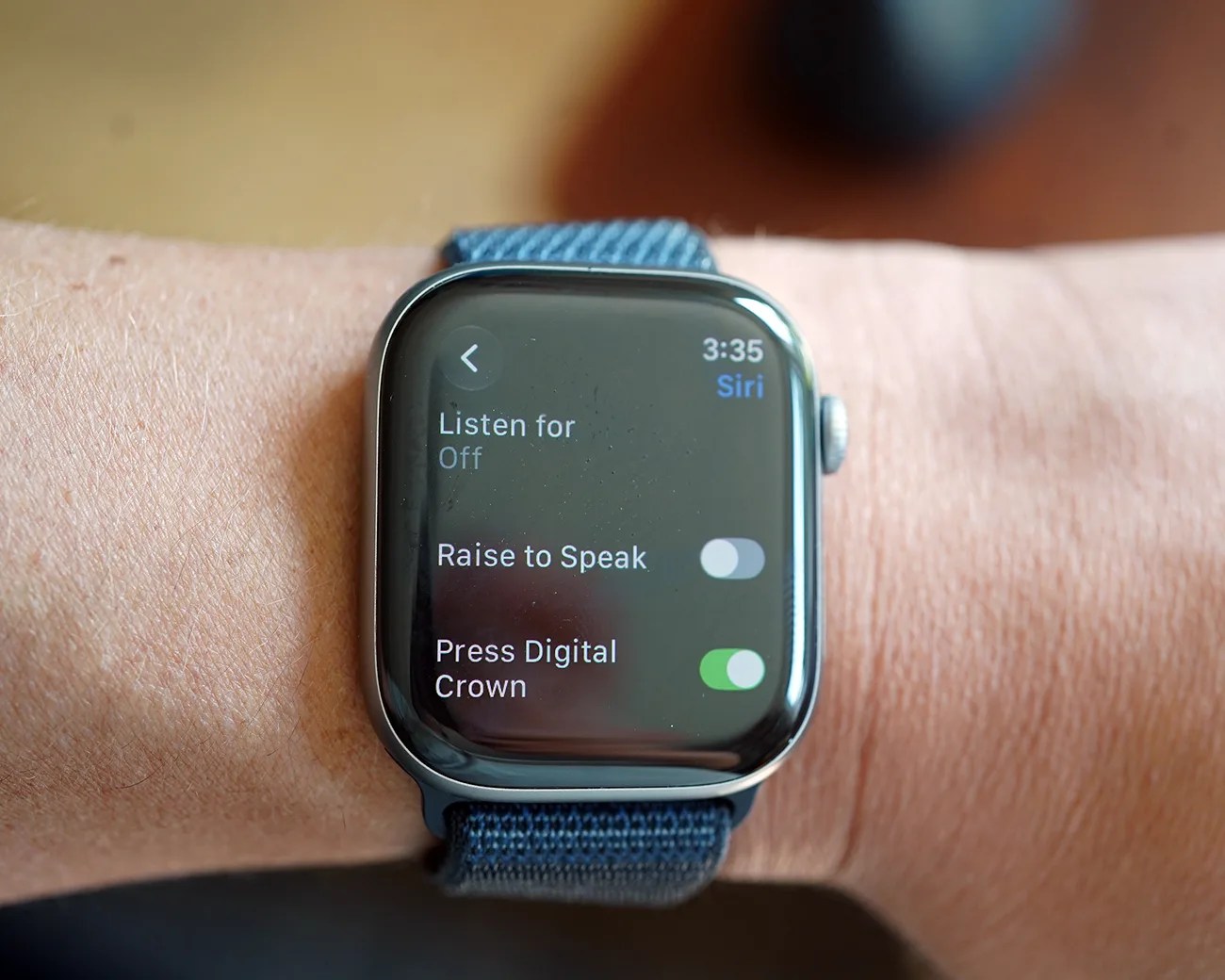
Smartwatch with blue fabric band showing Siri settings screen with "Raise to Speak" off and "Press Digital Crown" on.
The Raise to Speak gesture is one of the features that, with watchOS 27, your Apple Watch will disable if it determines that you aren’t using it.
Photo by Tucker Bowe for Gear Patrol

Coming with watchOS 27

With Proactive Battery Extension Notifications, your Apple Watch will not disable a feature without telling you first. You’ll get a “battery extension notification” telling you that a feature is being disabled. At this time, you can also choose to keep it enabled.

If you constantly use features like Raise to Speak or Start Workout reminders, then you won’t receive any alerts, and your Apple Watch will keep them turned on.

These Proactive Battery Extension Notifications will work in the background when watchOS 27 launches sometime in September.

For those who want to get a jump on these battery-saving features, you can manually turn off Raise to Speak and Start Workout reminders via the Watch app on your iPhone.

Want to stay up to date on the latest product news and releases? Add Gear Patrol as a preferred source to ensure our independent journalism makes it to the top of your Google search results.

add as a preferred source on google
, , ,