
Your Apple TV Just Got a Simple But Helpful New Feature

It’s welcome news for those who have a Sonos home theater system.

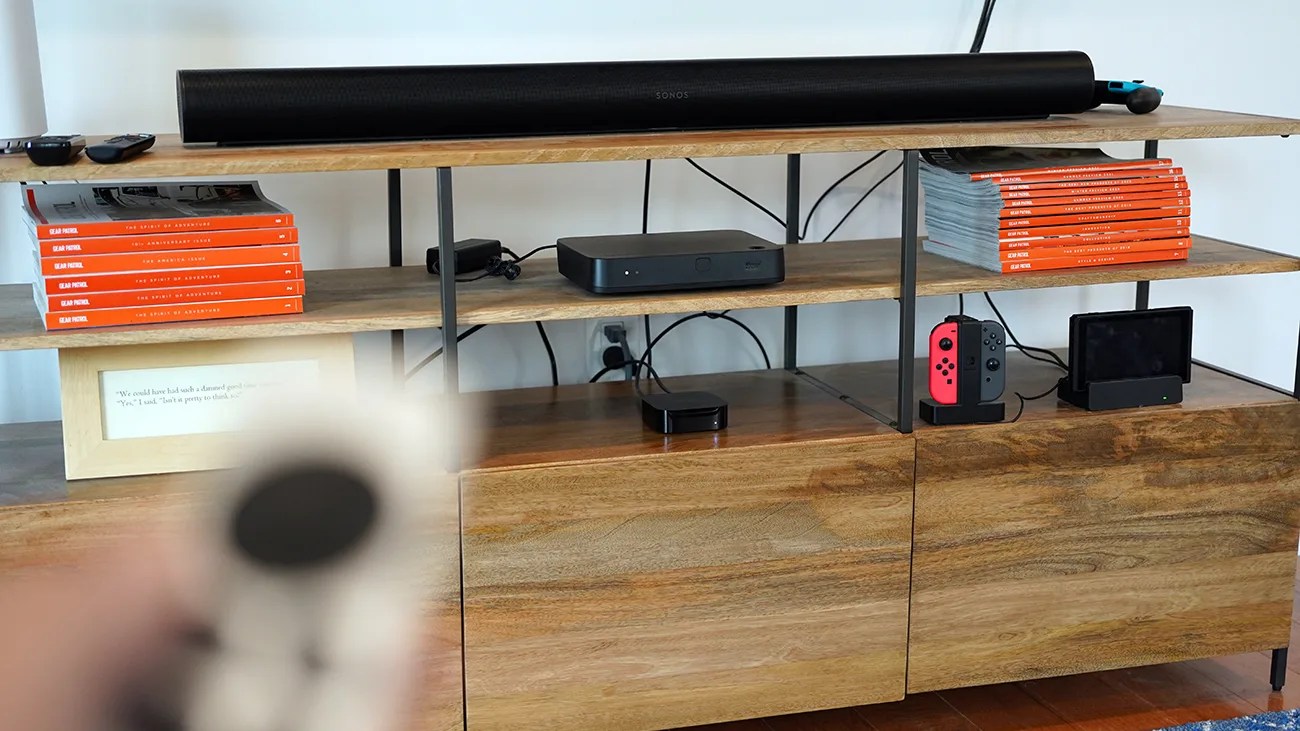
Wooden entertainment shelf with black Sonos soundbar, stacks of orange books, black media devices, and a Nintendo Switch console.Photo by Tucker Bowe for Gear Patrol

Apple just released tvOS 26.4, introducing a few new features for your Apple TV 4K.

There’s a “Genius Browse” feature when using the Apple TV app, which gives you TV show and movie recommendations. And there’s a new option that lets you customize subtitles (such as font style and size).

However, the most meaningful upgrade is a feature called Continuous Audio Connection, as it brings a key fix for users who have Apple TVs and a Sonos home theater system.

A new audio setting
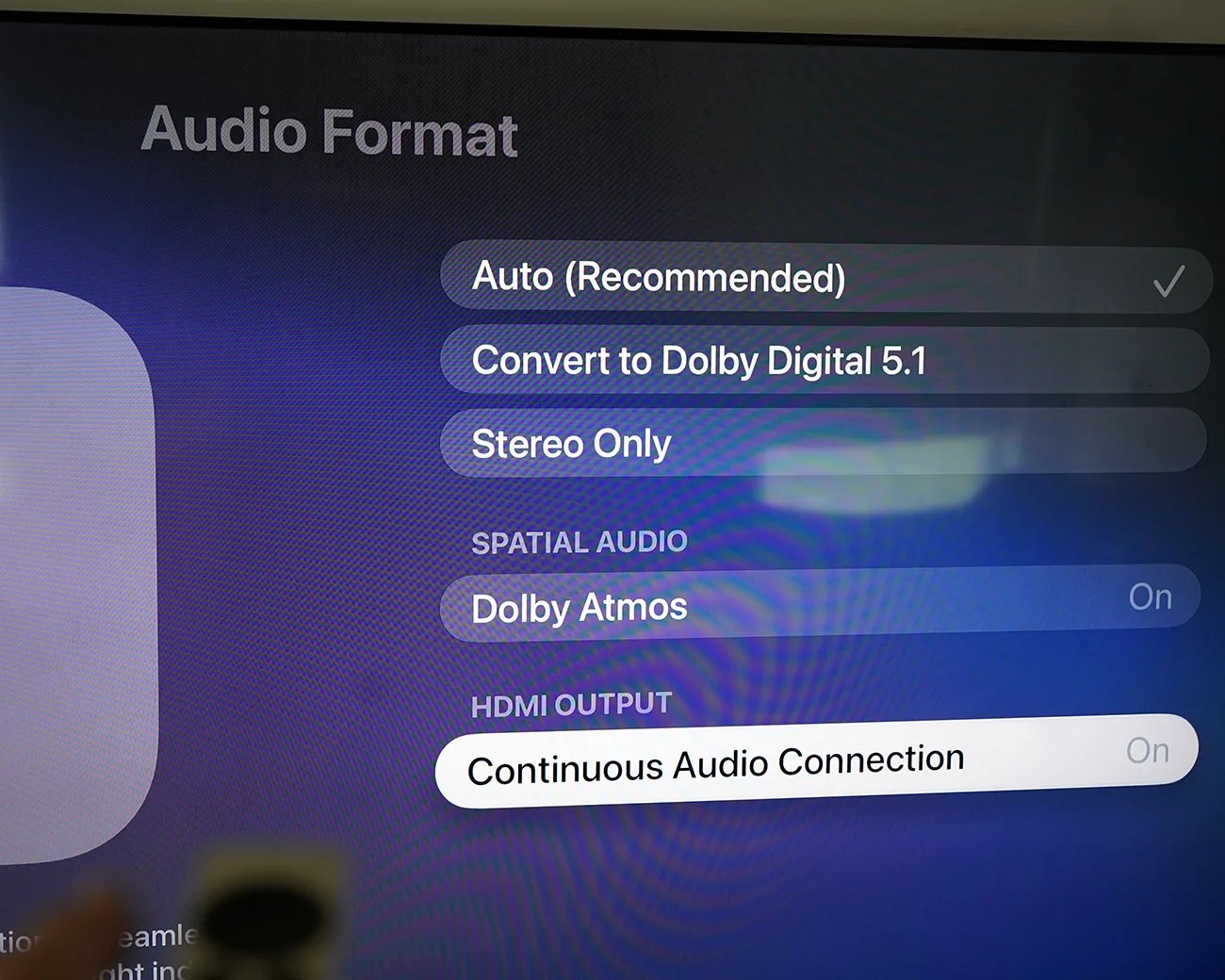
TV screen showing audio format settings with options Auto (Recommended), Convert to Dolby Digital 5.1, Stereo Only, Dolby Atmos On, and Continuous Audio Connection On.
Continuous Audio Connection is a fix that mostly helps Apple TV users with a Sonos home theater system.
Photo by Tucker Bowe for Gear Patrol

To date, there’s been a common issue affecting Apple TV users with AV receivers paired with Sonos speakers and hardware. When they switch to channels or content that are mixed for 5.1-channel PCM audio, they hear crackling, or the volume levels drop unexpectedly.

The good news is that this new feature — or rather, a new setting — fixes just that.
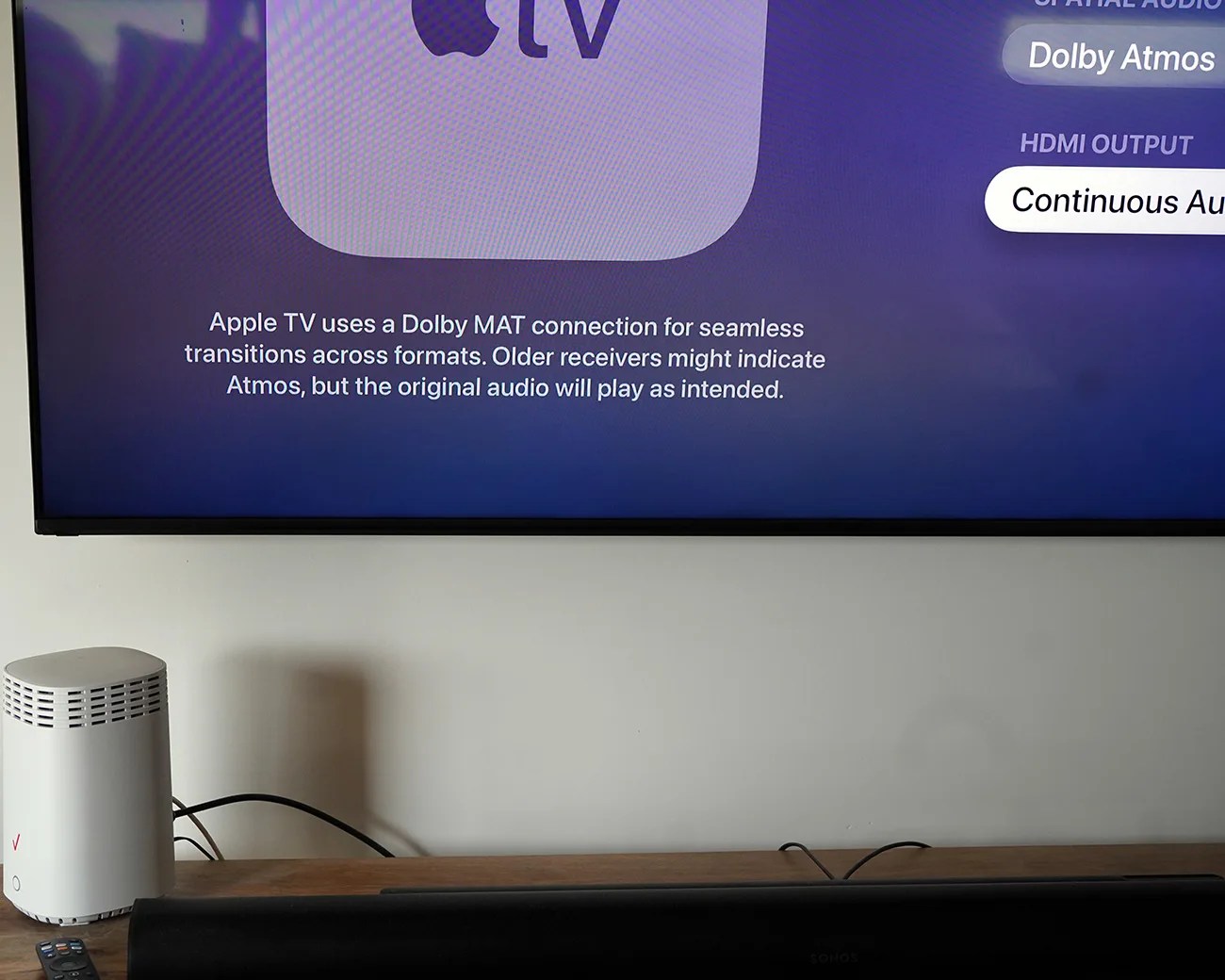
Television screen showing Apple TV Dolby MAT connection info above a wooden surface with a white Verizon router and a black Sonos soundbar.
Once running tvOS 26.4, you can find the setting buried within the Settings app.
Photo by Tucker Bowe for Gear Patrol

Here’s how Apple describes Continuous Audio Connection:

“Apple TV uses a Dolby MAT connection for seamless transitions across formats. Older receivers might indicate Atmos, but the original audio will play as intended.”

When Continuous Audio Connection is turned on, your Apple TV will use a Dolby MAT connection to ensure “glitch-free playback across formats.” So, when switching between 5.1-channel PCM and Dolby Atmos content, it should fix these long-standing audio issues.

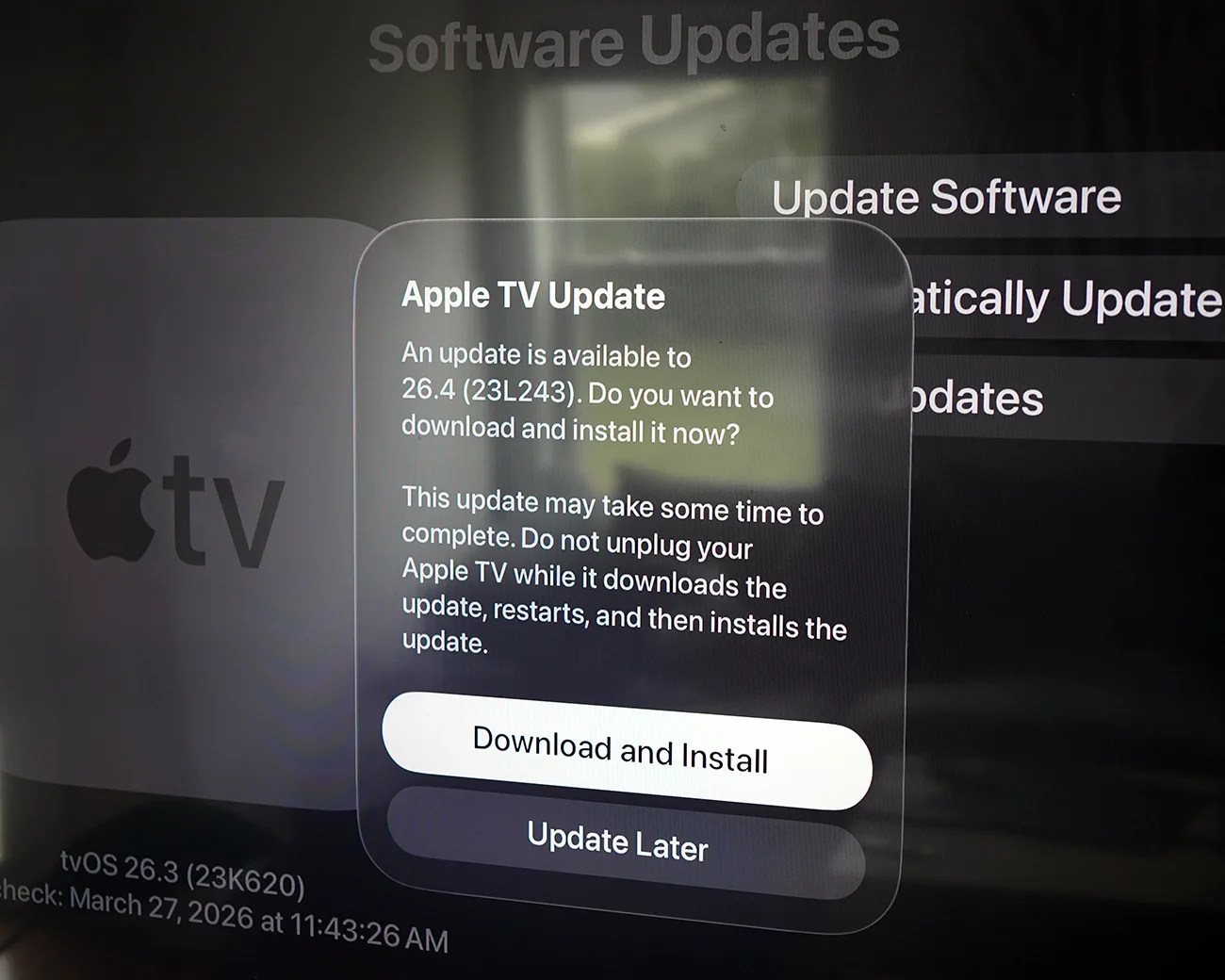
Apple TV update prompt on screen offering to download and install tvOS 26.4 or update later.
The new tvOS 26.4 is out now.
Photo by Tucker Bowe for Gear Patrol

Don’t see it?

In tvOS 26.4, you’ll find Continuous Audio Connection in the Settings app on your Apple TV. Go to Settings > Video and Audio > Audio Format. The setting is located at the bottom and is turned on by default.

Don’t see Continuous Audio Connection? There are two likely scenarios.

First, your Apple TV hasn’t been updated to tvOS 26.4. This sometimes happens even when you have Automatic Updates turned to on. To manually update, go to Settings > System > Software Updates.

Second, the Continuous Audio Connection is only compatible with newer Apple TV models. You have to have a 2nd or 3rd-generation Apple TV 4K; these were released in 2021 and 2022, respectively.

If you have a first-generation Apple TV 4K, which was released in 2017, it unfortunately doesn’t support the new feature.

Want to stay up to date on the latest product news and releases? Add Gear Patrol as a preferred source to ensure our independent journalism makes it to the top of your Google search results.

add as a preferred source on google
,