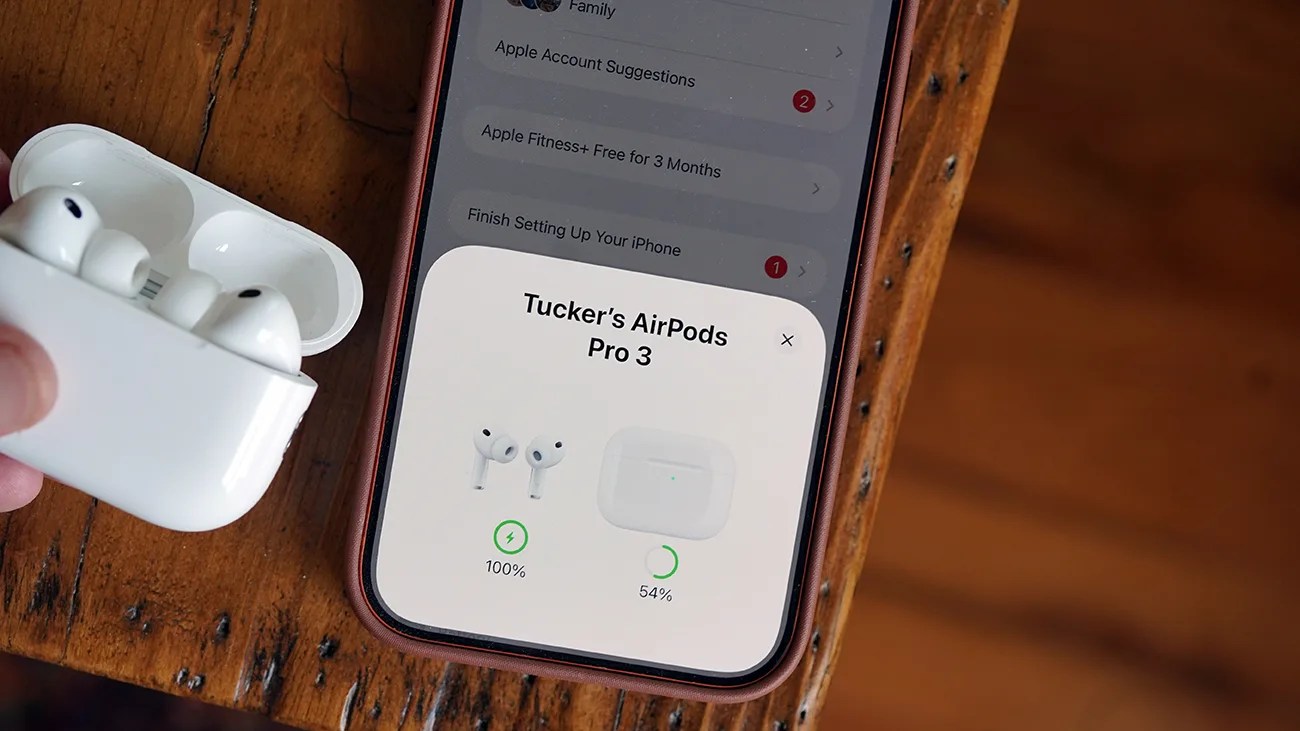


Most people never dive into their AirPods settings. They simply pop the AirPods in their ears, which automatically pair to their iPhone, and (boom!) they’re listening to music.
That’s the beauty of AirPods: It’s easy, and they just work.
But for “more advanced” users, Apple provides numerous ways to customize the AirPods experience.
A better AirPods experience
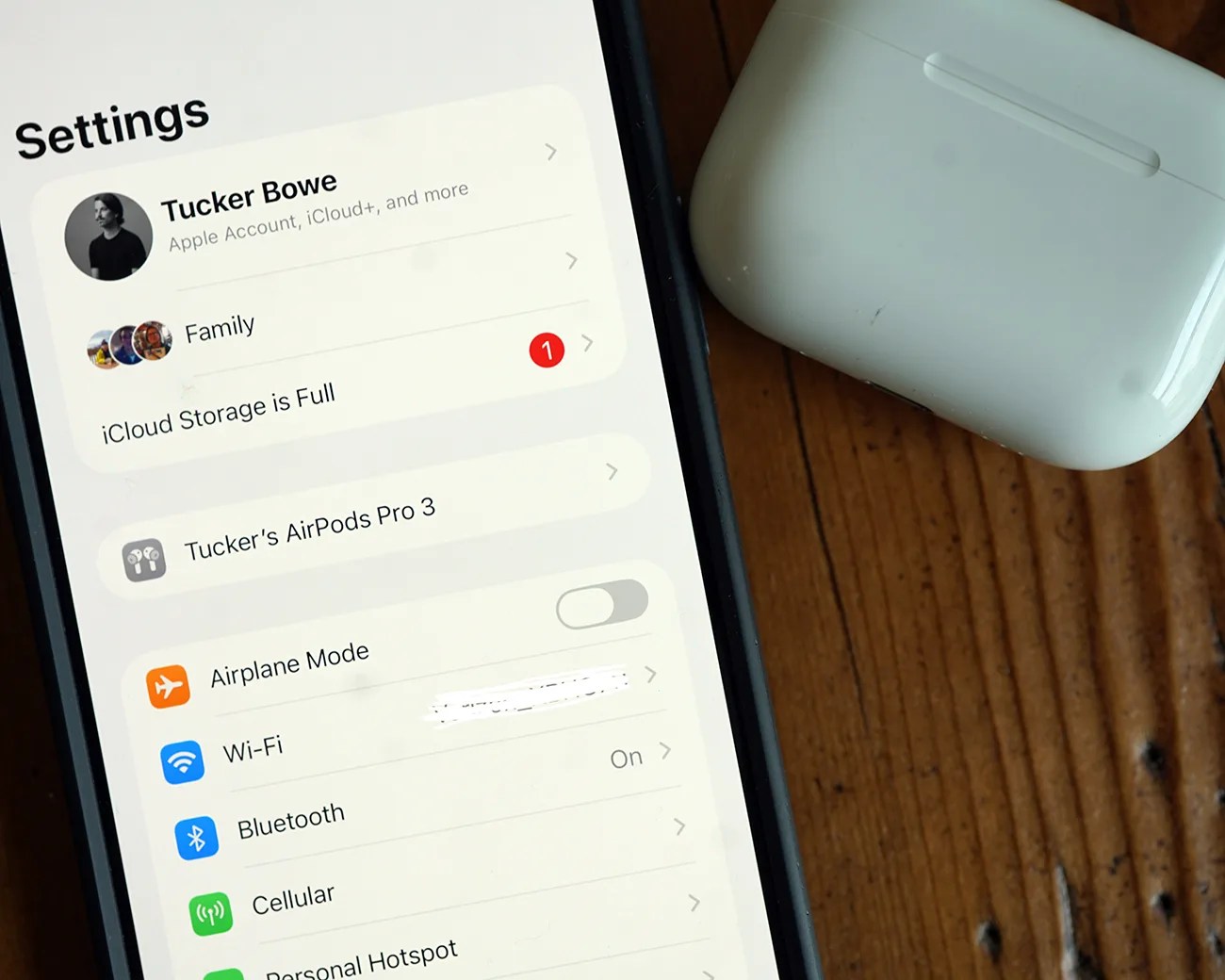
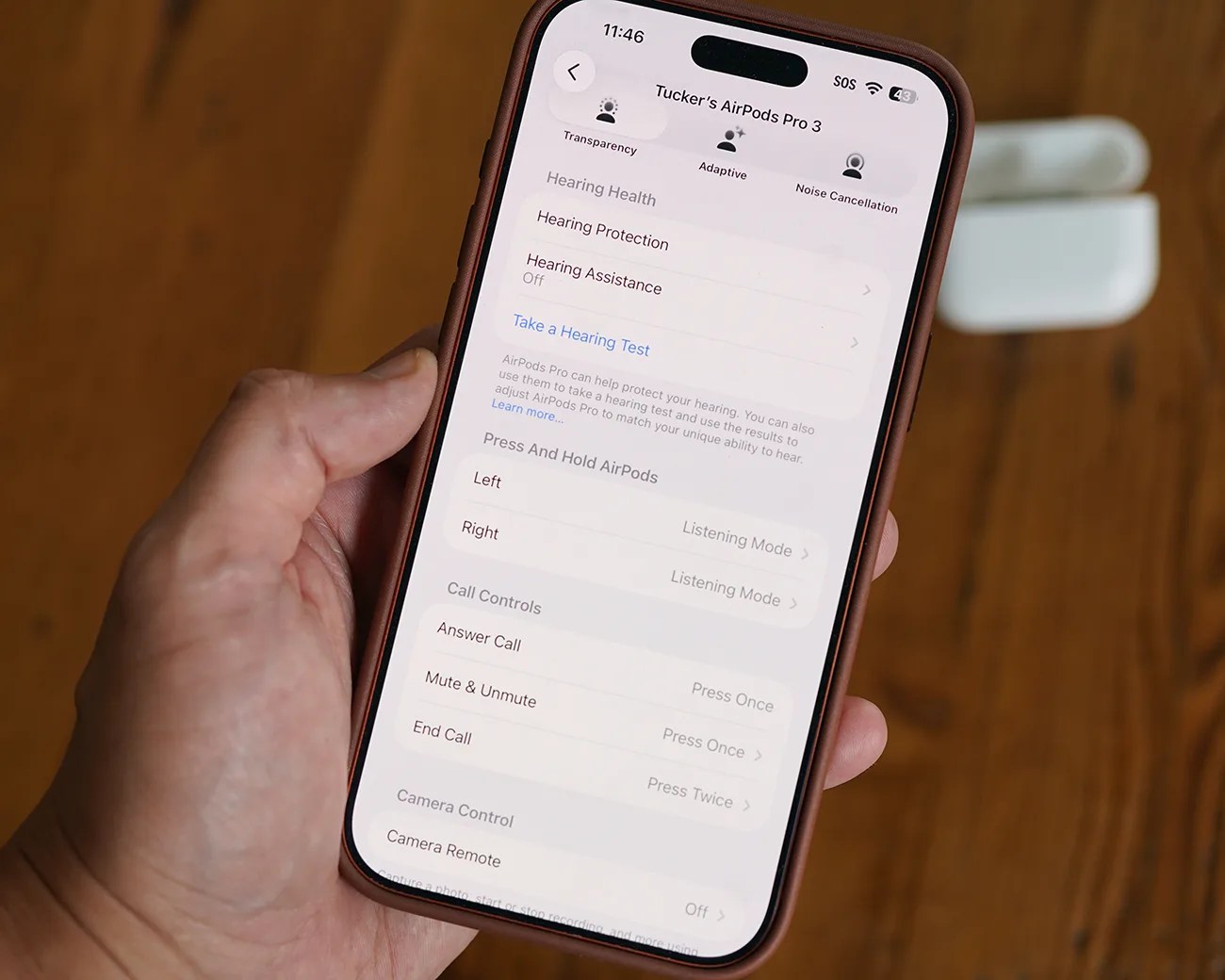
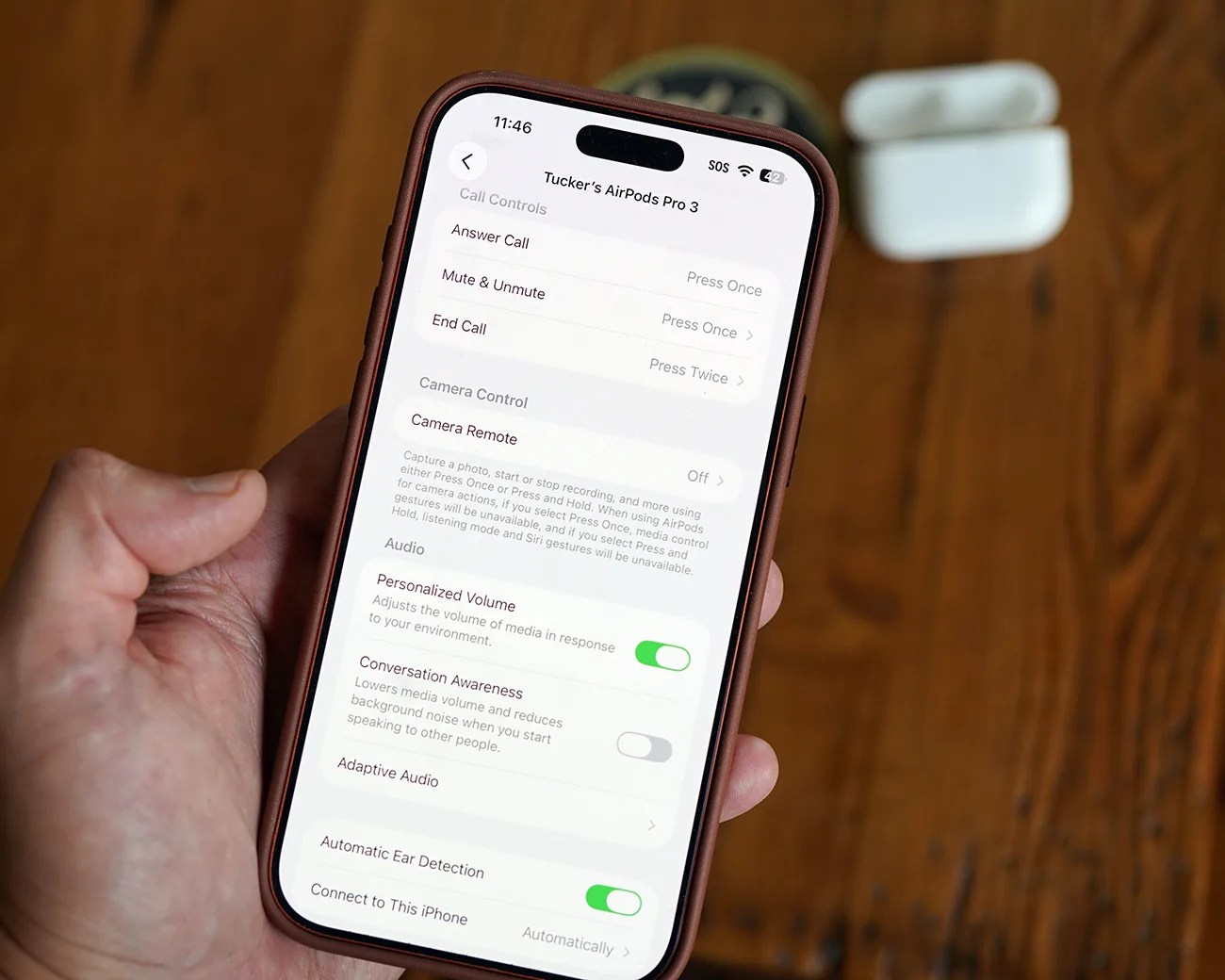
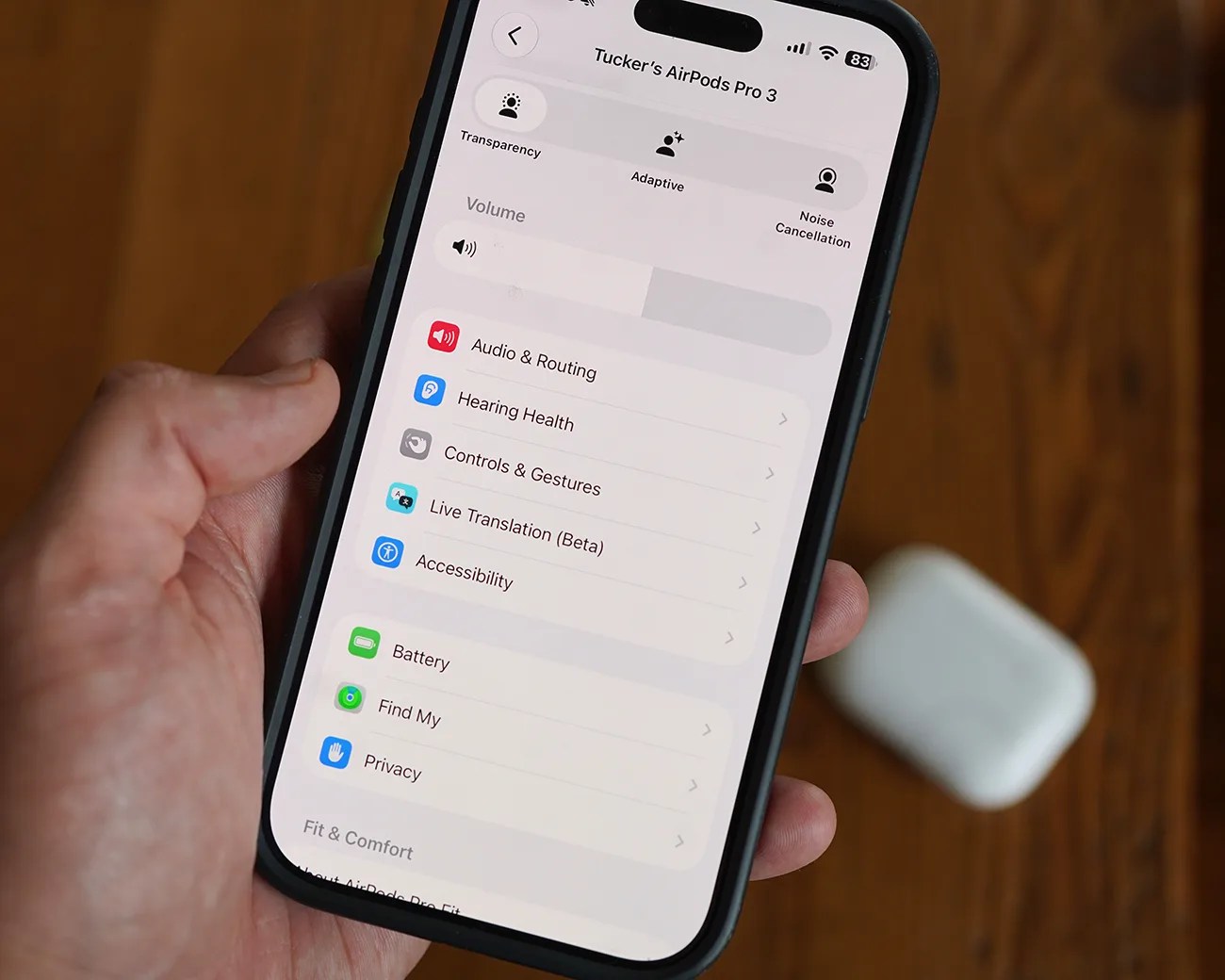
When paired and in AirPods Settings, you tweak the on-stem controls for switching between listening modes, answering calls and activating Siri. And you can customize these controls for the left and right AirPods.
Depending on the model of AirPods you have, you may have access to customize more advanced controls, such as head gestures, sleep detection and using your AirPods as an iPhone camera remote. And that’s really just scratching the surface.