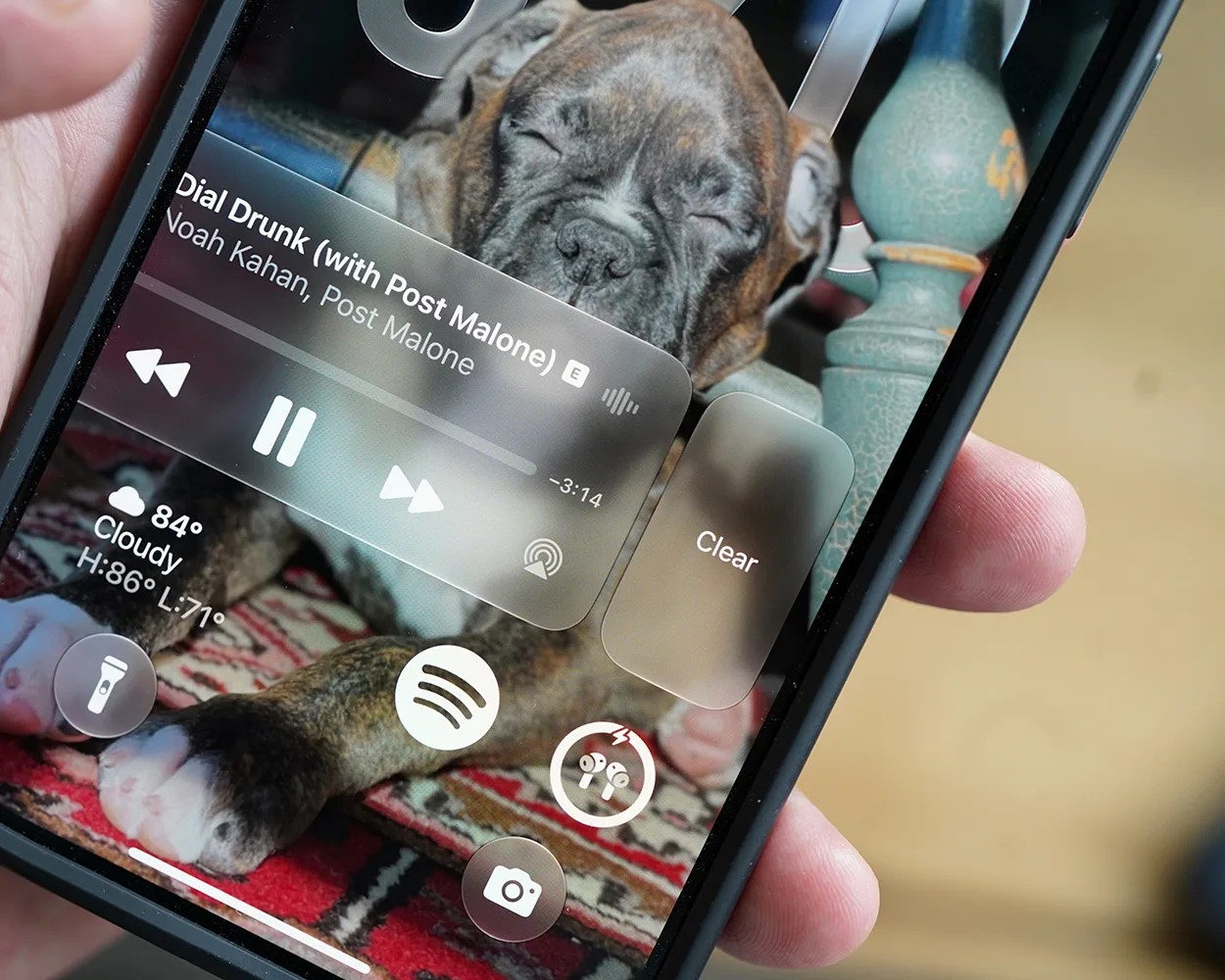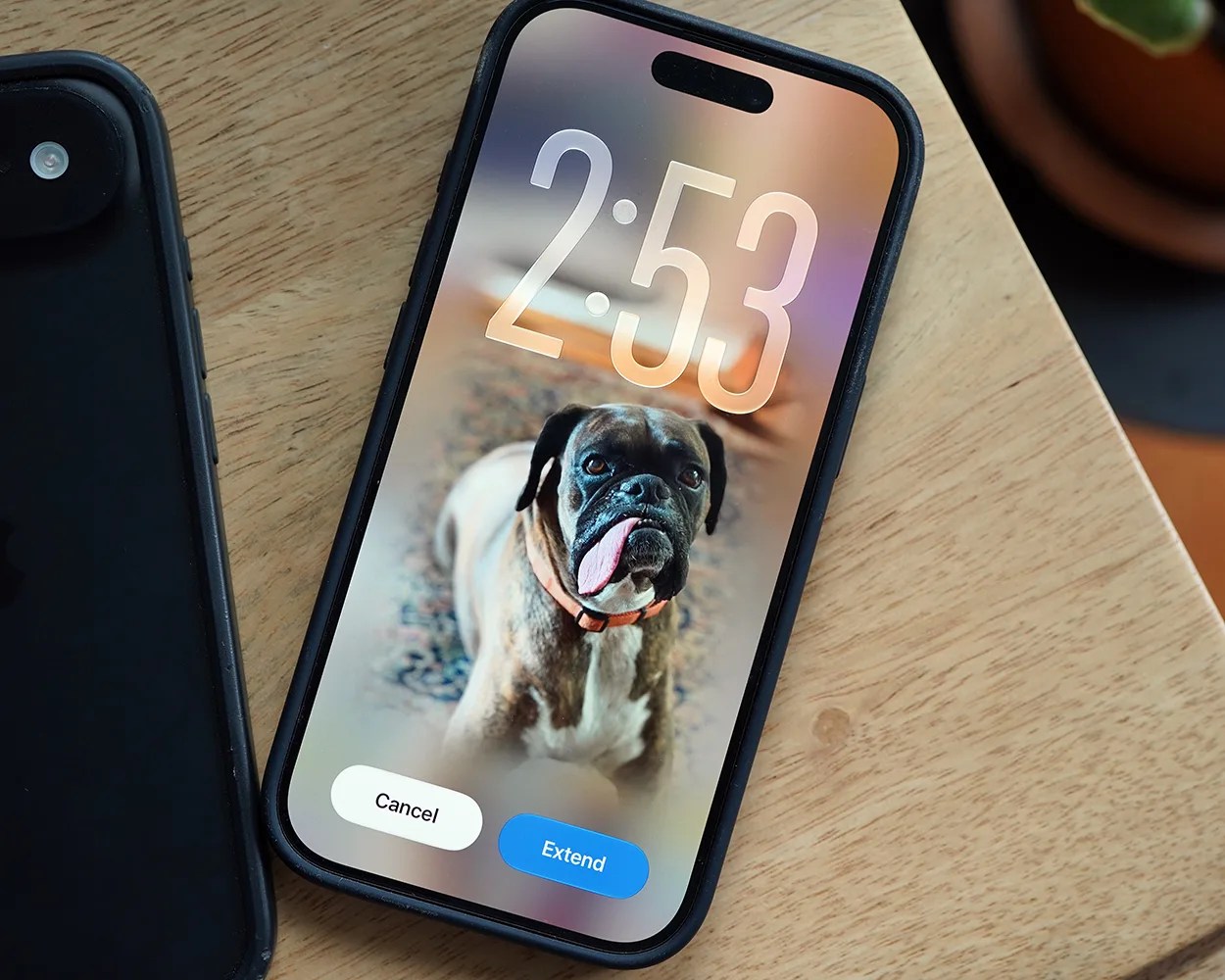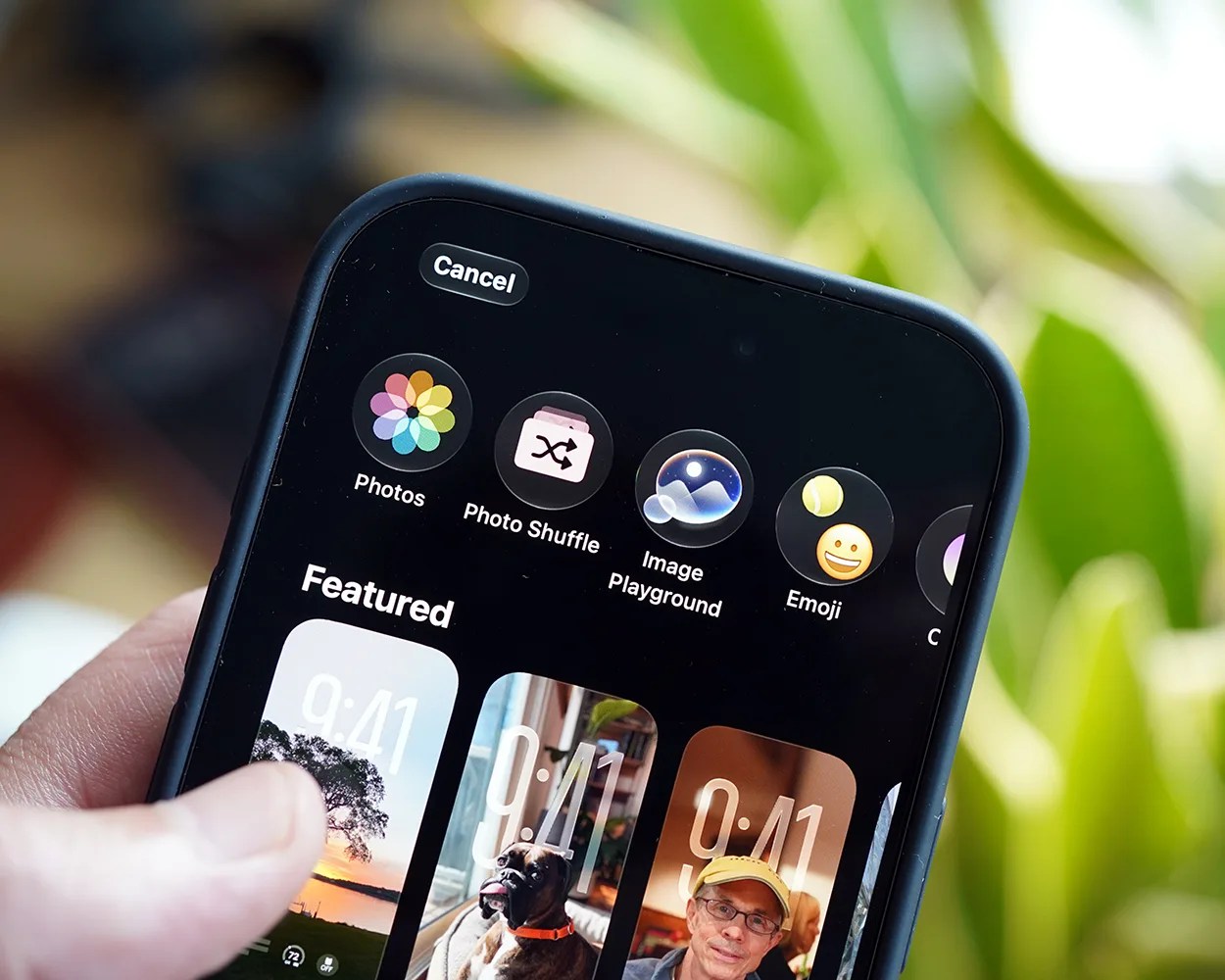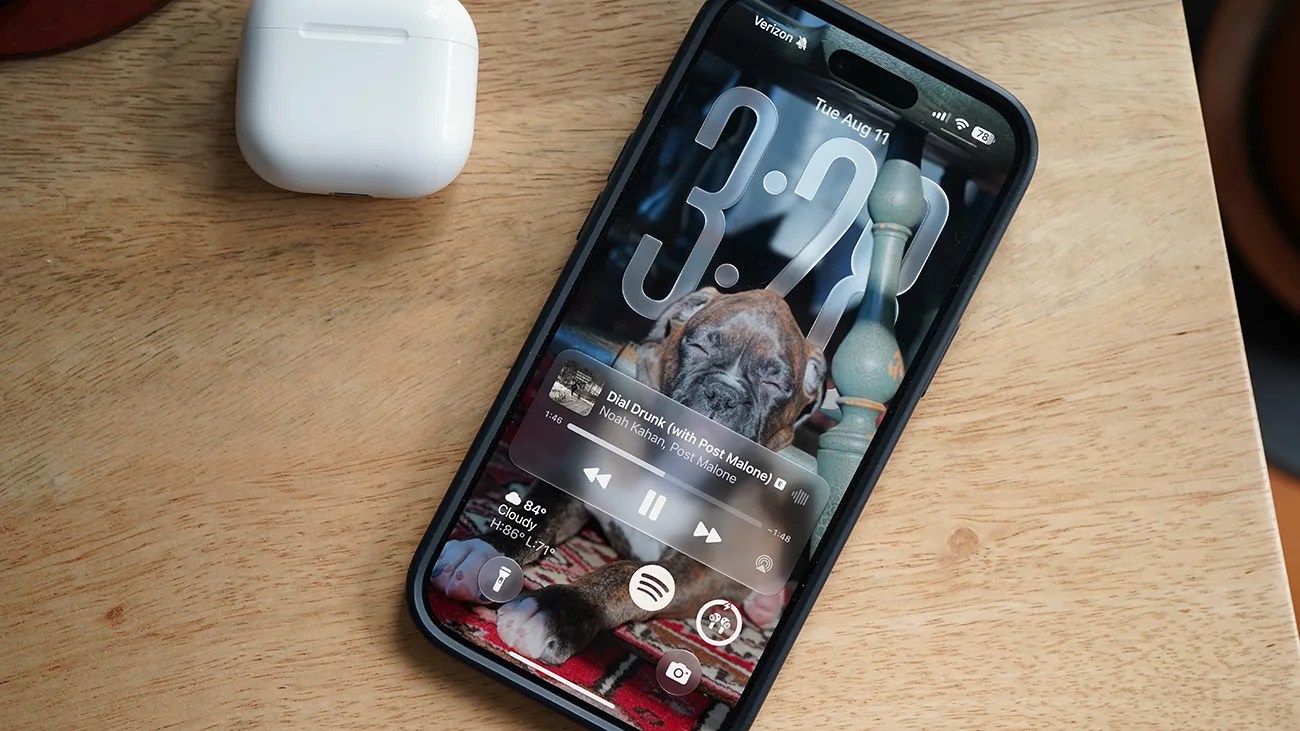


You interact with your iPhone’s Lock Screen maybe more than any other screen. It’s where you check the time, see notifications, quick-check widgets and, of course, unlock your iPhone.
Now, when iOS 27 is released sometime in September, Apple will introduce a number of new features to your iPhone’s Lock Screen.
1. Shrink the clock
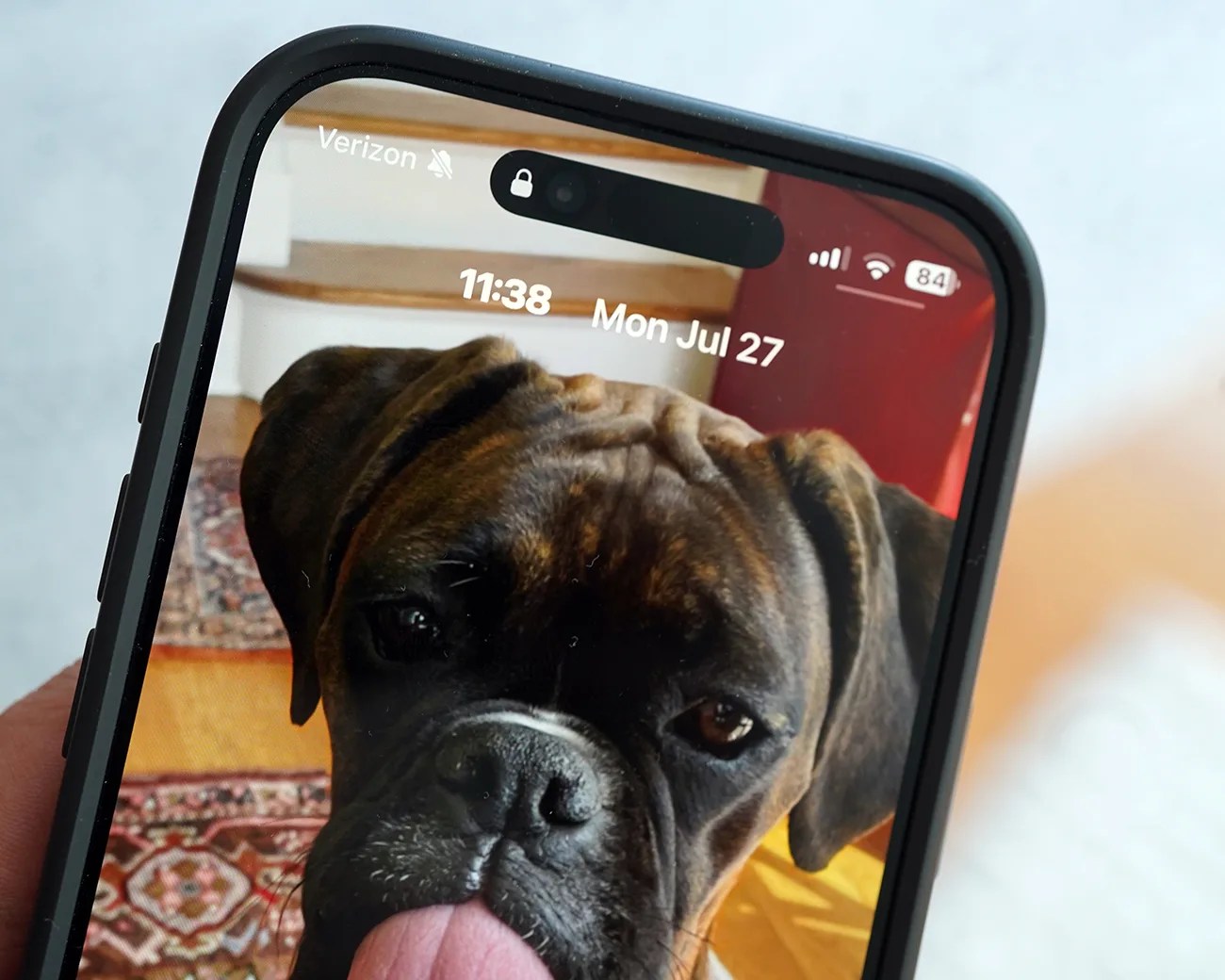
For the first time, you can shrink the size of the clock on the Lock Screen. Instead of it being massive, iOS 27 allows you to make it so it’s the same size as the date.
To shrink the size of the clock:
- Unlock your iPhone and long press on the Lock Screen.
- Tap the Customize button when it appears.
- Tap the clock widget.
- Select the new icon in the top right corner.
Clicking this new icon toggles the clock’s size between big and small. By making it smaller, it frees up more real estate to better show off the photo you have selected as your Lock Screen’s wallpaper.