
Your iPhone Is Getting a Simple Yet Surprisingly Useful New Ability

It’s something that fans have been wanting Apple to add for years.

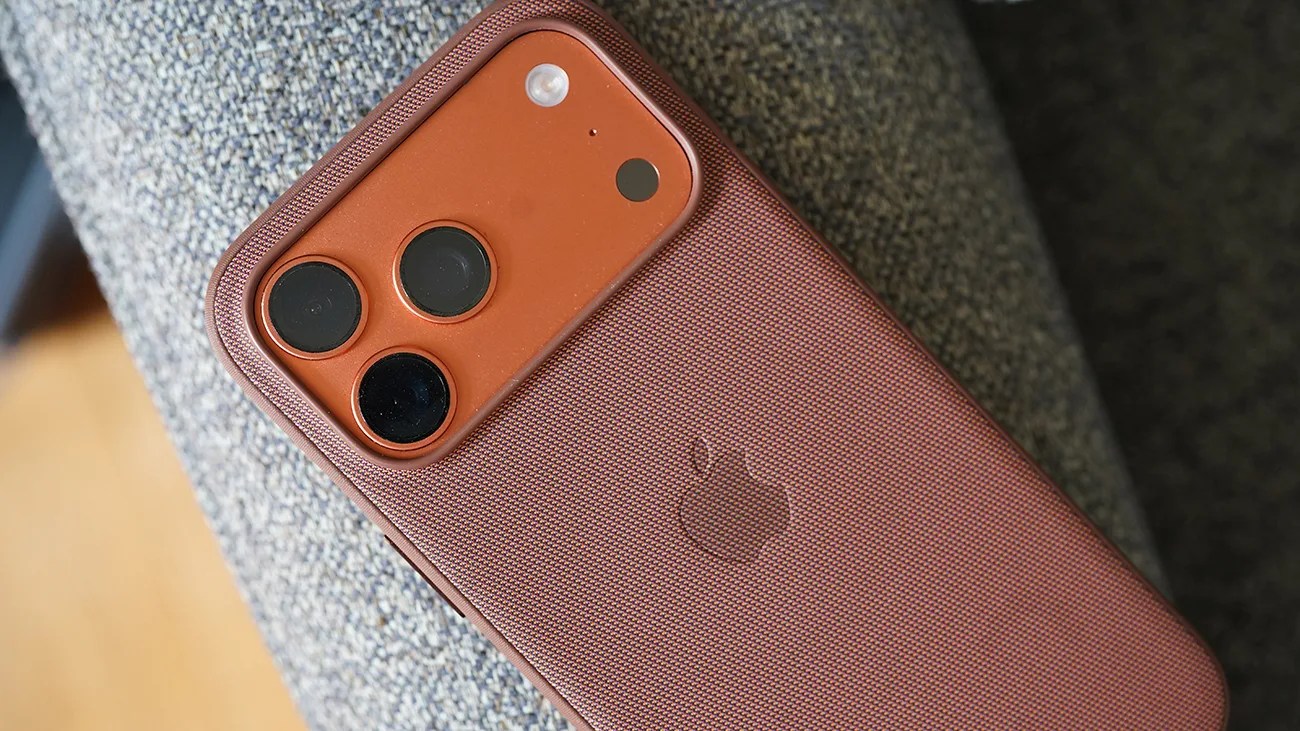
Copper-colored iPhone with triple camera lenses in a matching textured protective case on a gray fabric surface.Photo by Tucker Bowe for Gear Patrol

When Apple rolls out iOS 27 to the masses this fall, the software will introduce a wide range of new features for your current iPhone.

The headliners include some pretty advanced AI photo editing tools, a three-band equalizer for AirPods, a more customizable Lock Screen and a significantly more competent Siri.

There are plenty of smaller features, too, that are simple but designed to improve your quality of life. This is one of those.
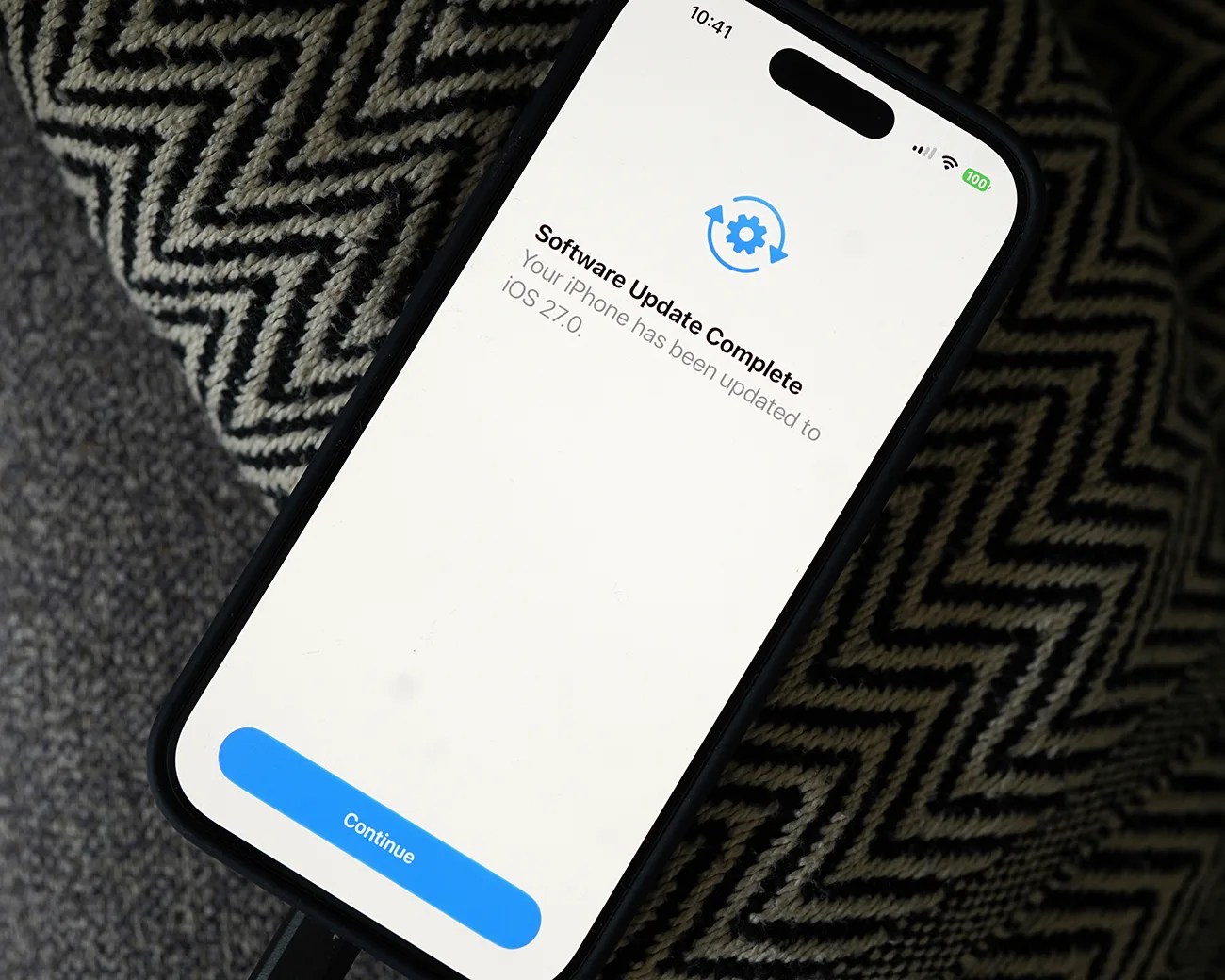
Smartphone screen showing "Software Update Complete" message for iOS 27.0 with a blue "Continue" button.
The public beta of iOS 27 is available now.
Photo by Tucker Bowe for Gear Patrol

Superior volume control

With iOS 27, your current iPhone is going to gain the ability to set different volume levels for different things. Specifically, you can set the individual volumes for “Ringtones,” “Alarms and Timers” and “alerts and system sounds.”

The first two are pretty self-explanatory, but the “alerts and system sounds” covers most everything else: incoming texts, push notifications, camera shutter and even keyboard clicks.
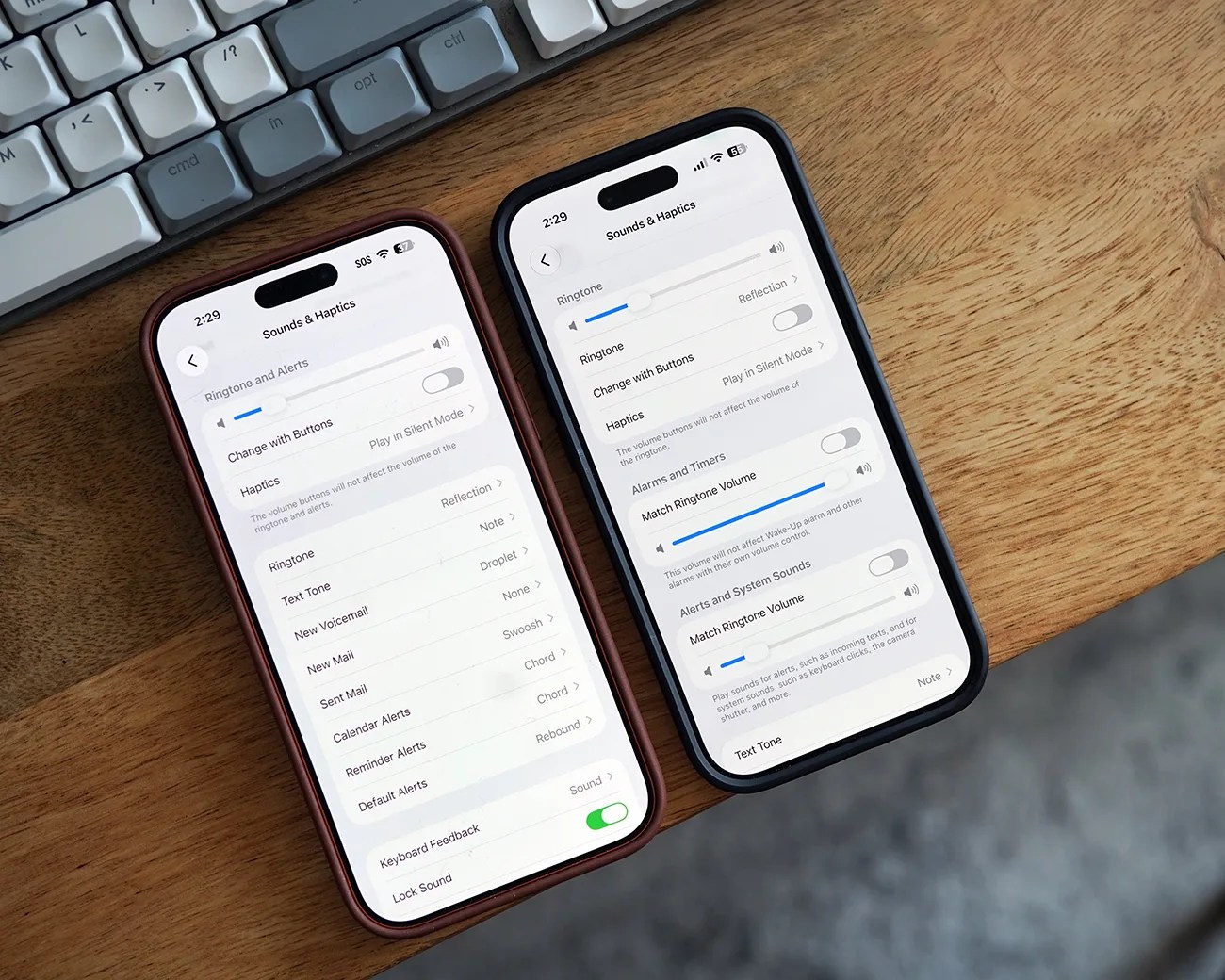
This is a big change (and one Android users have had access to for years), as before, you had one fixed volume for everything.

Two smartphones on a wooden surface displaying the Sounds & Haptics settings screen.
iOS 26 on the left, iOS 27 public beta on the right. You can see the difference in the Sounds & Haptics menus.
Photo by Tucker Bowe for Gear Patrol

When running iOS 27, here’s how to adjust various volume levels:

  1. Open Settings app.
  2. Scroll down and tap Sounds & Haptics.
  3. Deselect Match Ringtone Volume (twice).

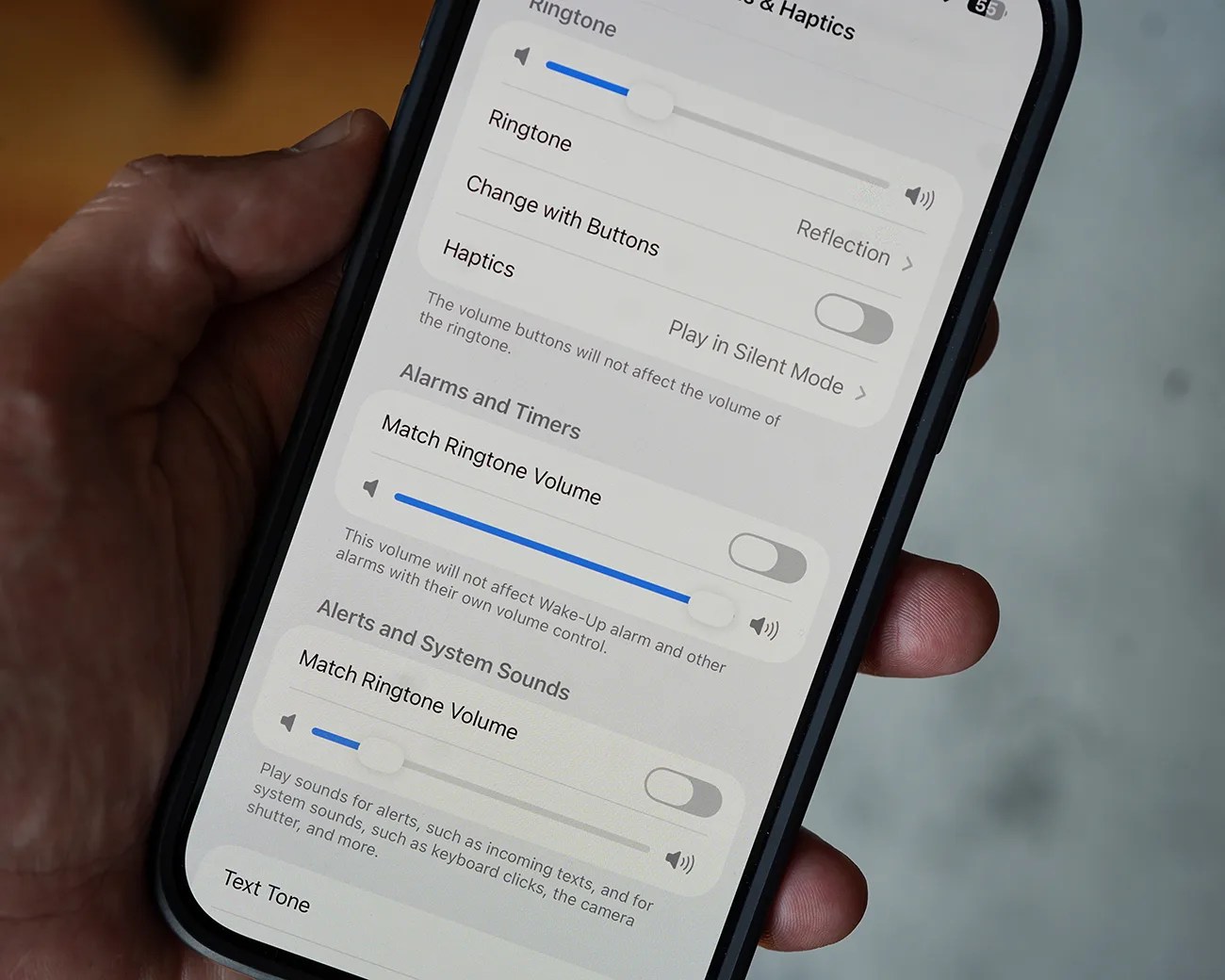
Here, you have three sections: Ringtone, Alarms and Timers, and Alerts and System Sounds (the latter two are brand new). By default, the two new sections are set to “Match Ringtone Volume.”

Smartphone screen showing sound settings with volume sliders and toggle switches for ringtone, alarms, and system sounds.
In the new iOS, there are different volume controls for Ringtone, Alarms and Timers, and Alerts and System Sounds.
Photo by Tucker Bowe for Gear Patrol
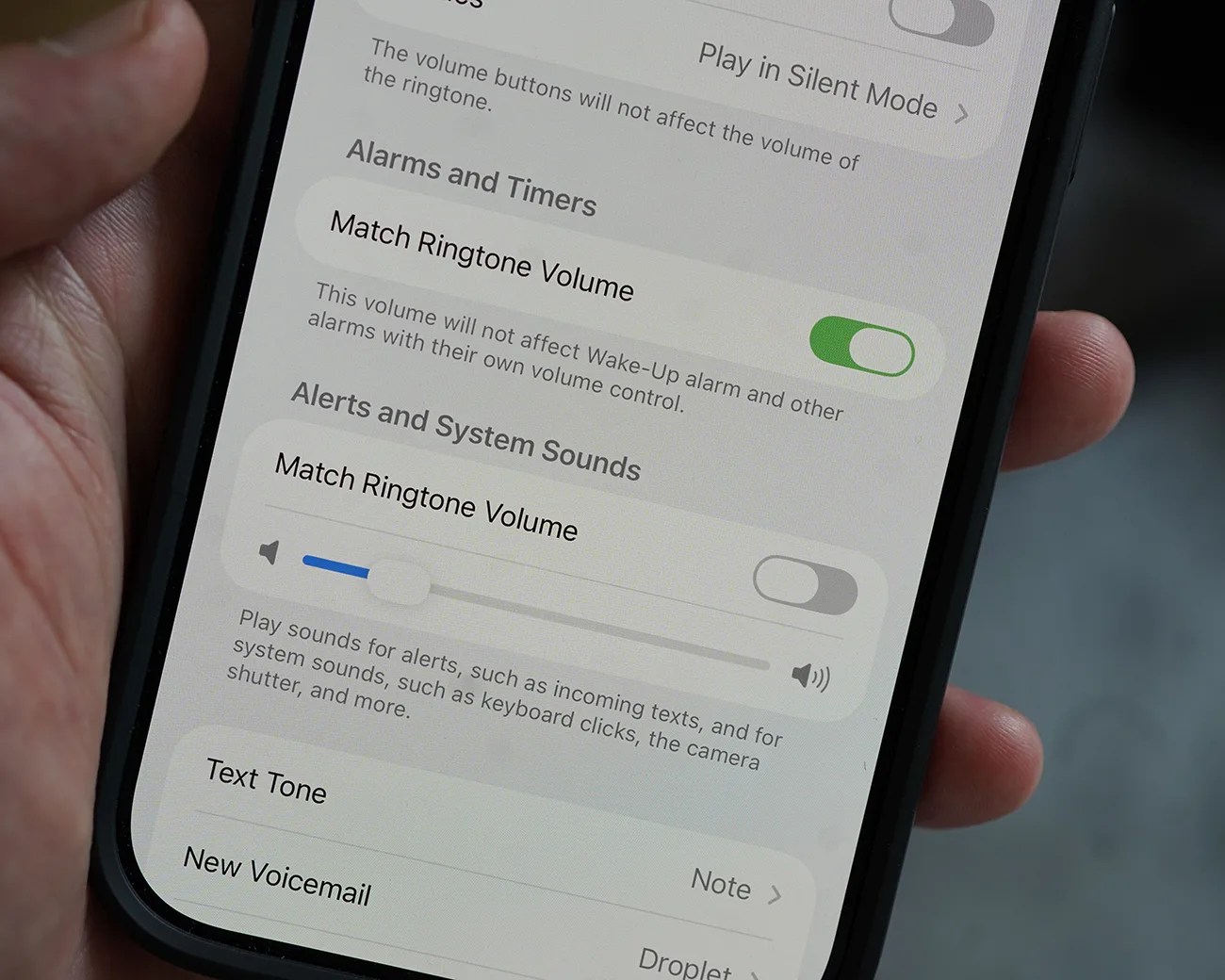
Close-up of a smartphone screen showing sound settings with "Match Ringtone Volume" toggled on for Alarms and Timers and off for Alerts and System Sounds.
Each of the new settings is set to Match Ringtone Volume by default.
Photo by Tucker Bowe for Gear Patrol

When deselected, you have access to individual volume sliders for each section. And when you adjust the volume, your iPhone play a sound at the volume level to let you know.

When’s it coming?

iOS 27 will officially roll out this fall when Apple releases the next batch of new iPhones. It’ll be compatible with any iPhone 11 or later.

For those who want to try out the latest features earlier, the public beta of iOS 27 is now available.

Want to stay up to date on the latest product news and releases? Add Gear Patrol as a preferred source to ensure our independent journalism makes it to the top of your Google search results.

add as a preferred source on google
, , ,