
Sonos Just Gave Its Biggest Fans a Small Reason to Be Excited

The speaker giant has introduced a fresh look and new features to its controversial app.

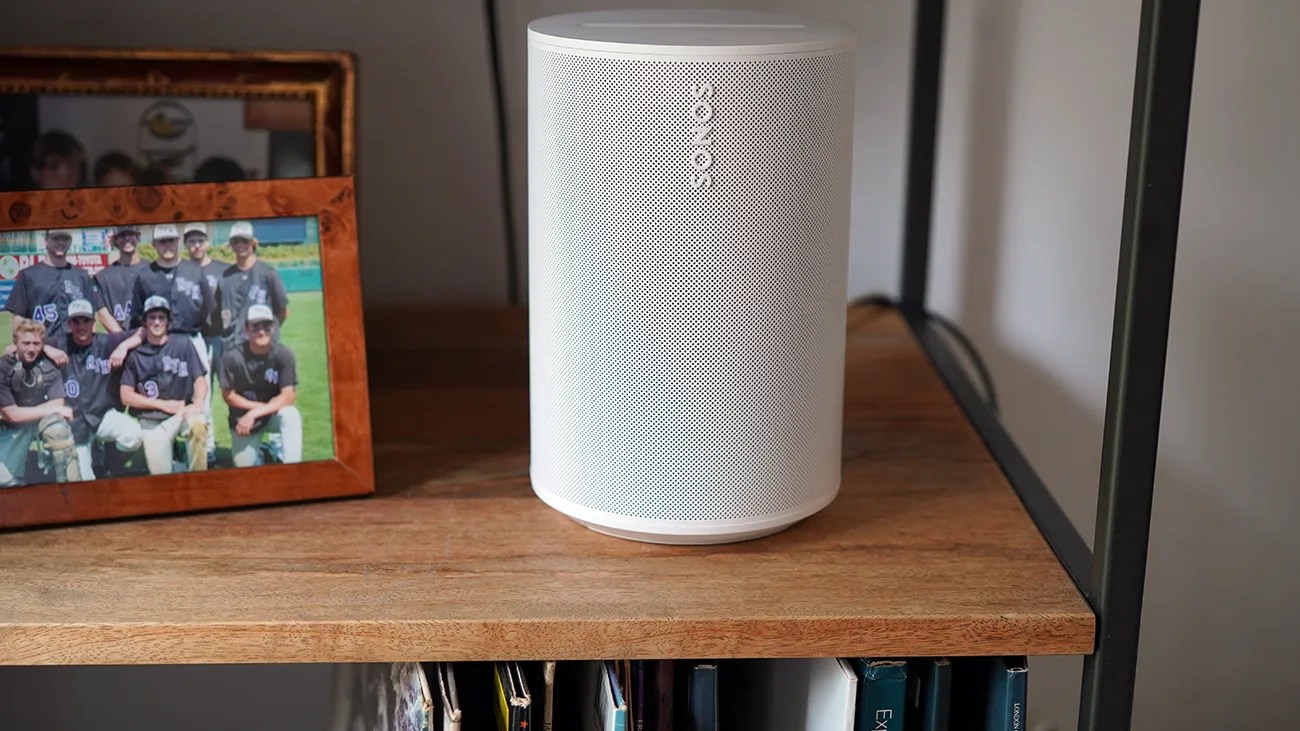
White Sonos wireless speaker on a wooden shelf next to a framed photo.Photo by Tucker Bowe for Gear Patrol

Sonos has quietly rolled out a “big” update to its app that introduces several new features and promises to be particularly useful to its more hardcore fans. Or, more accurately, for people with many Sonos speakers in their home.

According to the company’s Reddit post, the “update brings Tab Navigation, introduces speaker/room sorting, and adds a Dynamic Volume Slider for iOS.”

App update, new features
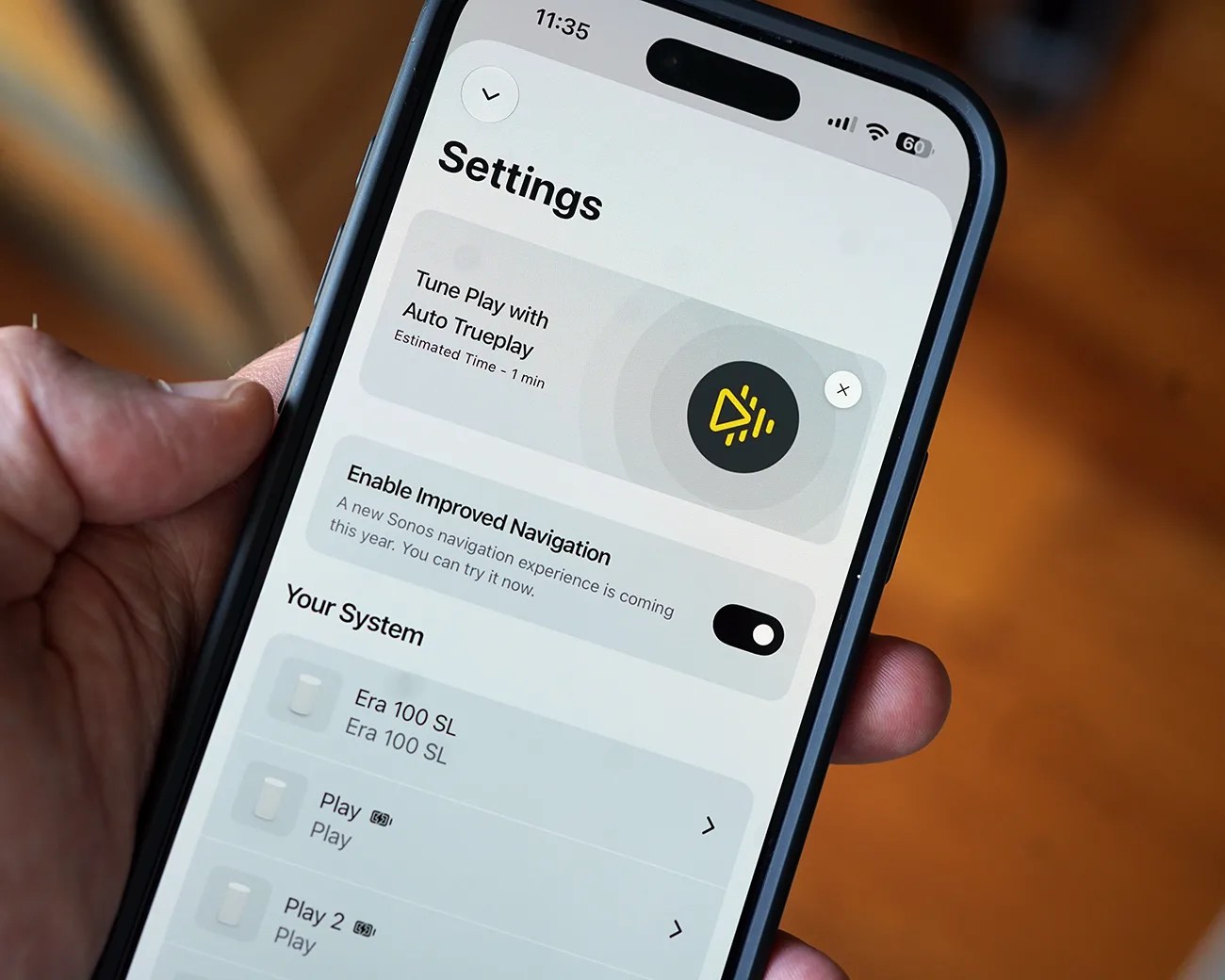
Smartphone screen showing Sonos app settings with options for Trueplay tuning and navigation toggle.
Sonos is rolling out an update to its app right now. The company is calling it “a big one.”
Photo by Tucker Bowe for Gear Patrol

The most impactful update to the app is the introduction of a new tab navigation system located at the bottom of your iPhone’s screen. Here, there are dedicated “Home” and “System” buttons that let you quickly switch between pages.

It’s a simple change, admittedly. But it’s one that feels more natural and familiar. To date, you’ve had to tap “Your System” in the top-left corner of the app to get to switch pages.
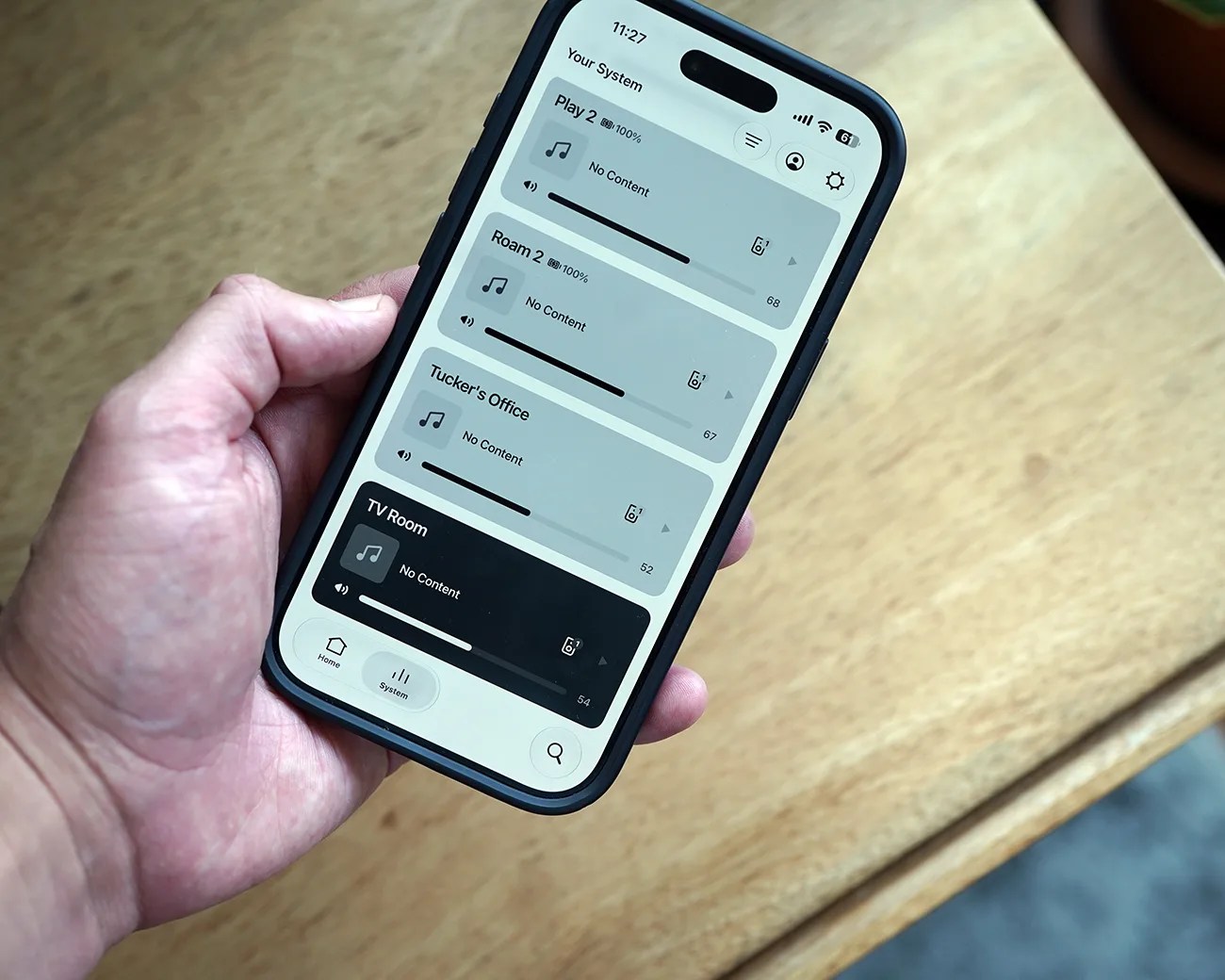
Hand holding a smartphone displaying a home audio system app with multiple rooms listed and no content playing.
The update introduces new navigation tabs located at the bottom of your screen.
Photo by Tucker Bowe for Gear Patrol

Superior speaker organizing

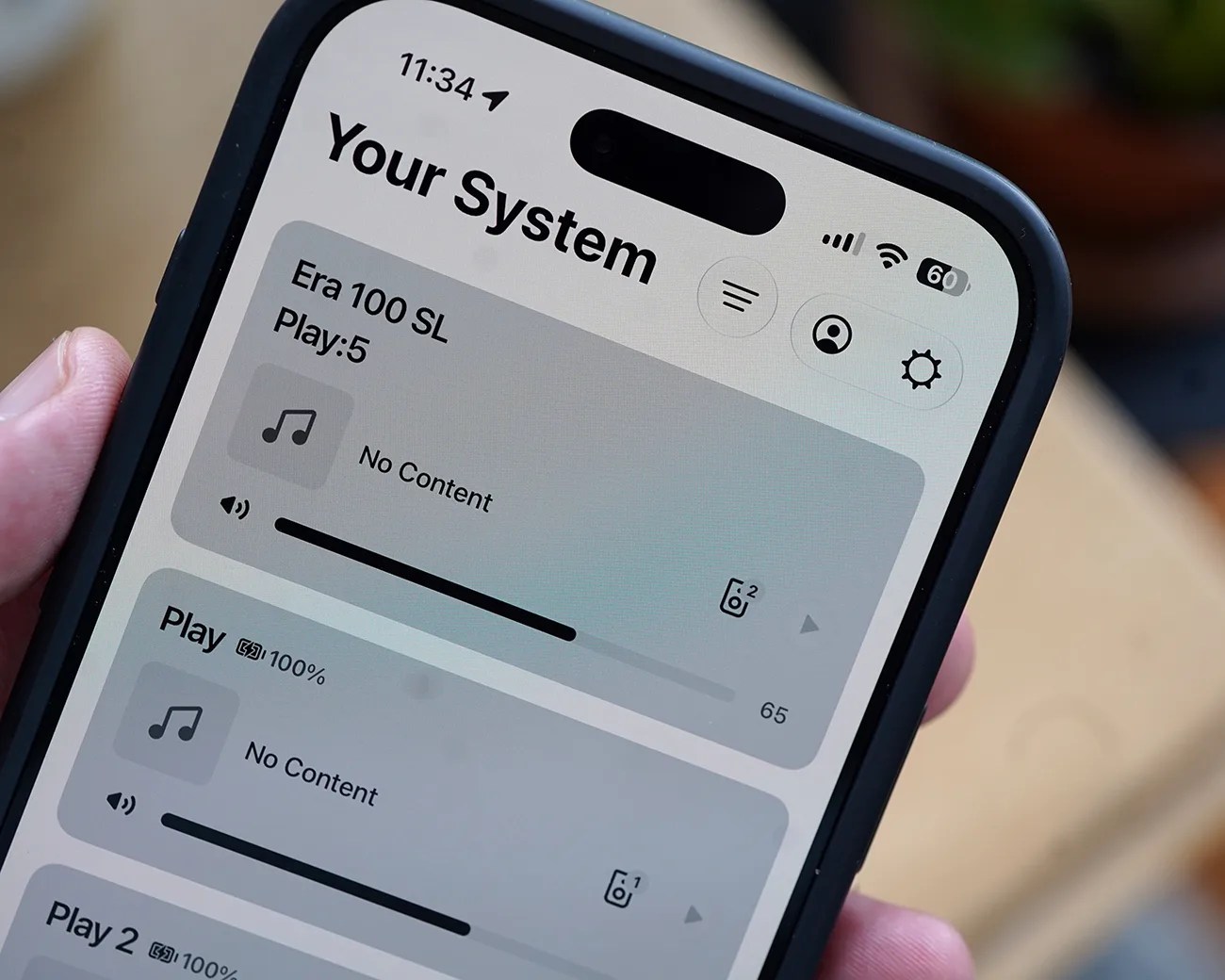
When in the Your System tab, you’re able to see all your different speakers or grouped speakers that are in your home. This is the same as before.

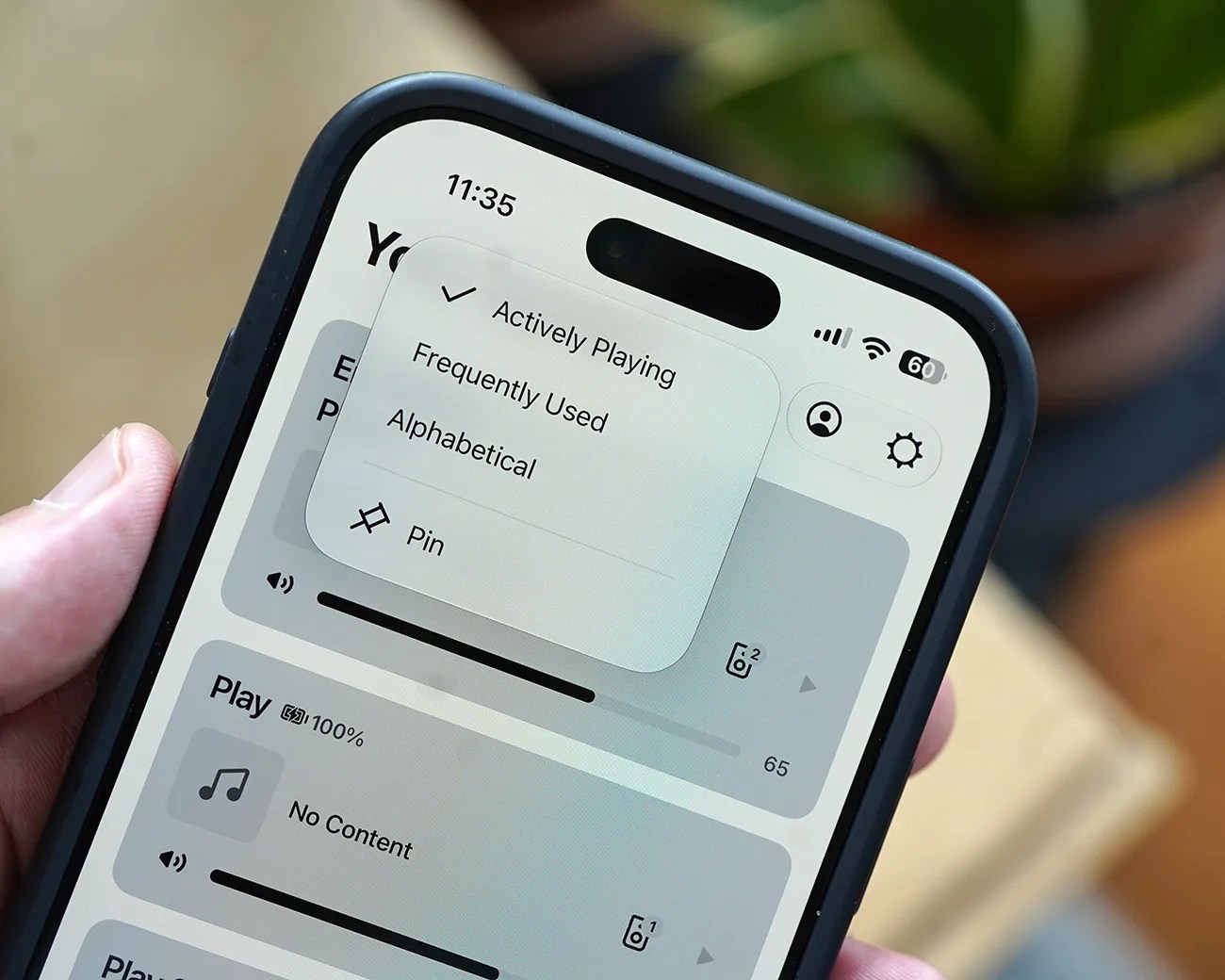
However, Sonos has added a new organization button: the three horizontal lines. When selected, it allows you to change the order of the speakers and grouped speakers as they appear. You can pin a specific speaker or group to the top, or organize them by most frequently used, actively playing, or alphabetically.

This obviously won’t be a big deal for people who only have one Sonos speaker or one Sonos home theater system, but for those with numerous speakers spread throughout their home … it makes a huge difference.

Smartphone screen showing a music system app interface with volume controls and no content playing.
There’s a new way of organizing how your various speakers appear in the Your System page.
Photo by Tucker Bowe for Gear Patrol
Smartphone screen showing a music app with a sorting menu open, options include Actively Playing, Frequently Used, Alphabetical, and Pin.
You’re now able to pin speakers to the top of the page, or organize them by how much you use them or what’s playing.
Photo by Tucker Bowe for Gear Patrol

In addition to the new tab navigation or the ability to organize the order of your speakers in the Your System page, the updated app introduces several other features.

These include an updated volume slider. And, when in the Now Playing screen, the background colors will reflect the album art.

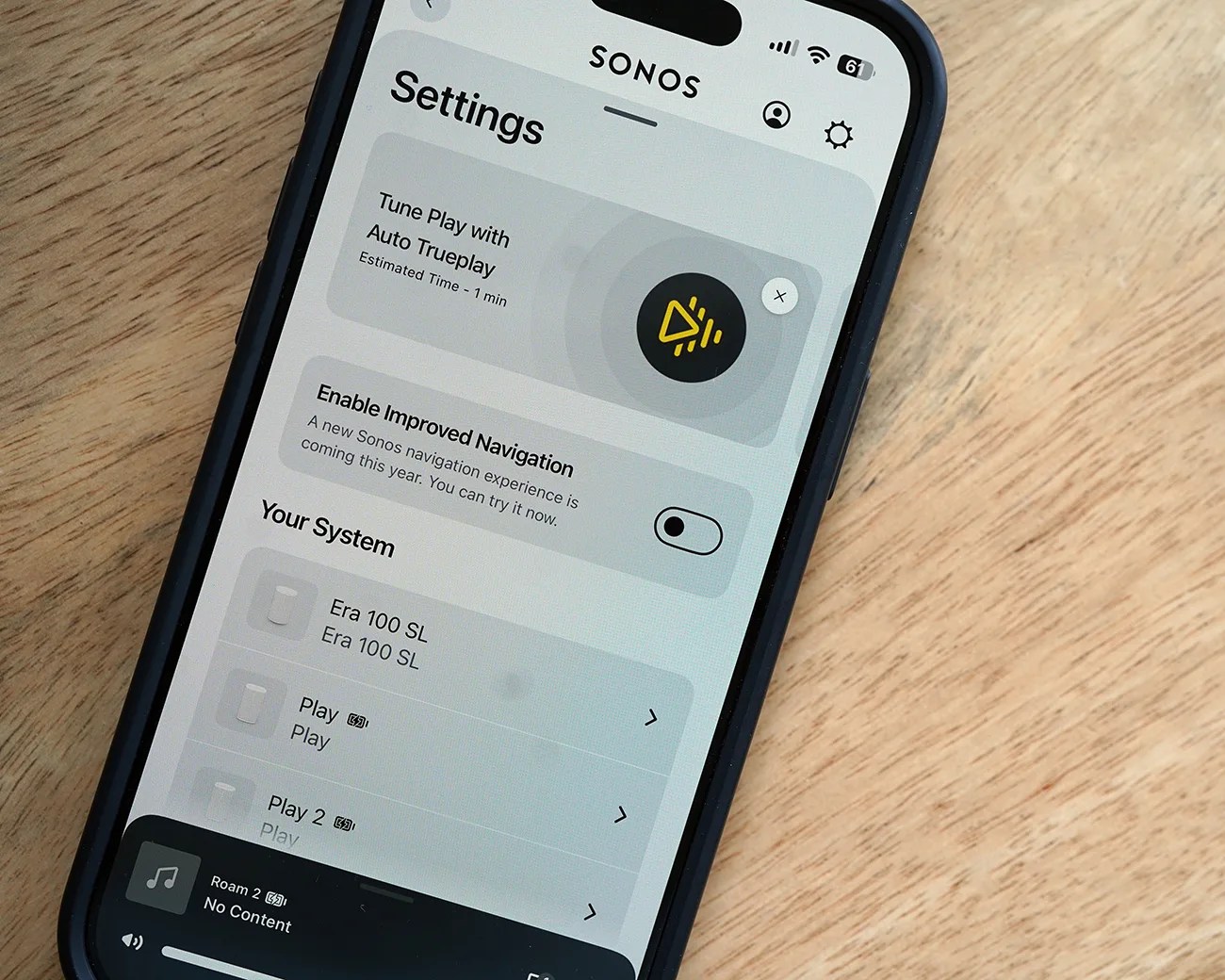
Smartphone screen showing Sonos app settings with options for Tune Play with Auto Trueplay and system devices listed.
If you don’t like the new navigation tools, you can turn them off so the app reverts to the previous look.
Photo by Tucker Bowe for Gear Patrol

Available now (for some)

Sonos says the update is rolling out in phases and “may take up to two weeks to reach your device.” That said, many users have probably already received the update.

For those who have it, you can try out the new-look navigation by opening the Sonos app > selecting the Settings wheel > and toggling on Enable Improved Navigation (if you don’t see this option, your app hasn’t received the update yet).

If you don’t like the new controls, you can toggle this same setting off.

Want to stay up to date on the latest product news and releases? Add Gear Patrol as a preferred source to ensure our independent journalism makes it to the top of your Google search results.

add as a preferred source on google
, , , ,