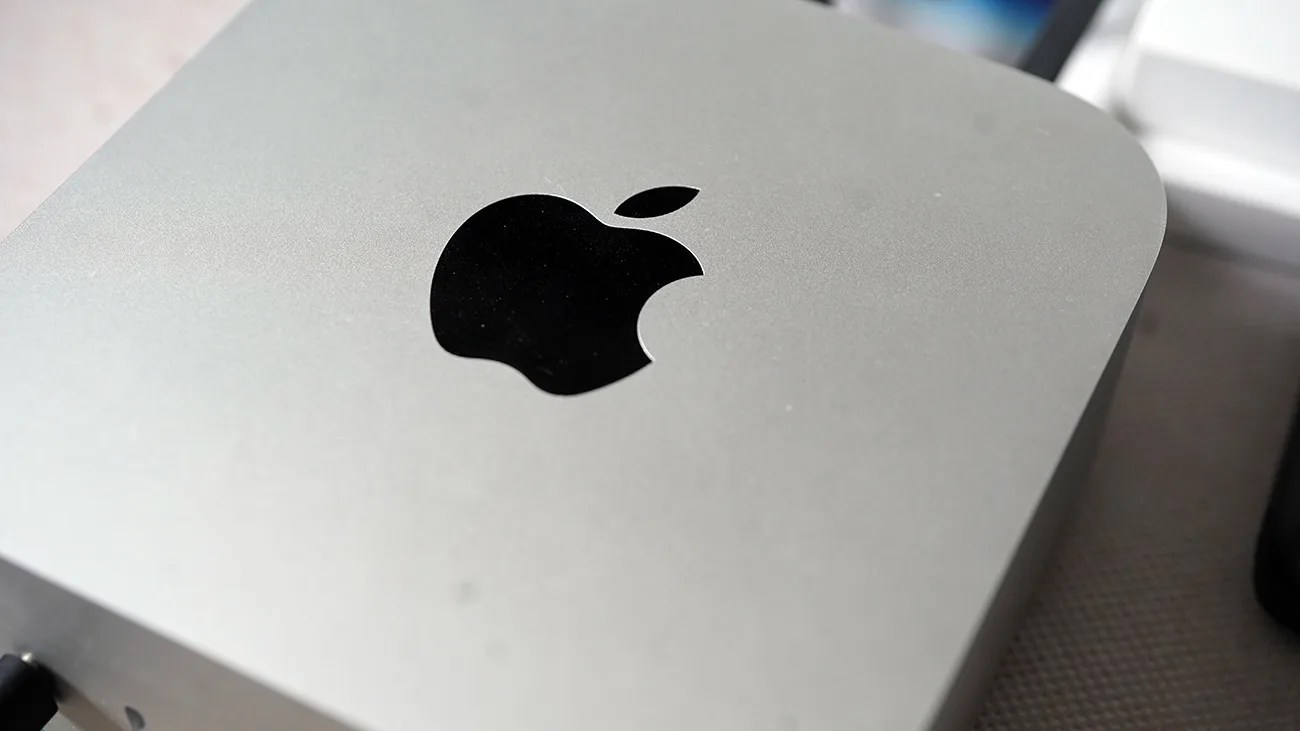


Apple started rolling out macOS 26.5 earlier this week and, admittedly, it’s a pretty underwhelming software update, mostly fixing things that you’d barely notice (such as bugs and security patches).
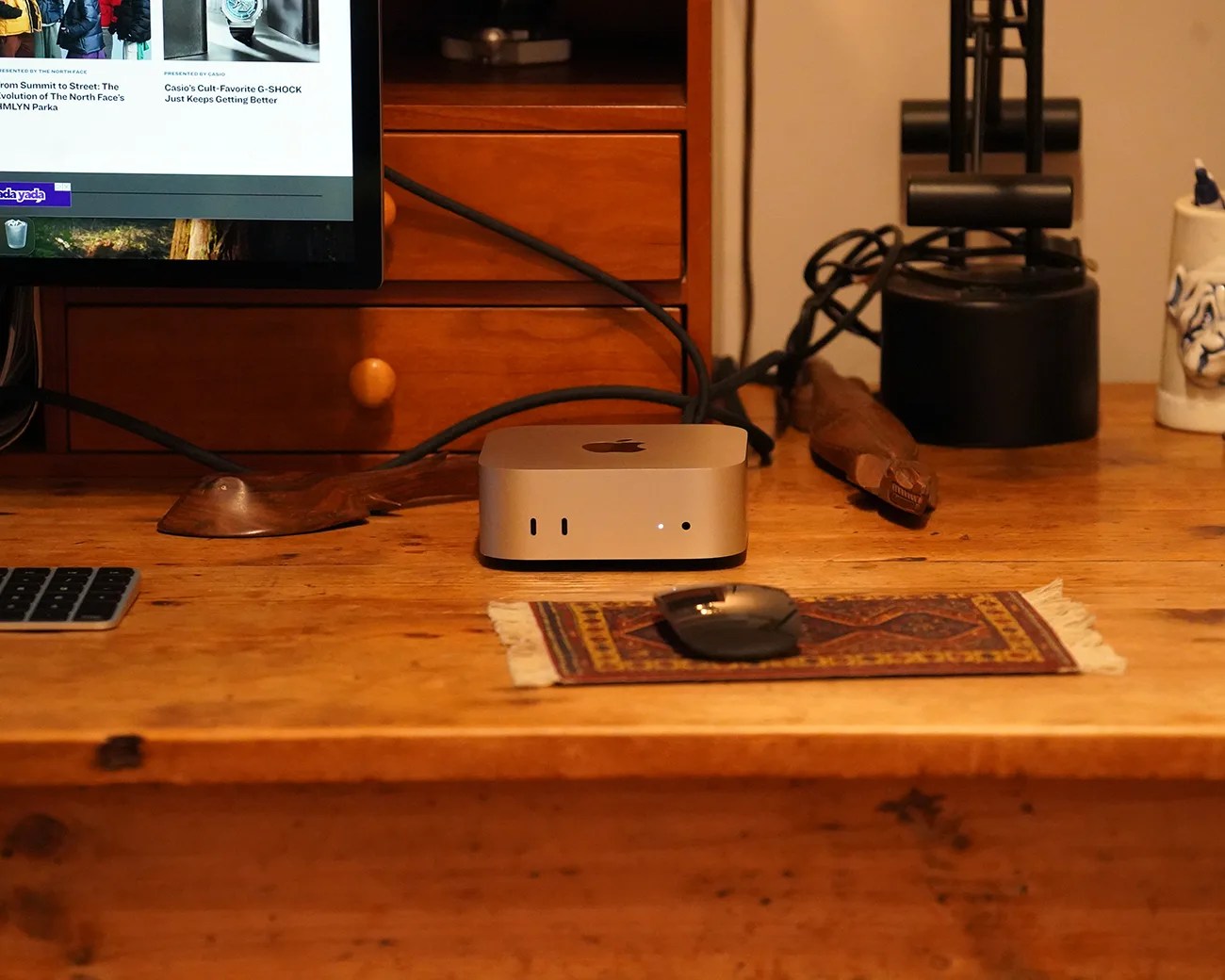
However, it did introduce one new feature that’s particularly useful for those with a permanent Mac desktop system with an iMac, Mac mini or Mac Studio. (Basically, any non-MacBook Mac.)
It’s called Power Control.
A new way to turn on your Mac
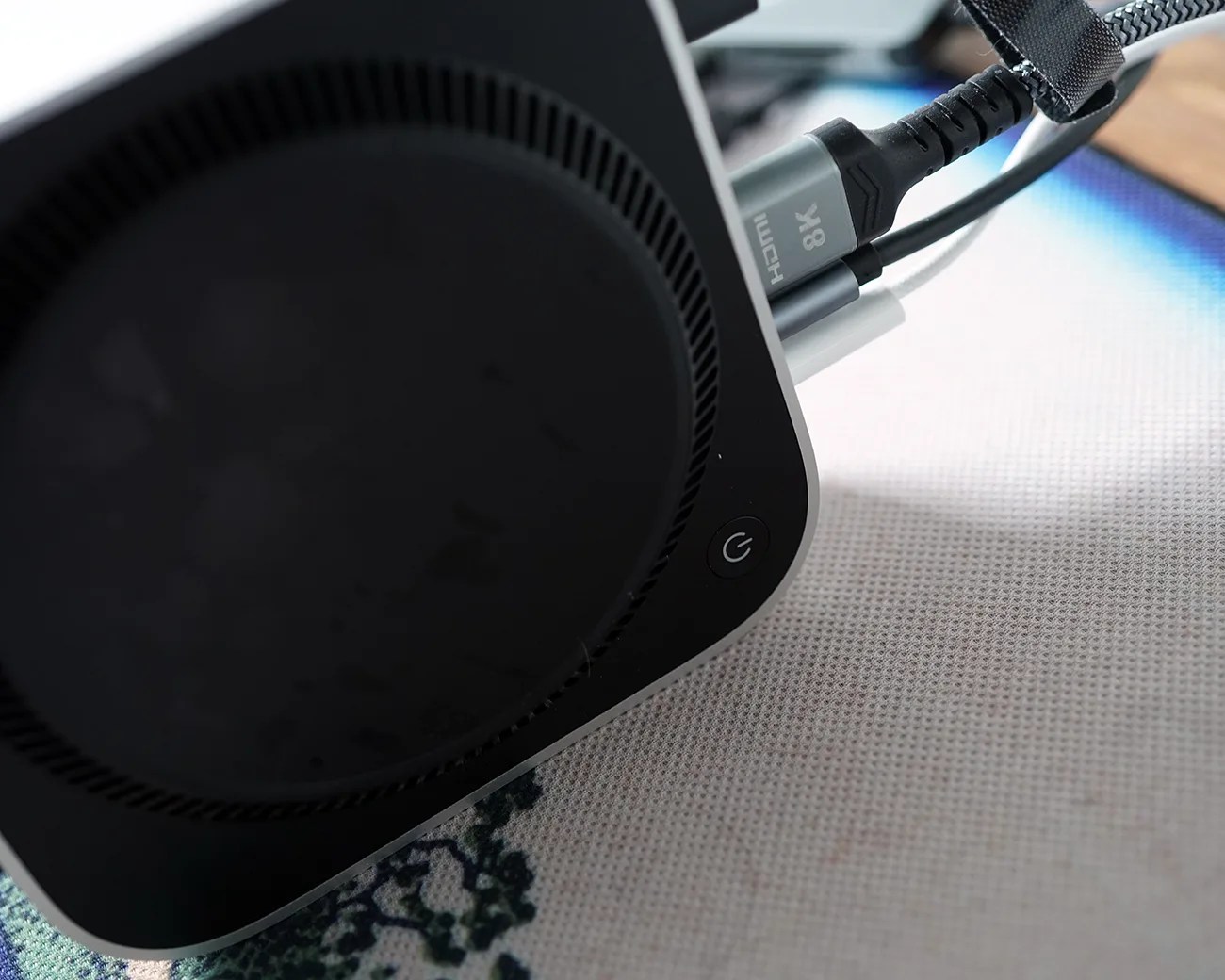
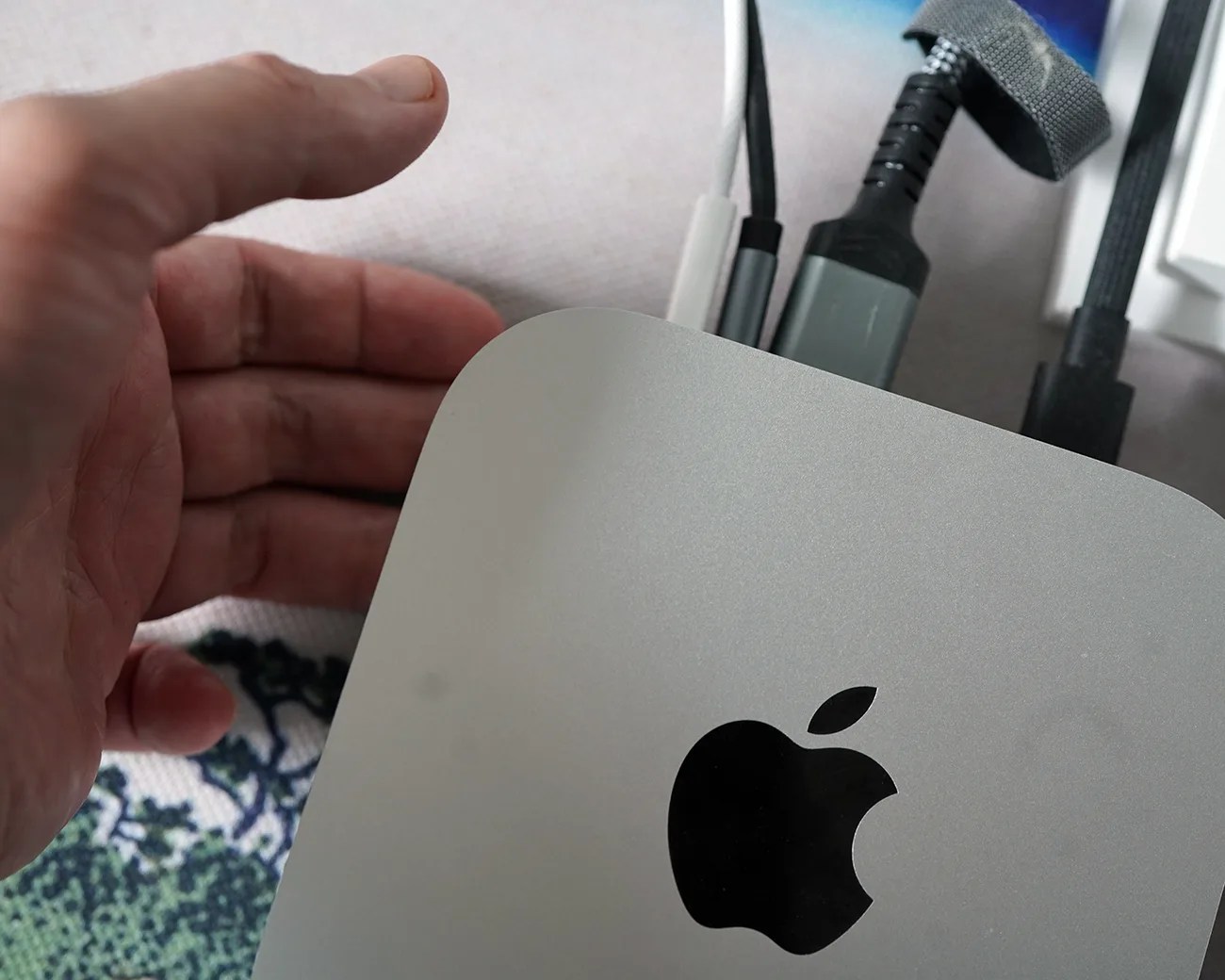
Power Control is a new feature that effectively introduces a new way to turn on your iMac, Mac Mini, and Mac Studio. It’s a fix mostly aimed at the Mac Mini, as its power button is located underneath and can be difficult to press. (The Mac Studio’s and iMac’s power buttons are both located on the rear panel, not underneath.)
With the new Power Control setting turned on, your iMac, Mac Mini or Mac Studio will automatically turn on when reconnected to power. So if it’s off, you can just unplug and replug it into a power outlet and it’ll automatically turn on. It’ll also automatically turn on if your house loses and then regains power.