
Your iPhone Just Got a Simple Yet Useful New Feature

You use your iPhone to capture videos, right?

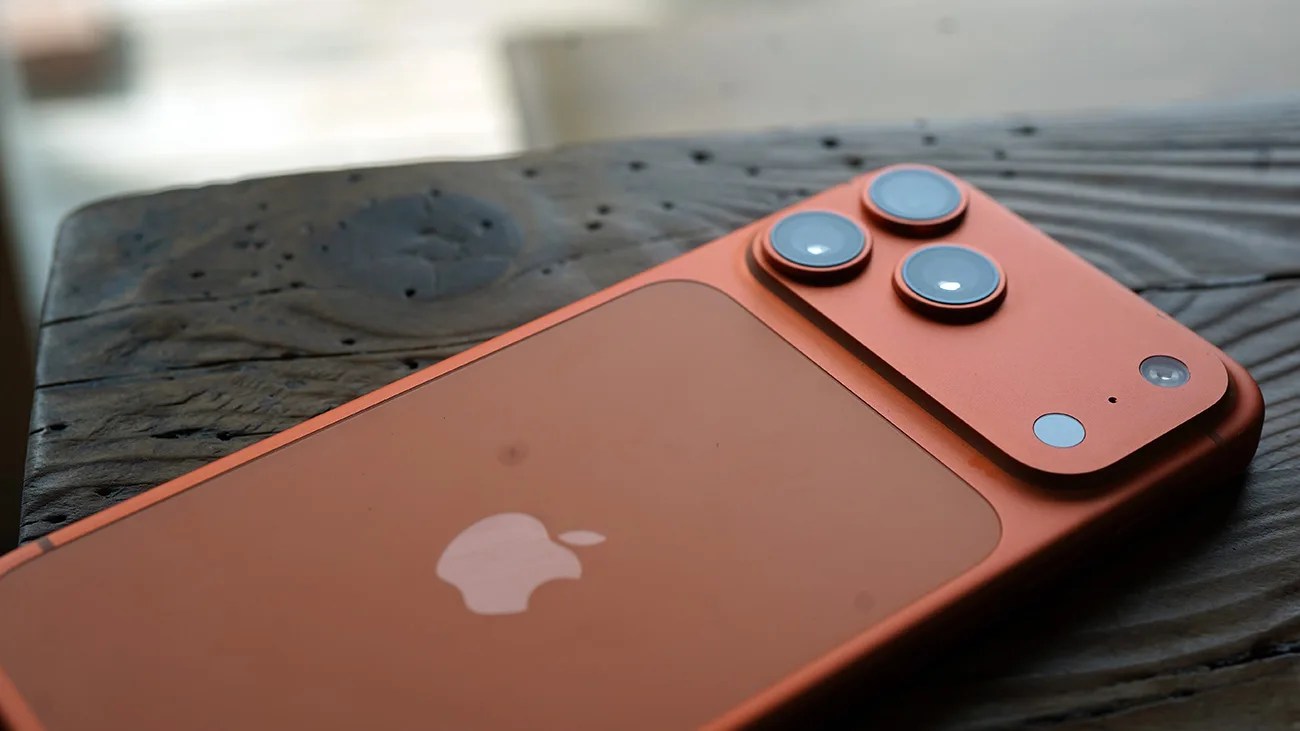
Copper-colored iPhone with triple camera lenses on a dark wooden surface.Photo by Tucker Bowe for Gear Patrol

Apple has officially released iOS 26.4, and the software update introduces numerous new features to your current iPhone.

There are improvements to Apple Music, an offline music recognition feature, upgrades to the Reminders app, and a better way to preserve the long-term health of your iPhone’s battery. For those that care, iOS 26.4 introduced eight new emoji characters, too.

Buried in the Settings app, there’s also a small but notable addition to your iPhone’s Camera app. It’s called Audio Zoom.
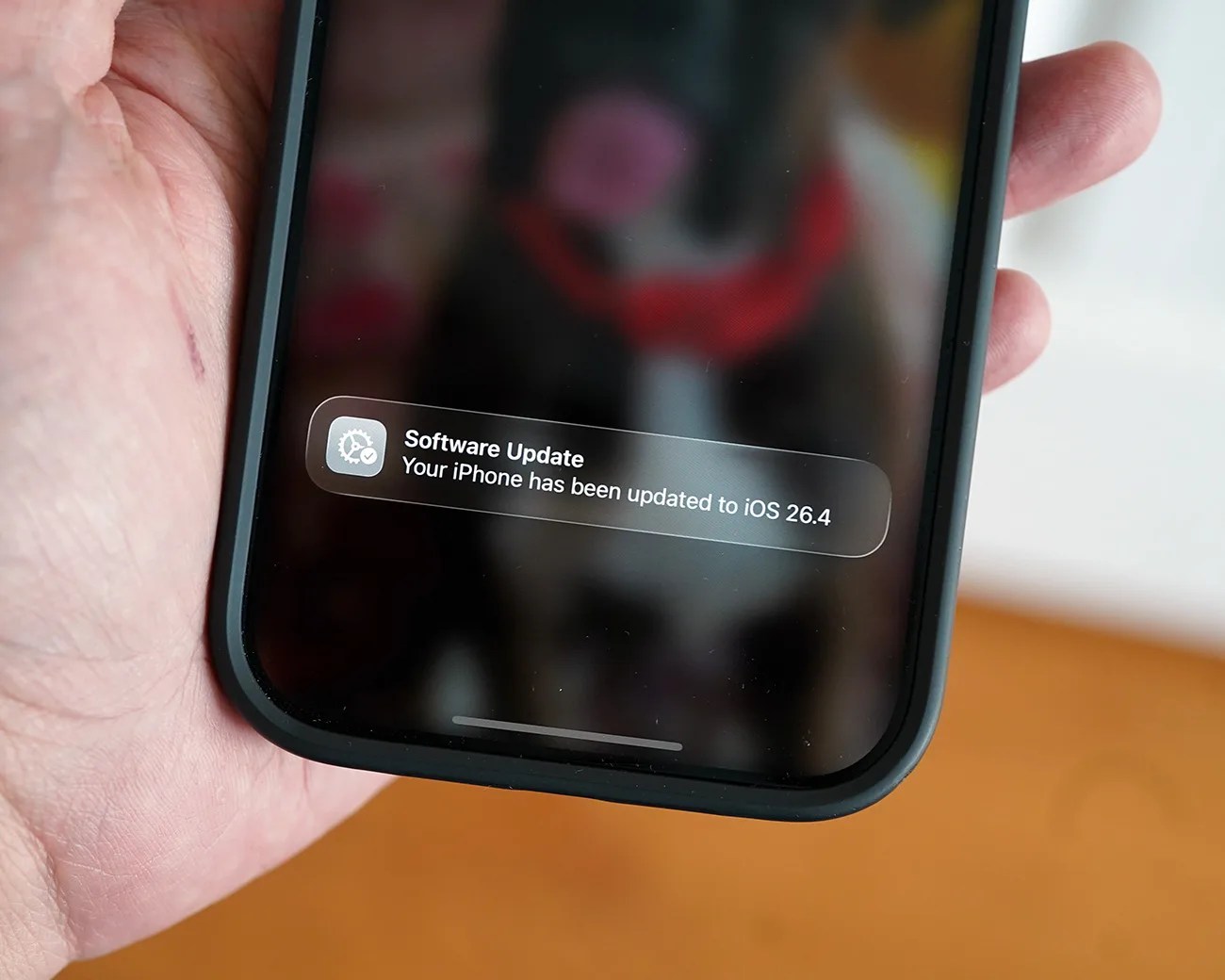
Hand holding a black smartphone displaying a software update notification for iOS 26.4.
iOS 26.4 is available now.
Photo by Tucker Bowe for Gear Patrol

Audio Zoom

Audio Zoom is a new setting in iOS 26.4 that promises to be helpful for those who capture videos with their iPhone and frequently use zoom to get closer to their subject.
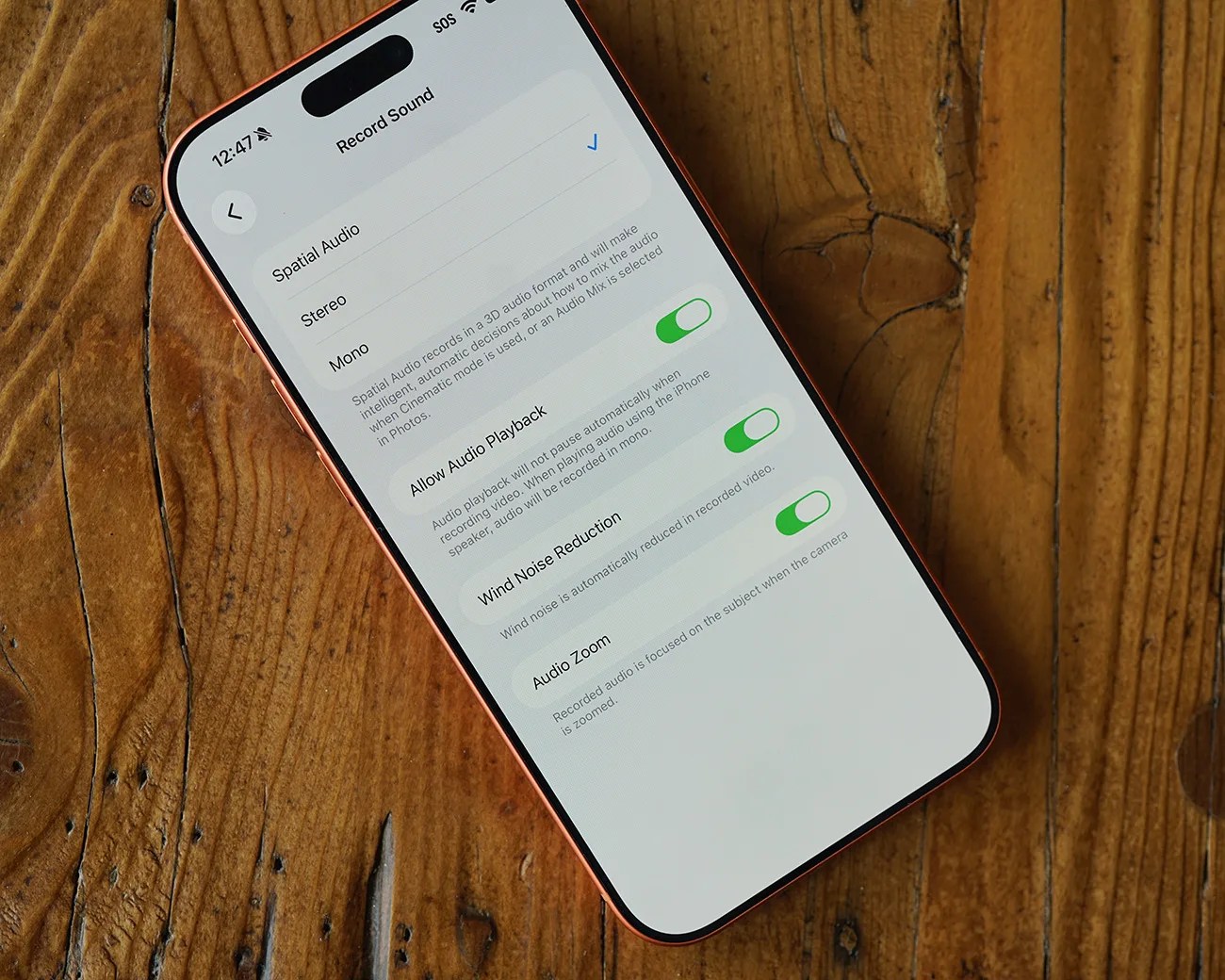
Smartphone displaying audio recording settings with Spatial Audio selected and toggles for Allow Audio Playback, Wind Noise Reduction, and Audio Zoom enabled.
Audio Zoom is a new feature buried in the Settings app.
Photo by Tucker Bowe for Gear Patrol

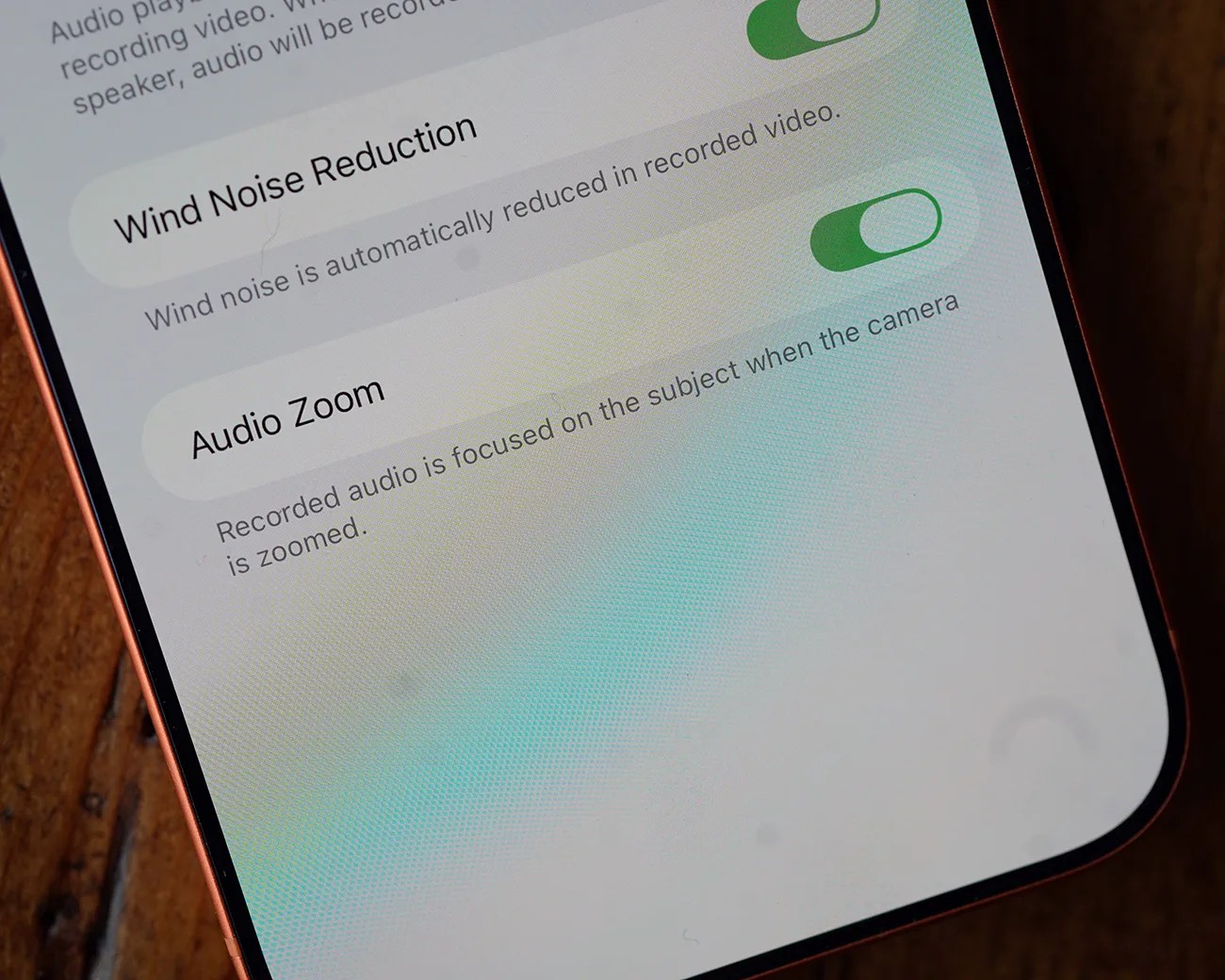
The idea with Audio Zoom is that when using zoom to shoot video, the recorded audio also focuses on the zoomed-in subject. This way, you’re getting less background noise and more of the audio of what you’re recording.

Here’s how Apple describes it: “Recorded audio is focused on the subject when the camera is zoomed.” 

Smartphone screen showing enabled settings for "Wind Noise Reduction" and "Audio Zoom" in a video recording app.
With iOS 26.4, Audio Zoom is toggled on by default.
Photo by Tucker Bowe for Gear Patrol

Once running the latest software, Audio Zoom is a setting that’s toggled on by default. You can access it by:

  1. Open the Settings app on your iPhone.
  2. Scroll down and select Camera.
  3. Select Record Sound.

The Audio Zoom setting is located at the bottom. It’s available when recording with Spatial Audio or Stereo sound. If mono is selected, the Audio Zoom feature becomes unavailable.

iOS 26.4 is available now. To download it, open the Settings app > General > Software Update.

Want to stay up to date on the latest product news and releases? Add Gear Patrol as a preferred source to ensure our independent journalism makes it to the top of your Google search results.

add as a preferred source on google