
Apple Is Quietly Giving Your iPhone an Awesome New Ability

It’s simple, but it’ll save you time and you’ll use it often.

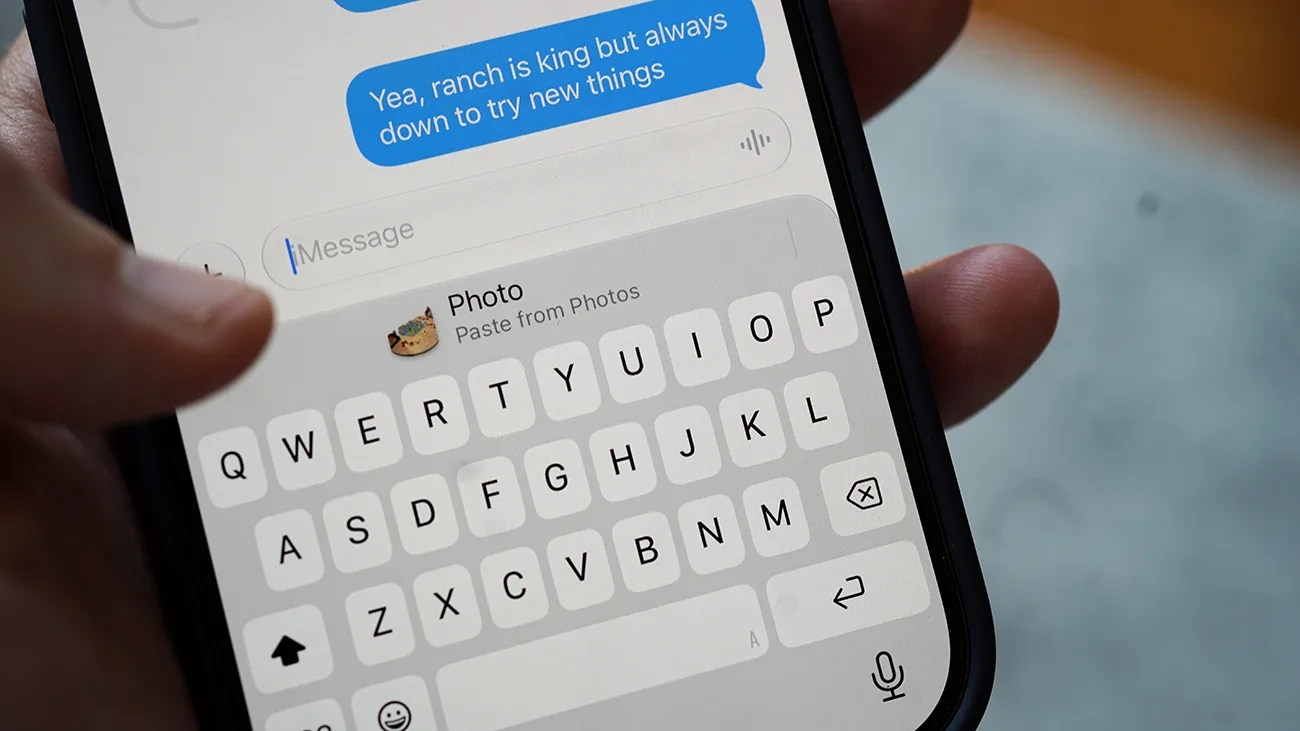
Smartphone screen showing a text message conversation with the keyboard open and a message typed saying "Yea, ranch is king but always down to try new things.Photo by Tucker Bowe for Gear Patrol

The public beta of iOS 27 has been available for several weeks, giving early adopters a first look at many of the new features coming to their current iPhones this fall.

Many of these features were covered at June’s WWDC, when Apple initially revealed the next-gen iPhone operating system. And, naturally, there was a lot to be excited by.

iOS 27 introduces new AI photo editing tools, a more customizable Lock Screen, a Liquid Glass slider, and the ability to set different volume levels for things like alarms, ringtones and notifications. Also, they’ll get access to a 3-band equalizer for their AirPods.

Most of these new iOS 27 features were at least mentioned at WWDC, but, as many beta testers have discovered, Apple has omitted quite a few others.

One of these lesser-known features is something simple, but one you’ll likely use often.

A superior way to Paste
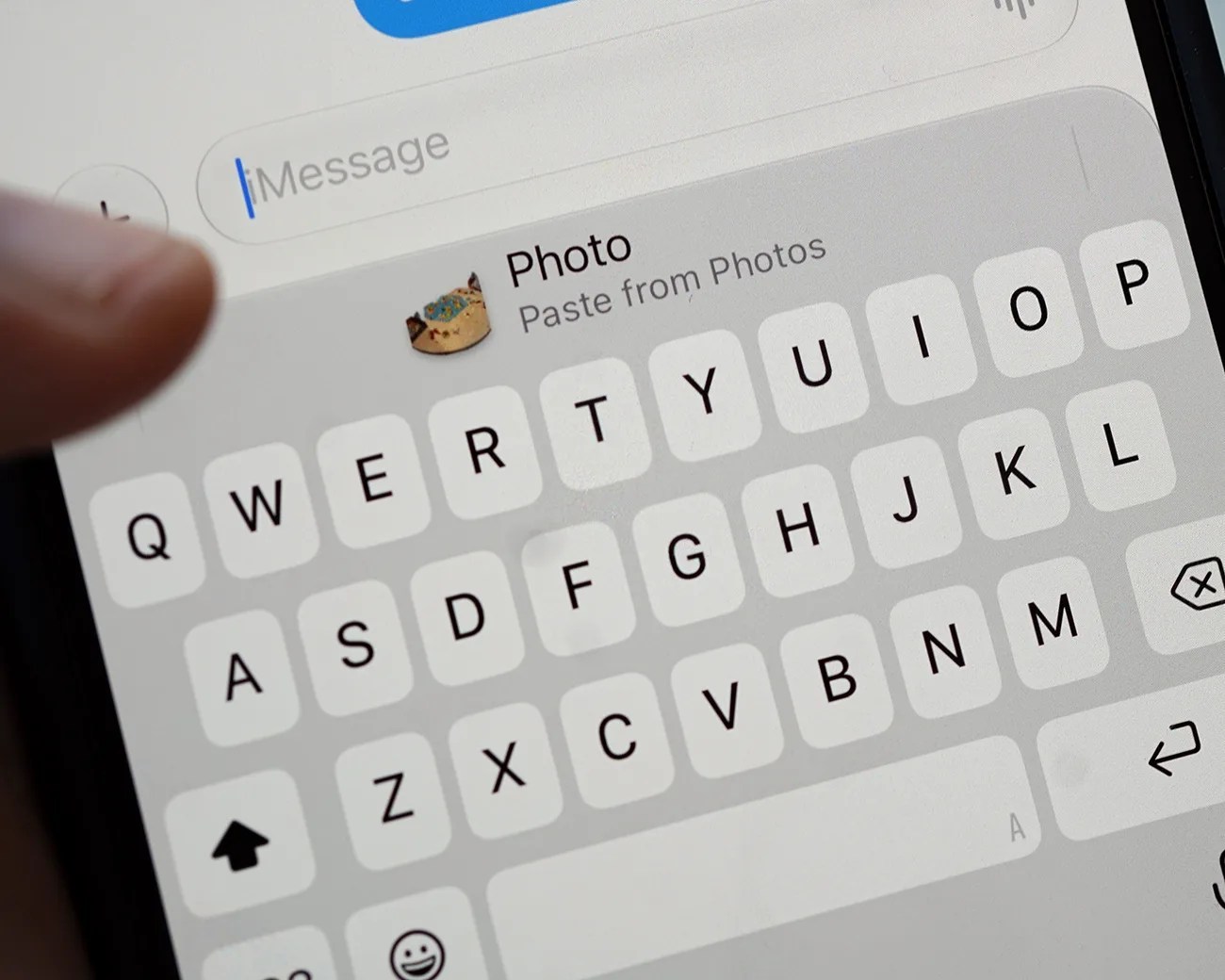
Close-up of a smartphone screen showing a keyboard and a "Photo Paste from Photos" option with a cat emoji above the keyboard.
That’s a photo of a Catan board. I copied from Photos and am pasting in Messages.
Photo by Tucker Bowe for Gear Patrol

As spotted by 9to5Mac, iOS 27 introduces a new paste shortcut when copying and pasting between apps. Here’s how it works.
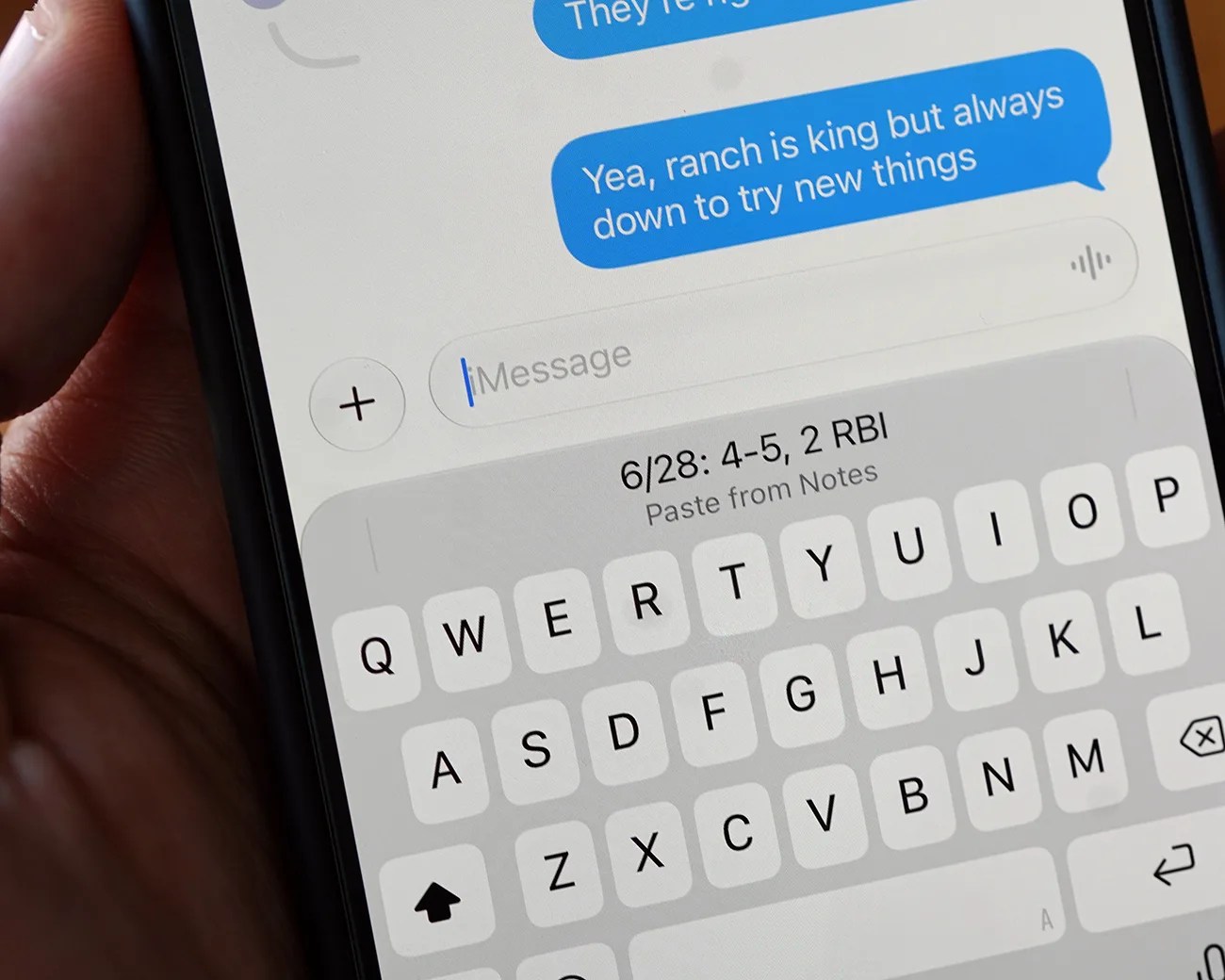

When you go to copy an image, text or hyperlink and then immediately switch to a different app, say from Safari to Messages, a preview of whatever you’re about to paste will automatically appear above the keyboard when you get there.

Above the keyboard, you’ll see a preview of the photo or text. And next to that preview, it’ll say “Paste from” whatever app you were previously using. In the above example, it’ll say “Paste from Safari.”

Close-up of a smartphone screen showing a text message conversation and a keyboard with a pasted note reading "6/28: 4-5, 2 RBI.
Here you can see a preview in Messages of the text I copied in Notes. (This is my Sunday Softball group text.)
Photo by Tucker Bowe for Gear Patrol

To date, when you copied something (image, text or hyperlink) and then went into a separate app, you had to tap the textbox for the Paste option to appear.

The only outlier has been when apps and websites sent you a one-time verification code. When this currently happens, your iPhone recognizes it and recommends that you paste the code.

With iOS 27, Apple is basically extending this feature. Your iPhone anticipates that you want to share something (whatever you just copied/pasted) and now offers a quicker, better way to do just that.

It’s a subtle, simple new iPhone feature. One that you’ll start using immediately and probably forget was never there in the first place.

iOS 27 will launch in September when Apple releases the next batch of iPhones. The public beta is available now.

Want to stay up to date on the latest product news and releases? Add Gear Patrol as a preferred source to ensure our independent journalism makes it to the top of your Google search results.

add as a preferred source on google
, ,