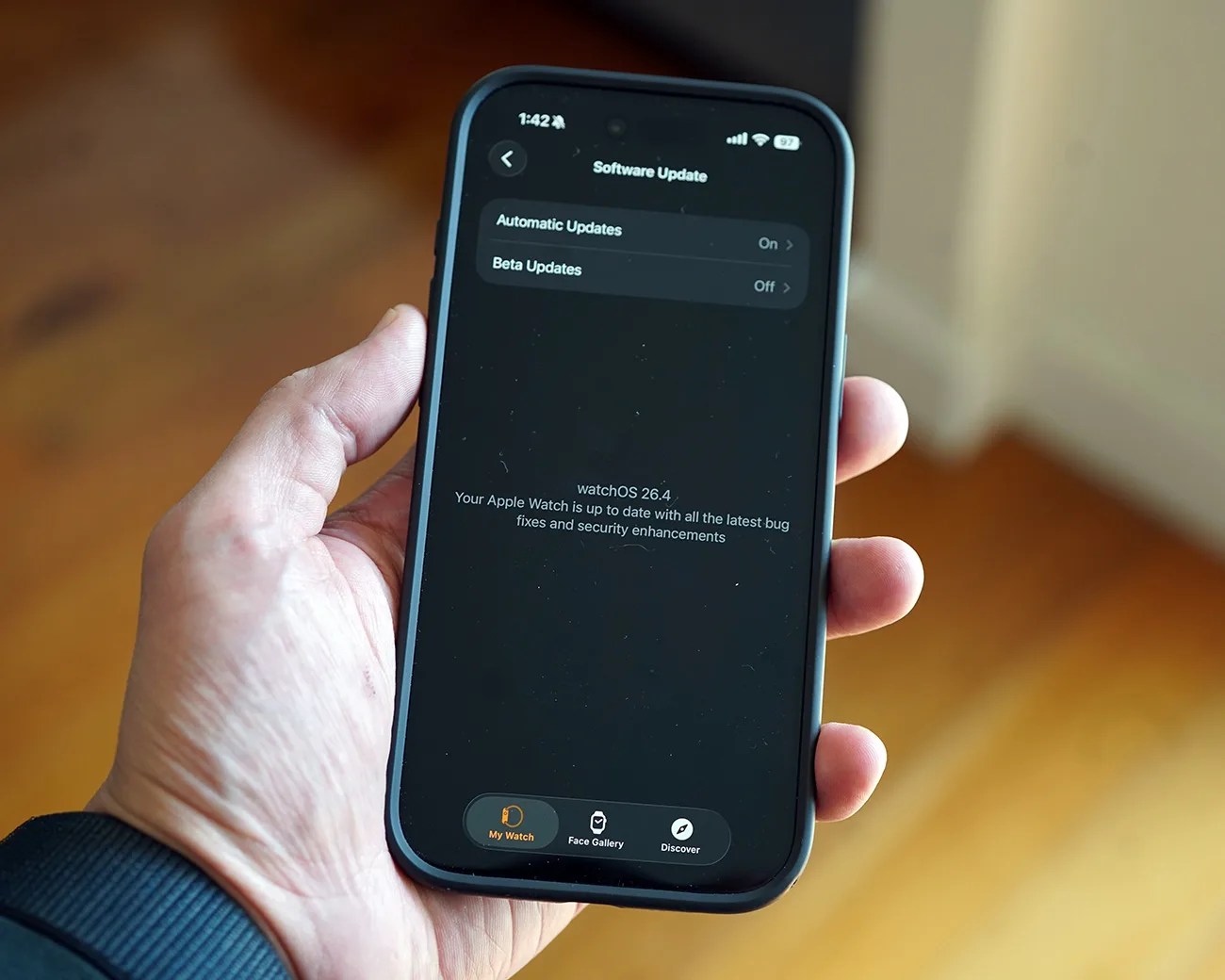


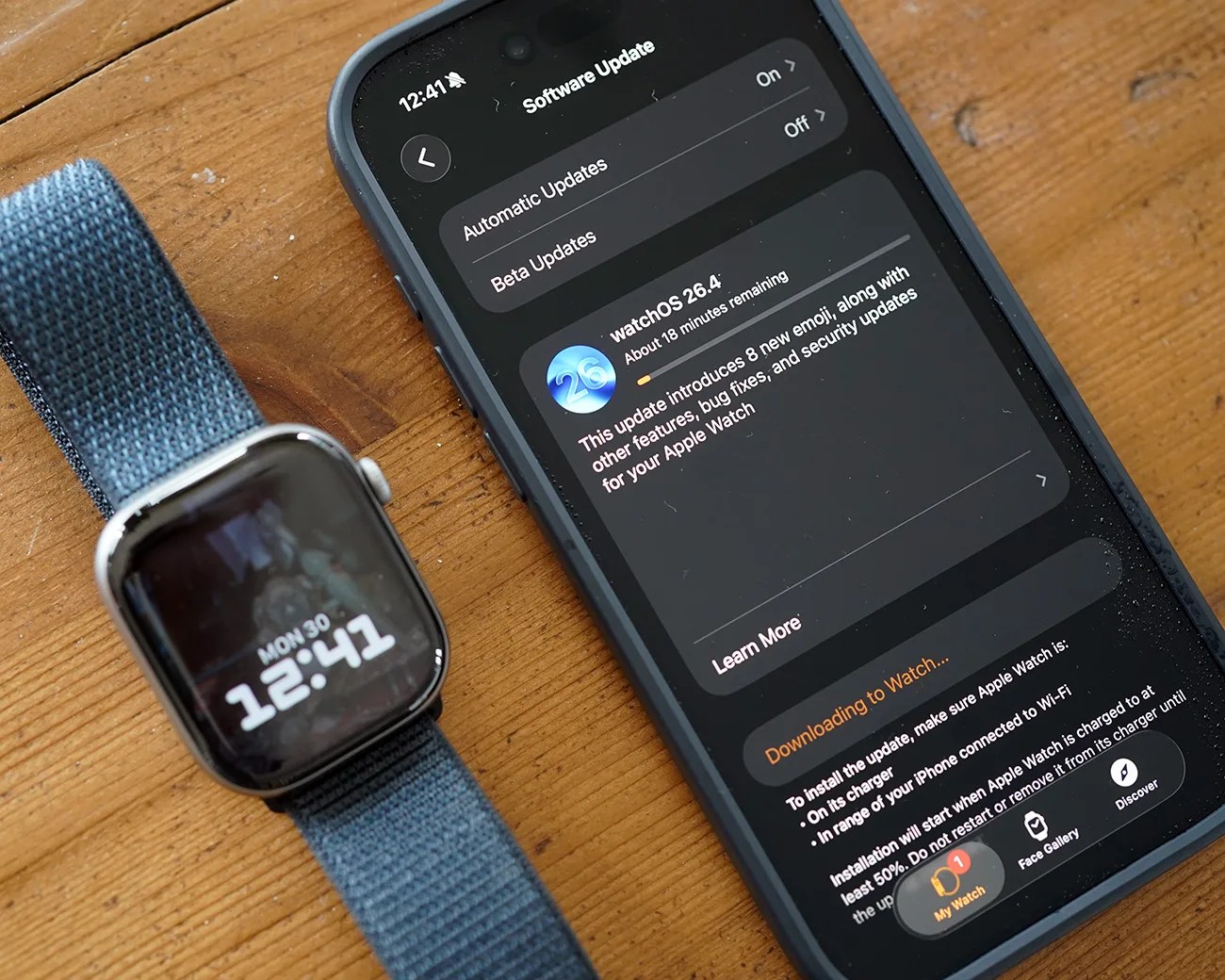
Apple recently rolled out watchOS 26.4, the latest important software update to your Apple Watch. And, admittedly, it’s not going to blow you away with new features.
As Apple describes it, the update “introduces 8 new emoji, along with other features, bug fixes, and security updates for your Apple Watch.”
That said, watchOS 26.4 does introduce a small but noteworthy change to the Workout app that aims to make it a little easier to start a workout.
A Workout update
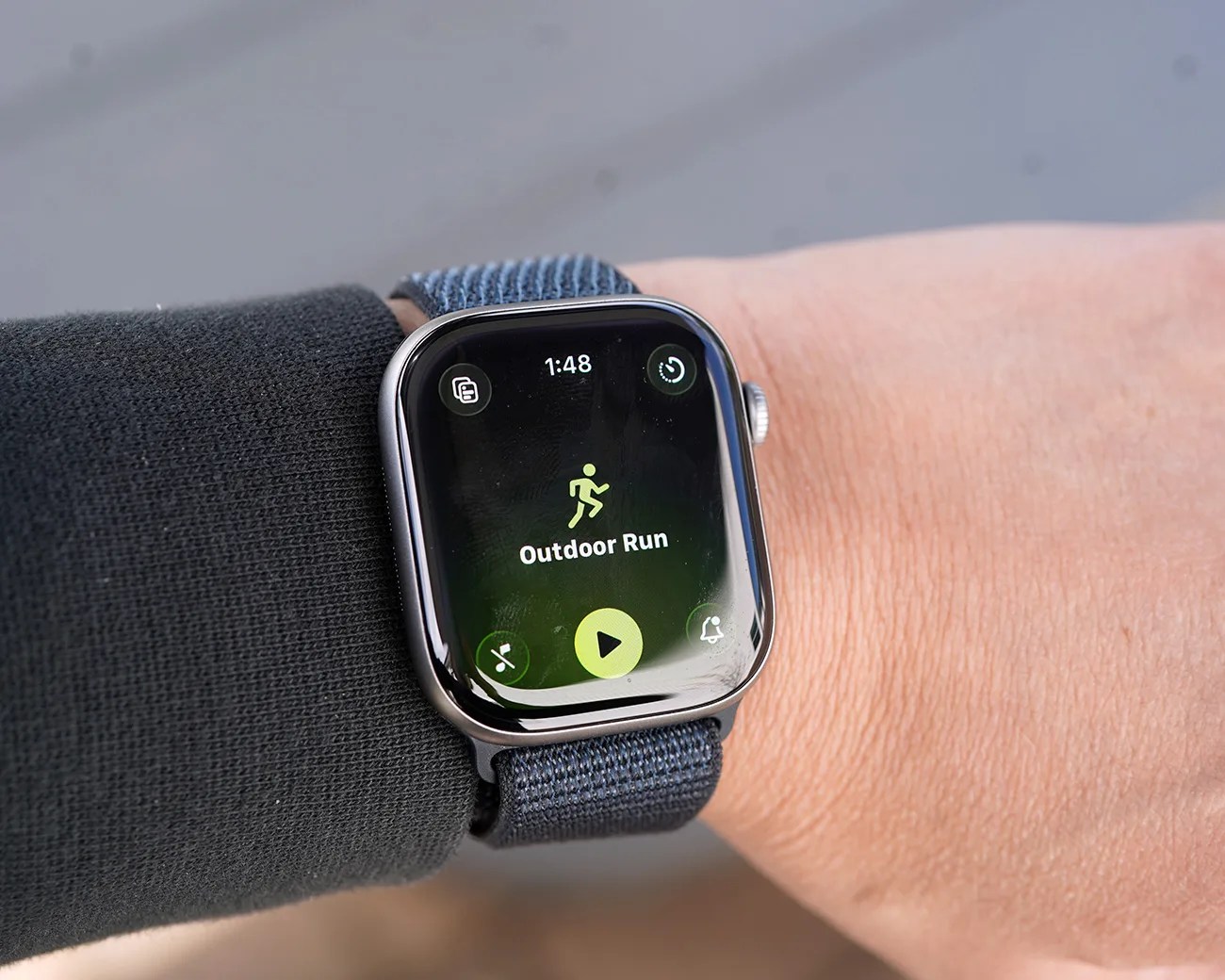
Prior to watchOS 26.4, when selecting a workout in the Workout app you had to press the “Play” button beneath the workout type icon to actually initiate it. Once pressed, you’d see the “Ready…3…2…1” countdown, and then your workout would begin.
Now, when running watchOS 26.4, you can still initiate a workout by pressing that same “Play” button, but you can also tap the Workout type icon above it, and it’ll initiate the workout just the same.