
Your AirPods Have a Neat Hidden Feature You Probably Didn’t Know About

And no, you don’t have to have the AirPods Pro 3 to access it.

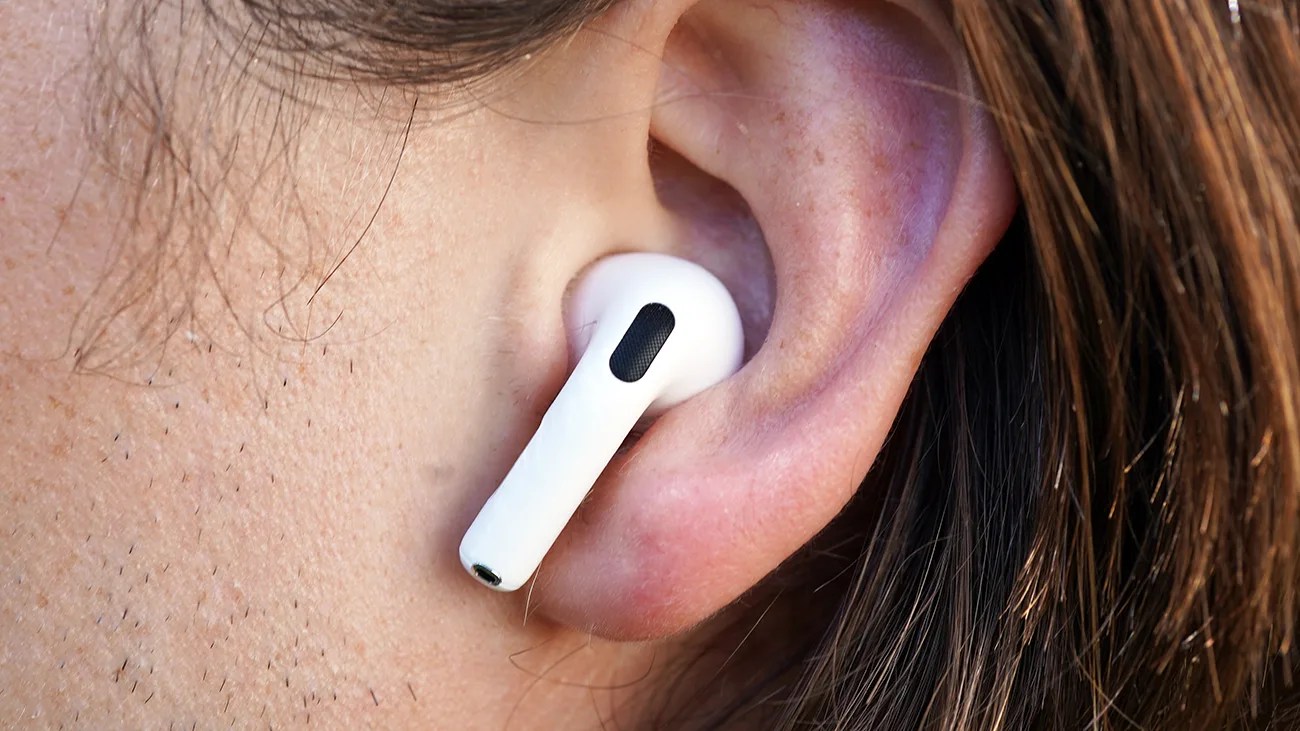
White wireless earbud inserted in a person's ear with brown hair visible.Photo by Tucker Bowe for Gear Patrol

You don’t need the latest model of AirPods to gain access to the coolest new features. When Apple rolled out iOS 26 last month, it introduced a number of abilities to both new and older AirPods.

Some of these features you’ve probably noticed right away, like Charging Reminders, which sends notifications to your iPhone when your AirPods’ charging case needs charging or is fully charged.

Other new features are more well hidden. Like this one.

Your AirPods Can Tell When You’re Asleep?
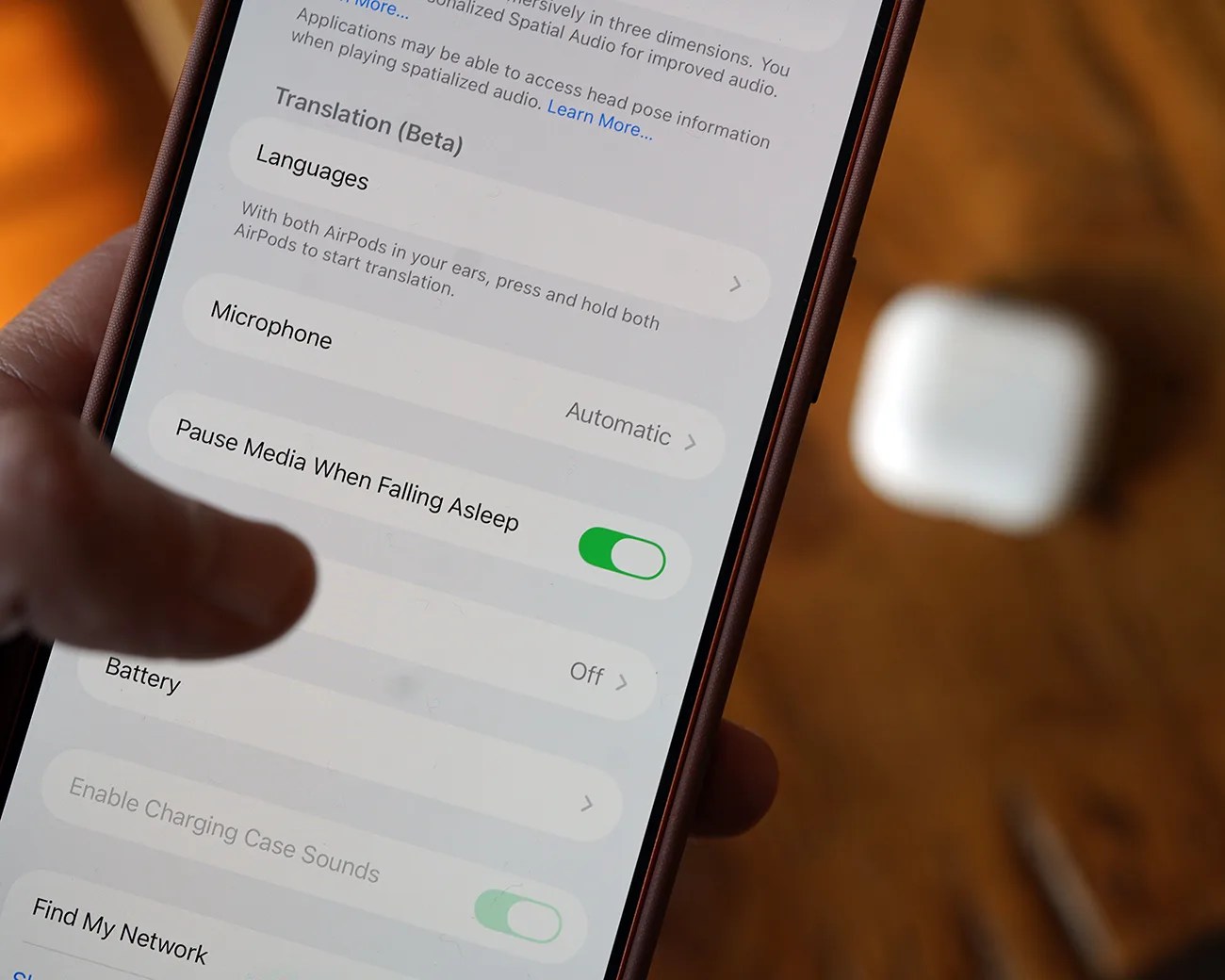
Smartphone screen showing AirPods settings with "Pause Media When Falling Asleep" toggle enabled, AirPods case blurred in background.Photo by Tucker Bowe for Gear Patrol

When you go into your AirPods’ settings — via your iPhone’s Settings app and selecting your AirPods — and you scroll all the way down, you’ll see a new option called “Paused Media When Falling Asleep.”

When toggled on, your AirPods will automatically pause your music when they detect that you’ve fallen asleep. This is to:
  • 1) not wake you up while sleeping.
  • 2) help preserve the battery life of your AirPods.
  • 3) prevent you from losing your place while listening to an audiobook or watching a movie.

While neat, it’s also a feature that is easily missed or forgotten about because it’s off by default; thus, in order to try it out or take advantage of it, you’ll have to dig a little through your AirPods’ settings to turn it on.

Apple doesn’t explicitly say how this feature works. It’s not reliant on heart-rate sensing because it works in models other than the AirPods Pro 3 (which are the only models with a heart-rate sensor). Presumably, it uses the other AirPods sensors to detect motion or lack thereof.

Which AirPods support it?

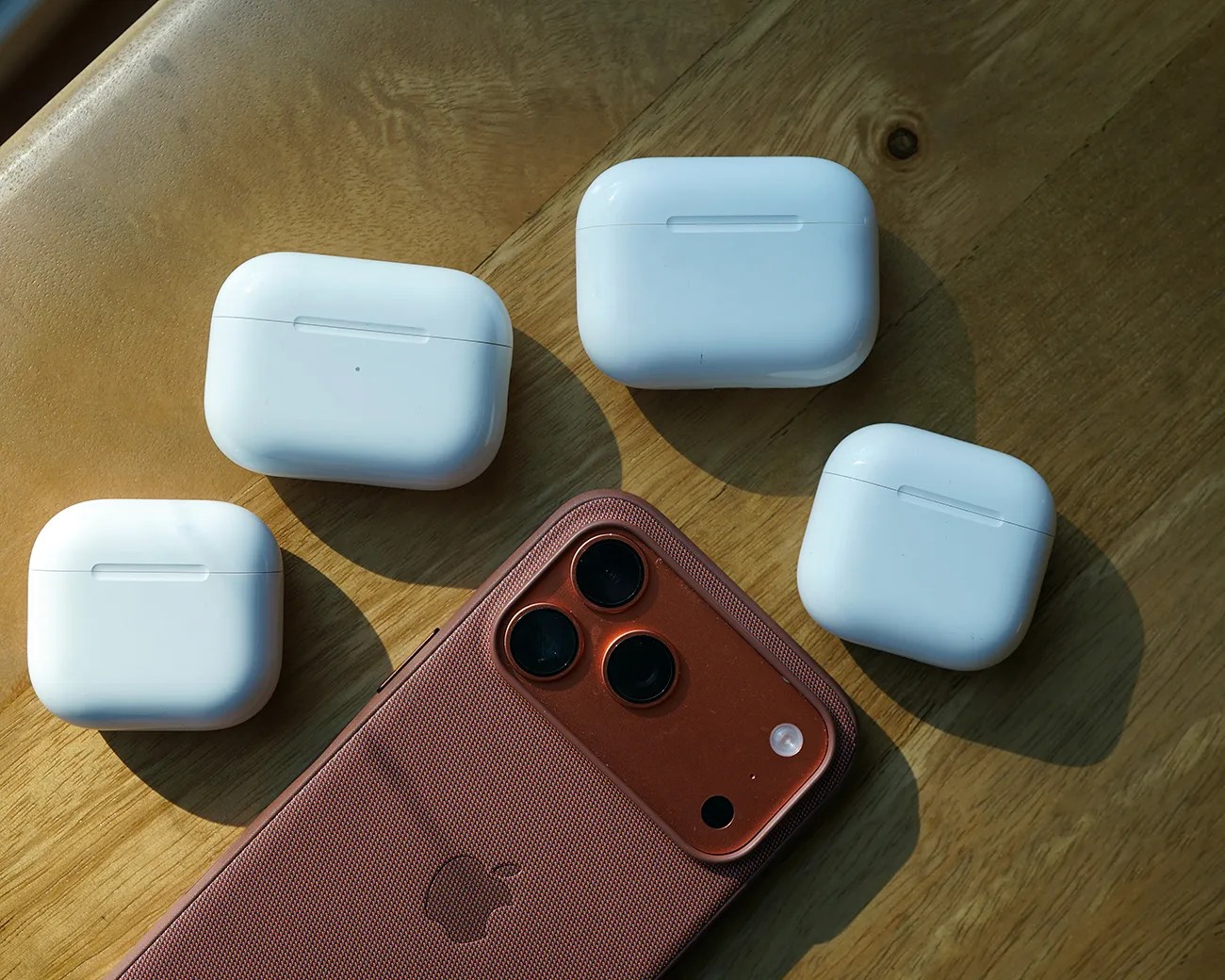
Copper-colored iPhone with triple camera lenses and four white wireless earbud charging cases on a wooden surface.
Sleep detection is supported on AirPods 4 (both models) as well as AirPods Pro (2nd-Gen) and AirPods Pro 3.
Photo by Tucker Bowe for Gear Patrol

Automatic sleep detection is supported on AirPods Pro (2nd-generation, both USB-C and Lightning), AirPods Pro 3 and AirPods 4 (both ANC and non-ANC models).

So, if you’ve bought a pair of AirPods within the last two or three years, there’s a good chance your current pair supports it. Try it out.

To take advantage of sleep detection, your iPhone must be running iOS 26, and your AirPods must be updated to the latest software.

Want to stay up to date on the latest product news and releases? Add Gear Patrol as a preferred source to ensure our independent journalism makes it to the top of your Google search results.

add as a preferred source on google
,