
Apple Just Gave Your iPhone a Simple Feature That You’ll Definitely Use

It’s a quick fix to a common iPhone frustration.

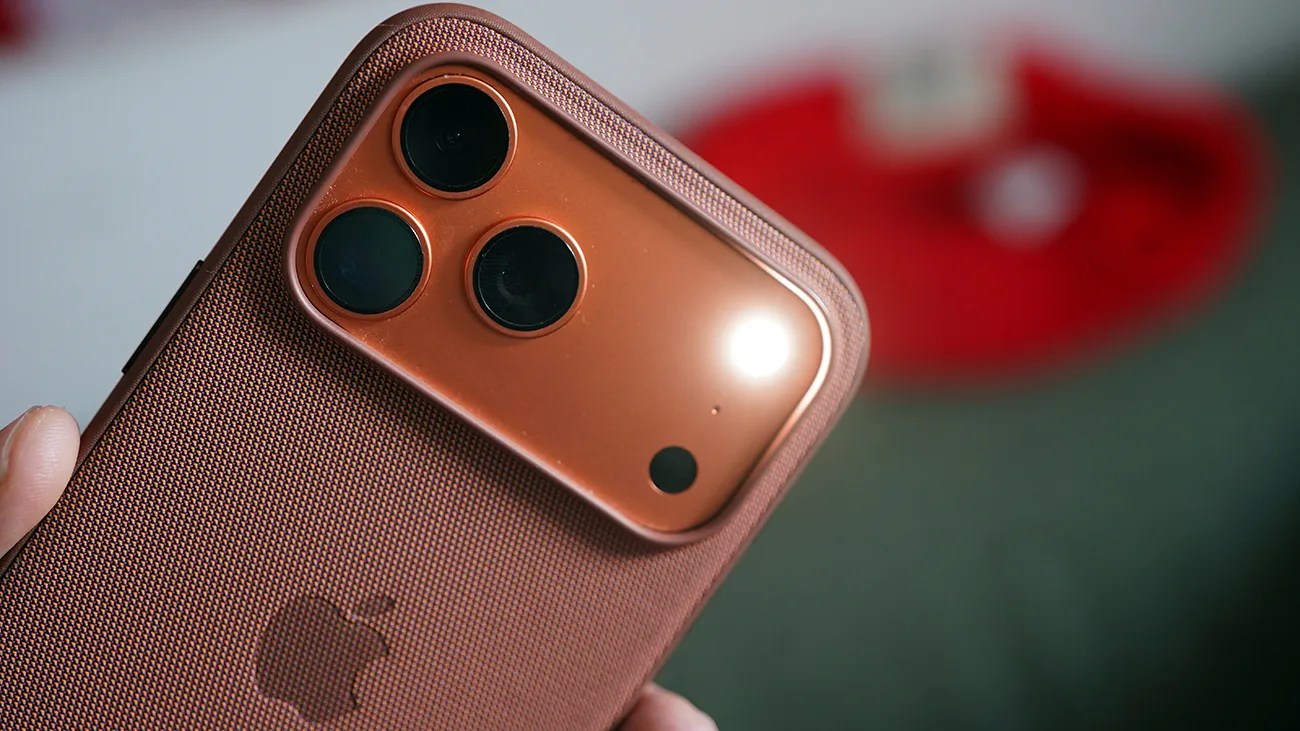
Close-up of a copper-colored smartphone with three rear cameras and a textured protective case held in a hand.Photo by Tucker Bowe for Gear Patrol

You probably use the flashlight on your iPhone quite frequently, right? Maybe every day? If so, you’ve probably noticed that it can unexpectedly turn off while you’re using it, which is annoying.

The reason for this is that you’ve accidentally touched your iPhone’s screen while the flashlight is turned on. Your iPhone interprets this as a swipe left to quickly access your camera from the Lock Screen, and thus turns off the flashlight.

Makes sense. But it’s still annoying.

The good news is that thanks to iOS 26.1 — which officially rolled out this week — Apple finally gives you the option to disable this feature.
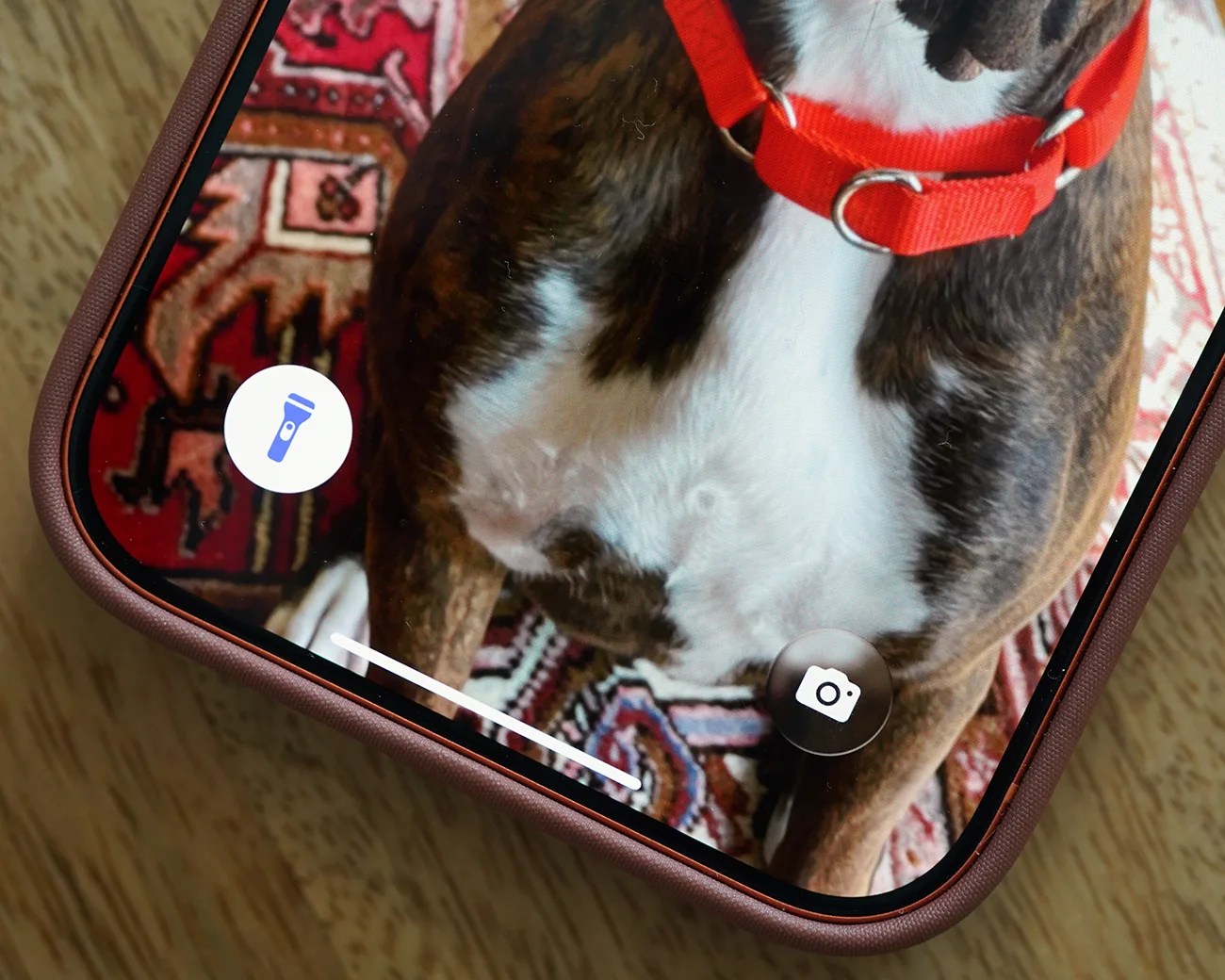
Close-up of a smartphone screen showing a dog with a red collar on a patterned rug, with camera and flashlight icons visible.
Once disabled, there are other ways to quickly access your iPhone’s camera from the Lock Screen.
Photo by Tucker Bowe for Gear Patrol

An iPhone flashlight fix

iOS 26.1 adds a new Settings option called the “Lock Screen Swipe to Open Camera,” and it’s turned on by default. Once disabled, you’ll no longer be able to swipe left to access the camera, which will fix the issue when using your iPhone’s flagship.

  1. Open the Settings app on your iPhone.
  2. Select Camera.
  3. Scroll down and toggle off “Lock Screen Swipe to Open Camera.”
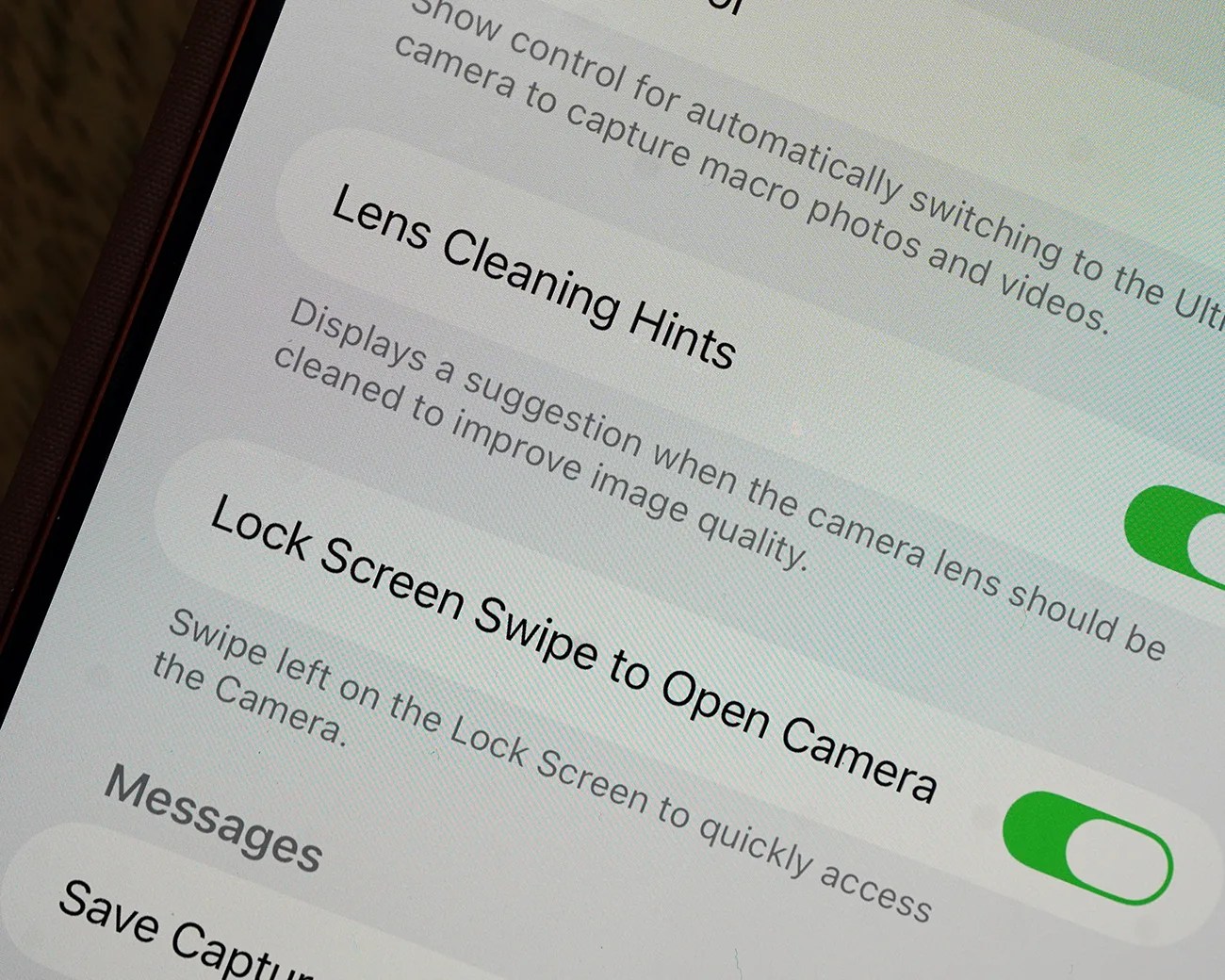
Close-up of a smartphone screen showing camera settings for Lens Cleaning Hints and Lock Screen Swipe to Open Camera toggled on.
iOS 26.1 adds the setting “Lock Screen Swipe to Open Camera.”
Photo by Tucker Bowe for Gear Patrol

I’m guessing most people will disable this, since even when off there are still ways to quickly open your camera.

For example, you can still designate one of the Lock Screen buttons for your camera. If you have an iPhone with a Camera Control button, a quick press will open the camera app, too.

To access “Lock Screen Swipe to Open Camera,” your iPhone must be running iOS 26.1. This means you’ll need an iPhone 11 or an iPhone SE (2nd generation) or newer.

Want to stay up to date on the latest product news and releases? Add Gear Patrol as a preferred source to ensure our independent journalism makes it to the top of your Google search results.

add as a preferred source on google