

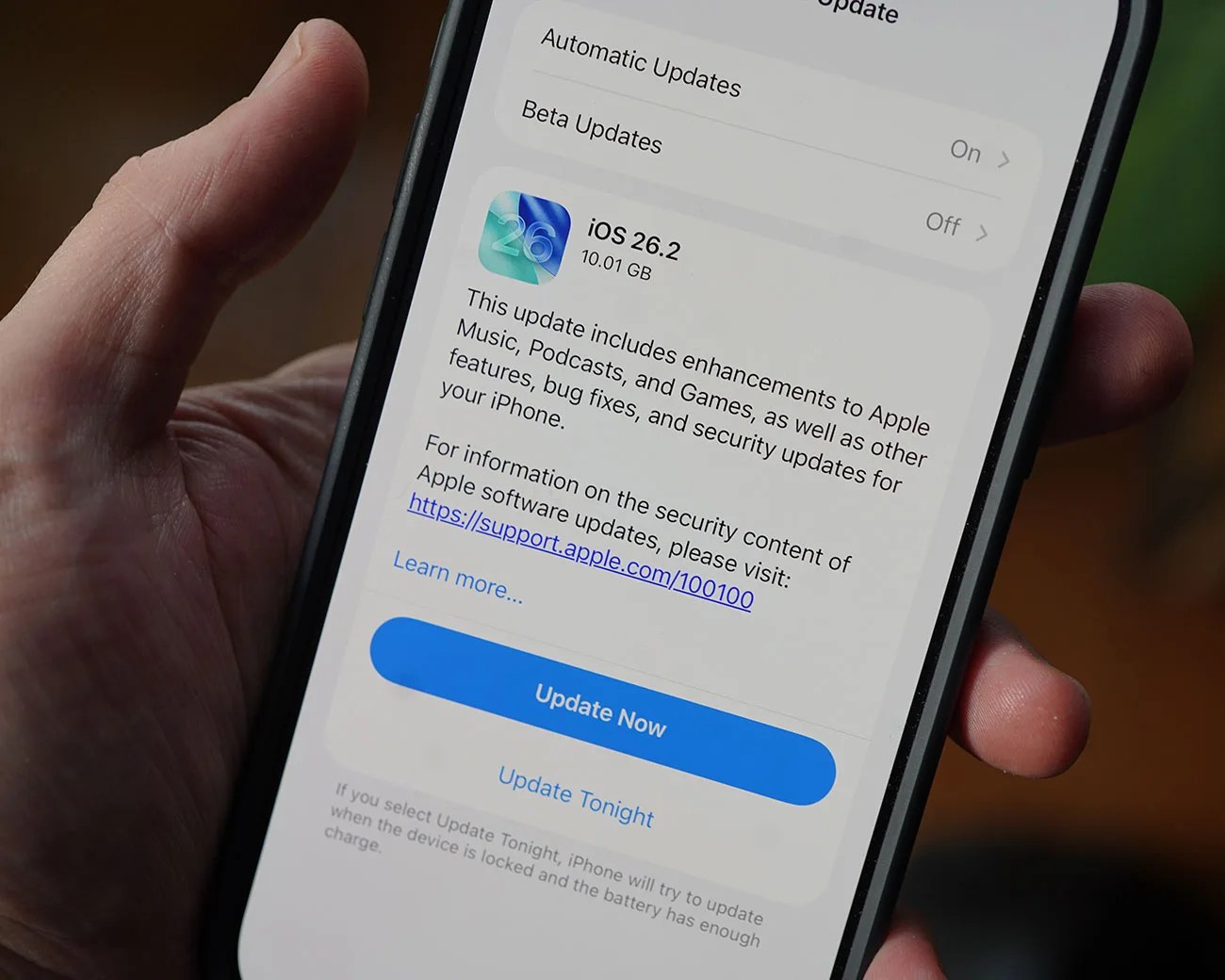
Apple recently released iOS 26.2, which introduces several new abilities to your current iPhone.
Admittedly, the description for the updated firmware is vague. Apple explains that it “includes enhancements to Apple Music, Podcasts, and Games, as well as other features, bug fixes, and security updates for your iPhone.”
But there’s quite a bit more going on here. Notably, the firmware gives you more freedom to tweak and customize Liquid Glass settings, as well as adds alarms to the Reminders app.
There’s also a new Accessibility setting that makes it easier to tell when you’ve received a notification.
Flash for Alerts, expanded
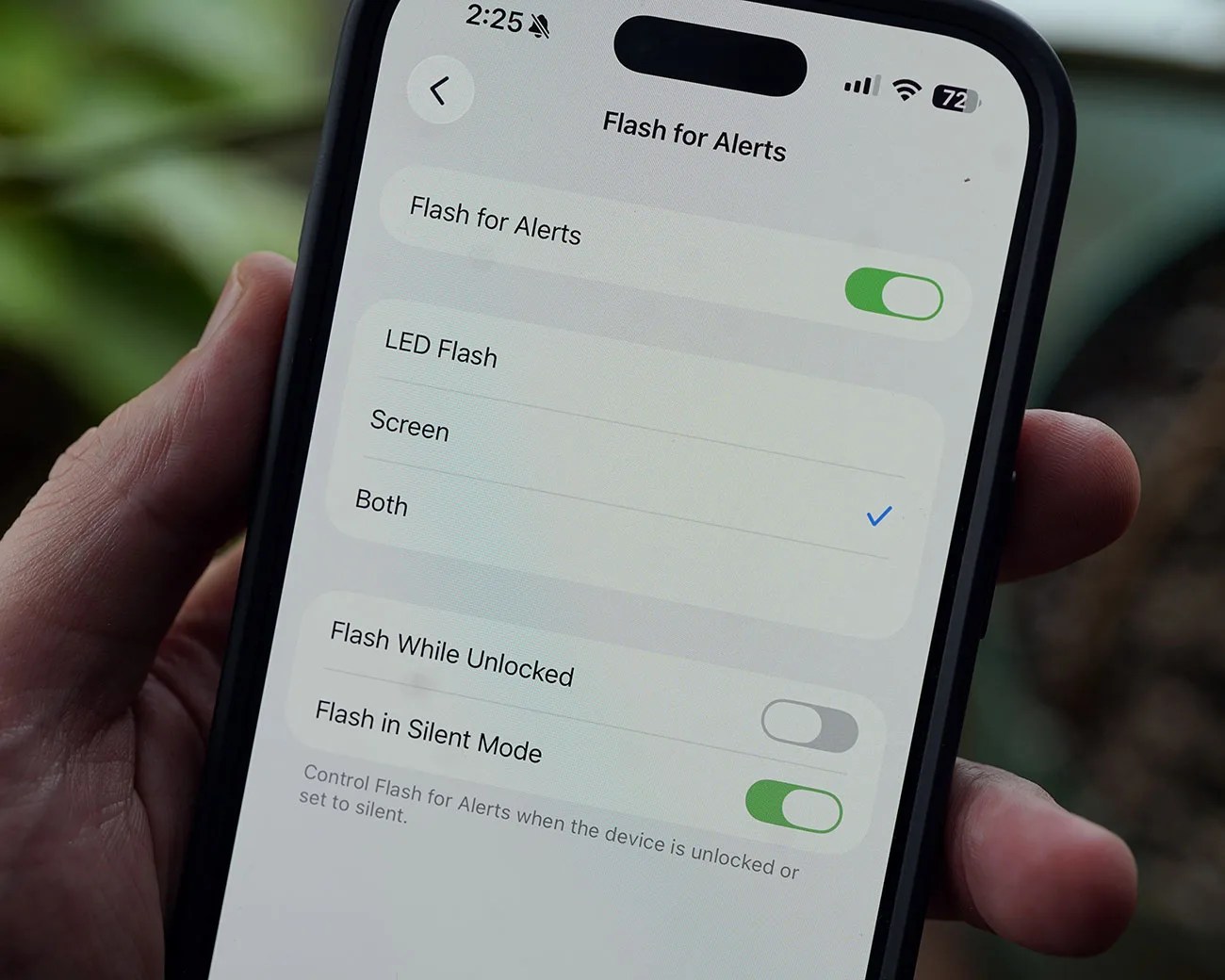
You probably didn’t know it, but your iPhone has long had an Accessibility setting called “Flash for Alerts” buried in the Settings app. When enabled, the rear camera’s flash turns on when you receive a notification.
With iOS 26.2, Apple has added a new option within Flash for Alerts that lets your iPhone’s front screen flash as well, giving you more ways to know when you’ve received a notification.