
Your Apple Watch Is Getting an Important New Feature

It’s going to change the way you interact with your Apple Watch every day.

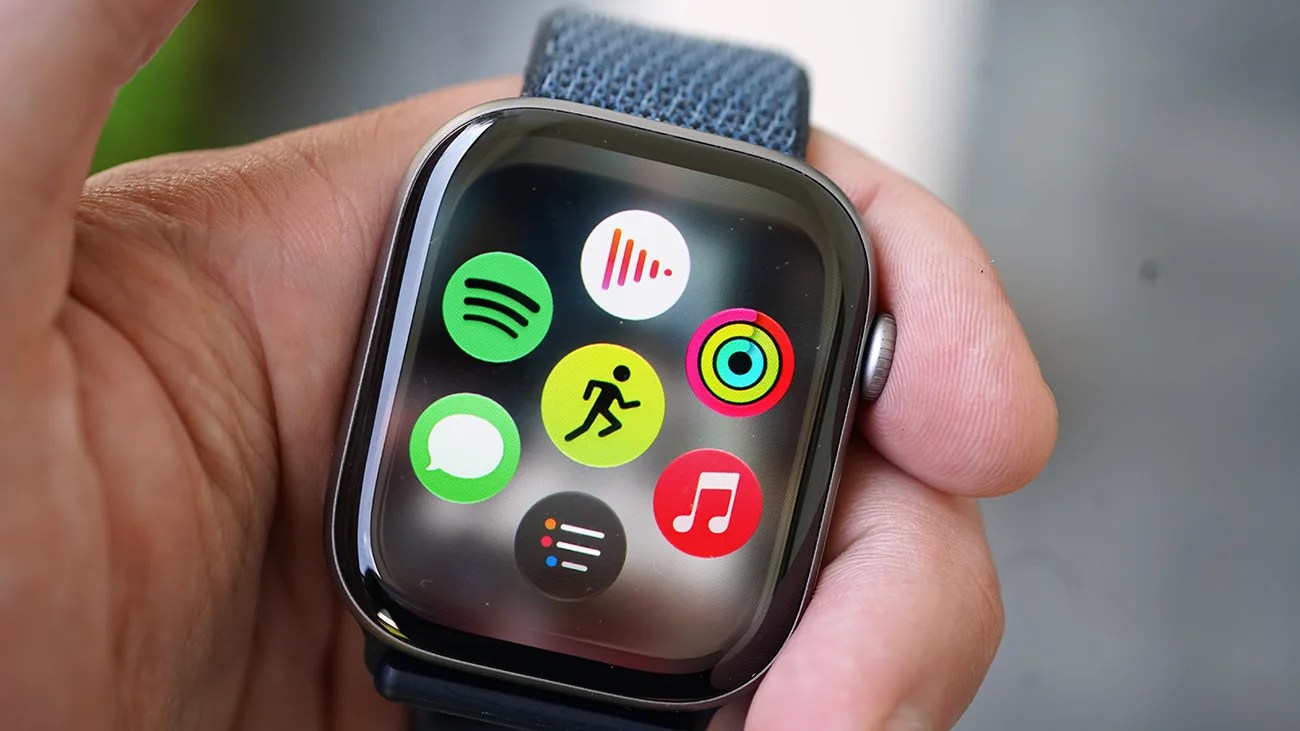
Smartwatch with a blue fabric band displaying colorful app icons on the screen, held in a hand.Photo by Tucker Bowe for Gear Patrol

When Apple rolls out watchOS 27 in less than two months, it will introduce several new features. And yes, it’s going to change the way you use your Apple Watch.

The one that has gotten the most hype is a drastically improved Siri. The voice assistant will answer more questions and take actions in some apps. Basically, it’s going to be more helpful than “Here’s what I found on the web.”

Additionally, the software will add a new feature that will change the way you interact with your Apple Watch every time you go to touch it.
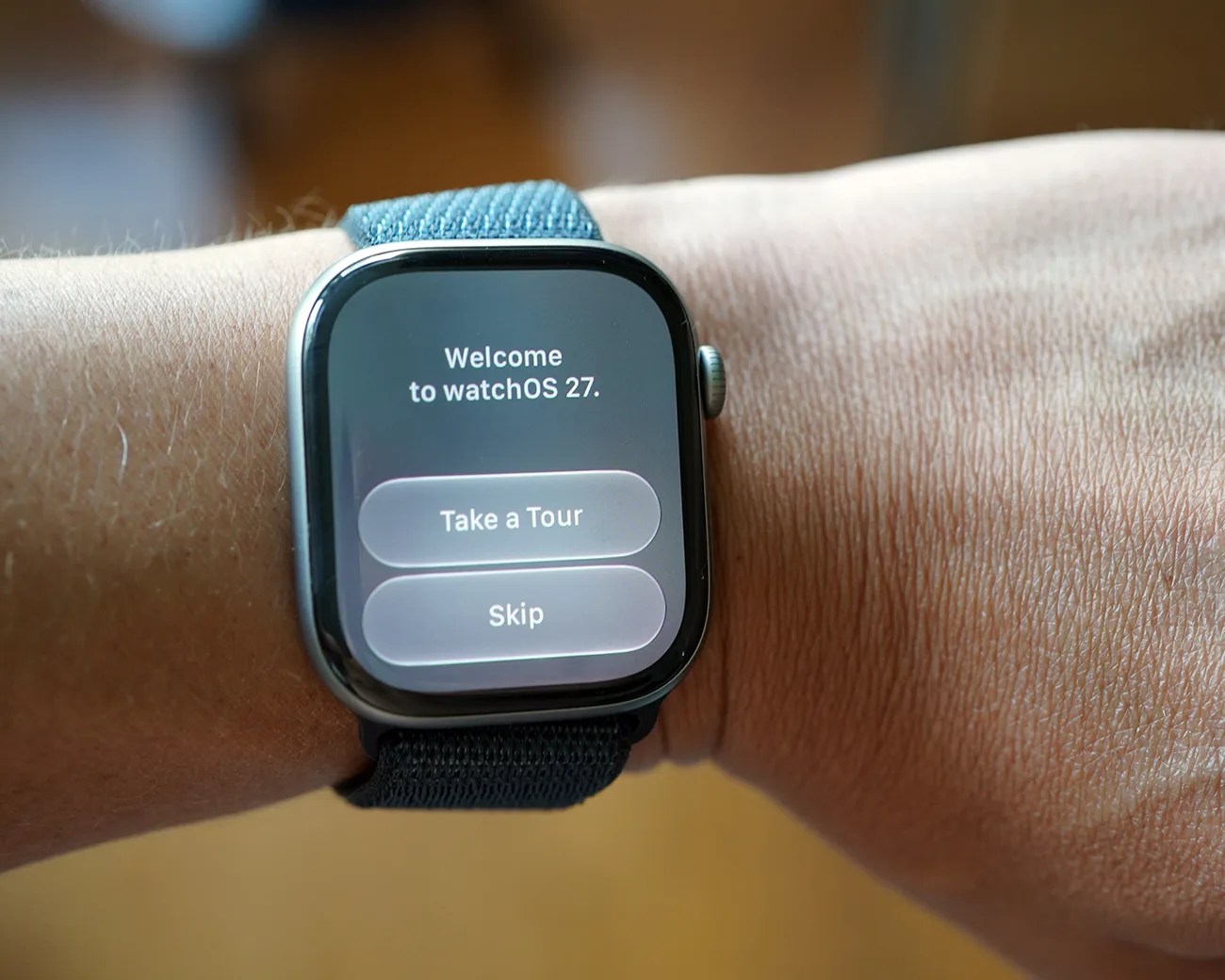
Smartwatch with black case and blue fabric band displaying "Welcome to watchOS 27" screen with "Take a Tour" and "Skip" buttons.
The public beta of watchOS 27 is available now, giving early adopters a first look at the new features.
Photo by Tucker Bowe for Gear Patrol

Superior app navigation

To date, when you’ve wanted to open an app on your Apple Watch, you’ve pressed the Digital Crown and then navigated to it via the List View or Grid View.

The problem? This could be a little tedious, since there are so many apps that populate your Apple Watch.
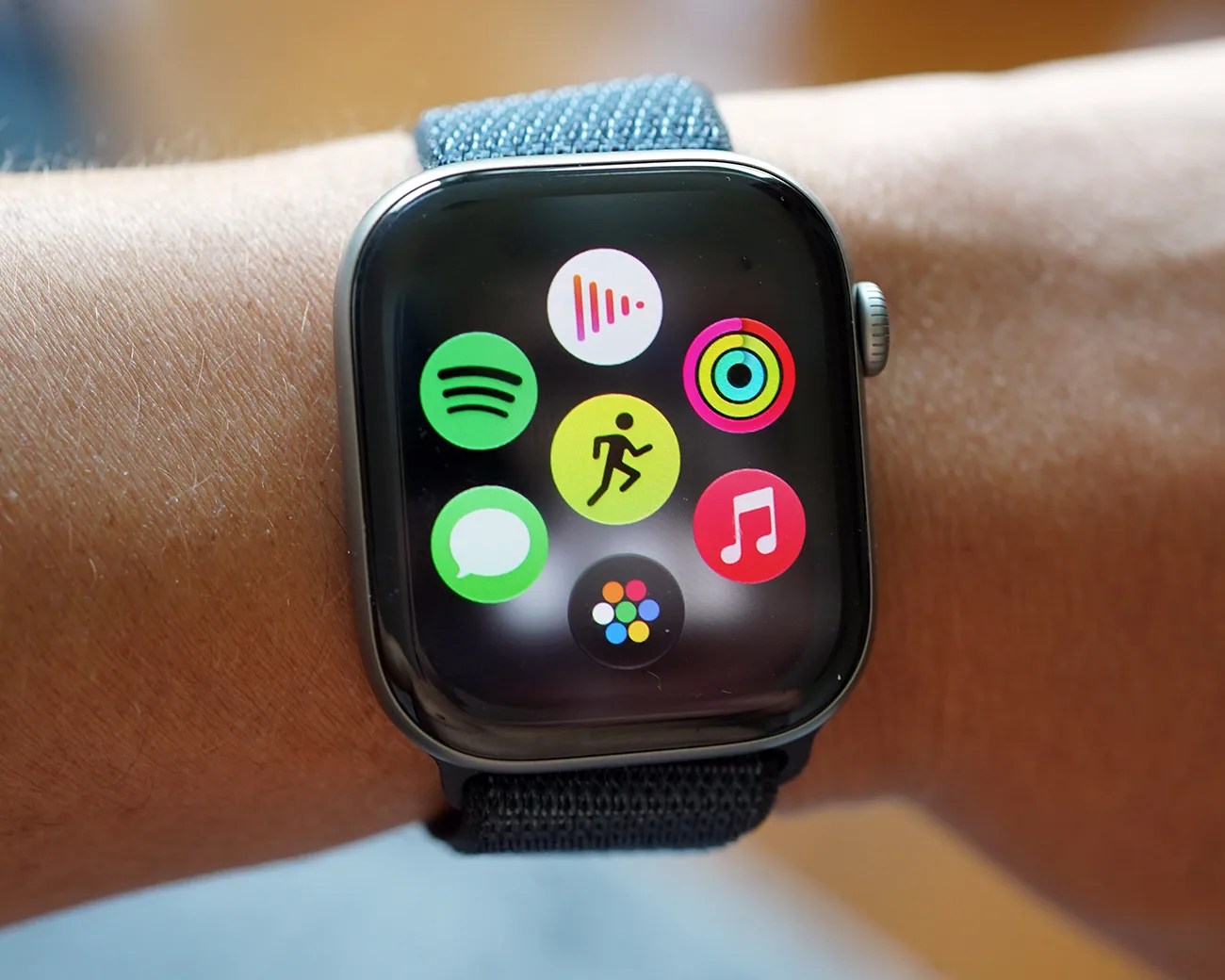
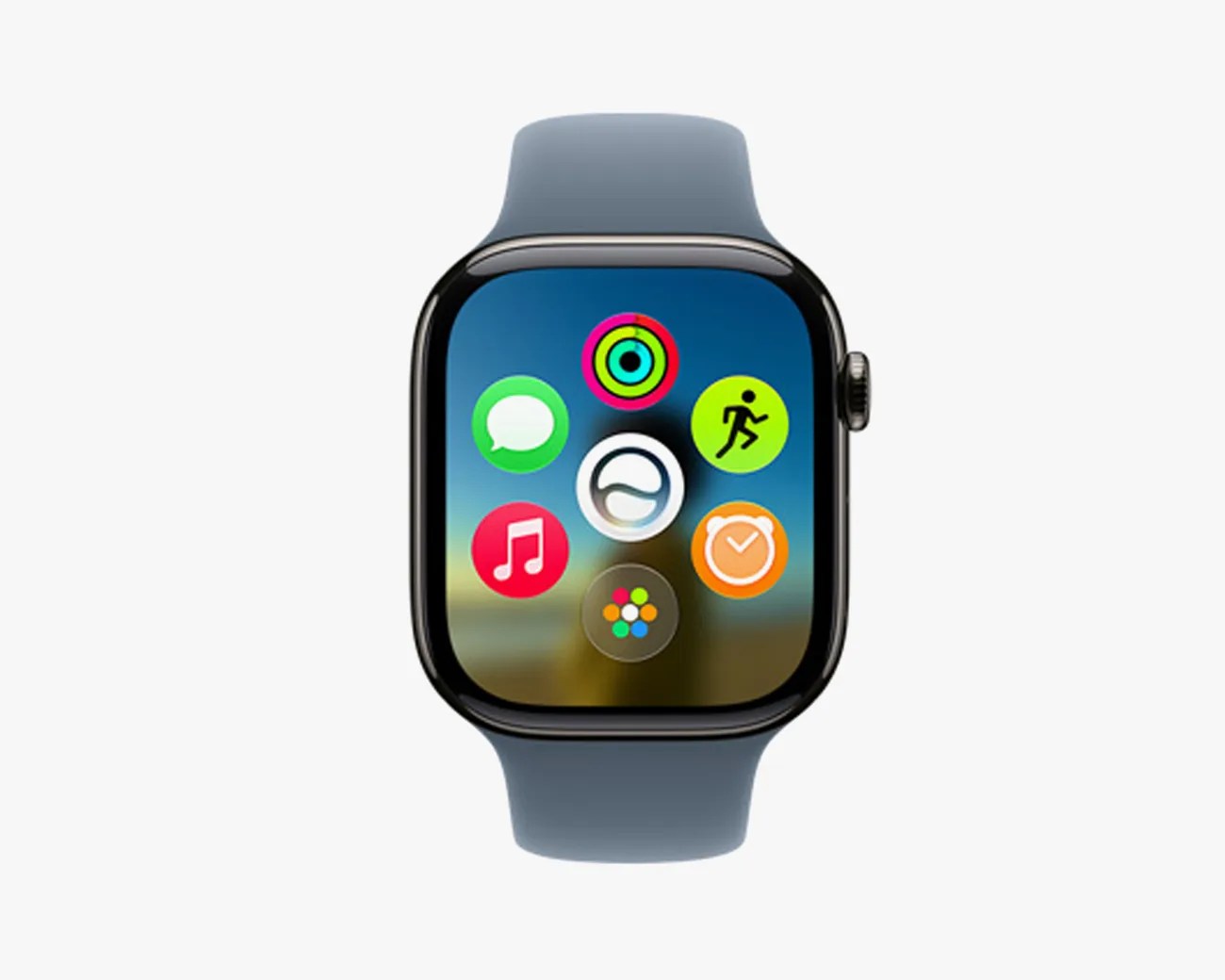
With watchOS 27, Apple is changing things up. When you press the Digital Crown, you’re presented with a new view that shows six apps and, at the bottom, an icon that takes you to the List View or Grid View of the rest of your apps.

Apple calls this new view the Dynamic App Grid.

Smartwatch with a black case and blue fabric strap displaying colorful app icons on the screen.
The Dynamic App Grid is the first screen you’ll see when pressing the Digital Crown in watchOS 27.
Photo by Tucker Bowe for Gear Patrol

Dynamic App Grid

The Dynamic App Grid is designed to give you quick access to the Apple Watch apps you use most frequently. You press the Digital Crown and don’t have to navigate through the app honeycomb or scrolladex (the Grid View or List View, respectively).

The Dynamic App Grid is “dynamic” because it automatically changes the populated apps based on your usage.

I’ve been running the public beta of watchOS 27 on my Apple Watch for over a week and, honestly, the Dynamic App Grid is a welcome upgrade. One that I wish had been introduced sooner.

The only issue is that you don’t have full control over it. There’s no way to fully and permanently customize it in Settings. I hope this is something that Apple adds to give you more control.

Smartwatch with a black case and blue band displaying colorful app icons on the screen.
When the dedicated Siri app launches, it’ll take the center spot. in the Dynamic App Grid.
Apple

It’s worth noting that watchOS 27 will also bring a dedicated Siri app to the Apple Watch. However, it’s not available yet on the public beta.

When it is available, this new Siri app will take a permanent position in the center of the Dynamic App Grid.

watchOS 27 will be released along with the latest batch of Apple Watches this September. All Apple Watch models SE 3 or later will support the new software.

Want to stay up to date on the latest product news and releases? Add Gear Patrol as a preferred source to ensure our independent journalism makes it to the top of your Google search results.

add as a preferred source on google
, ,