
Your iPhone’s Spotify App Just Got an Unexpected New Ability

Spend less time building a playlist to get you motivated. Make Spotify do it for you.

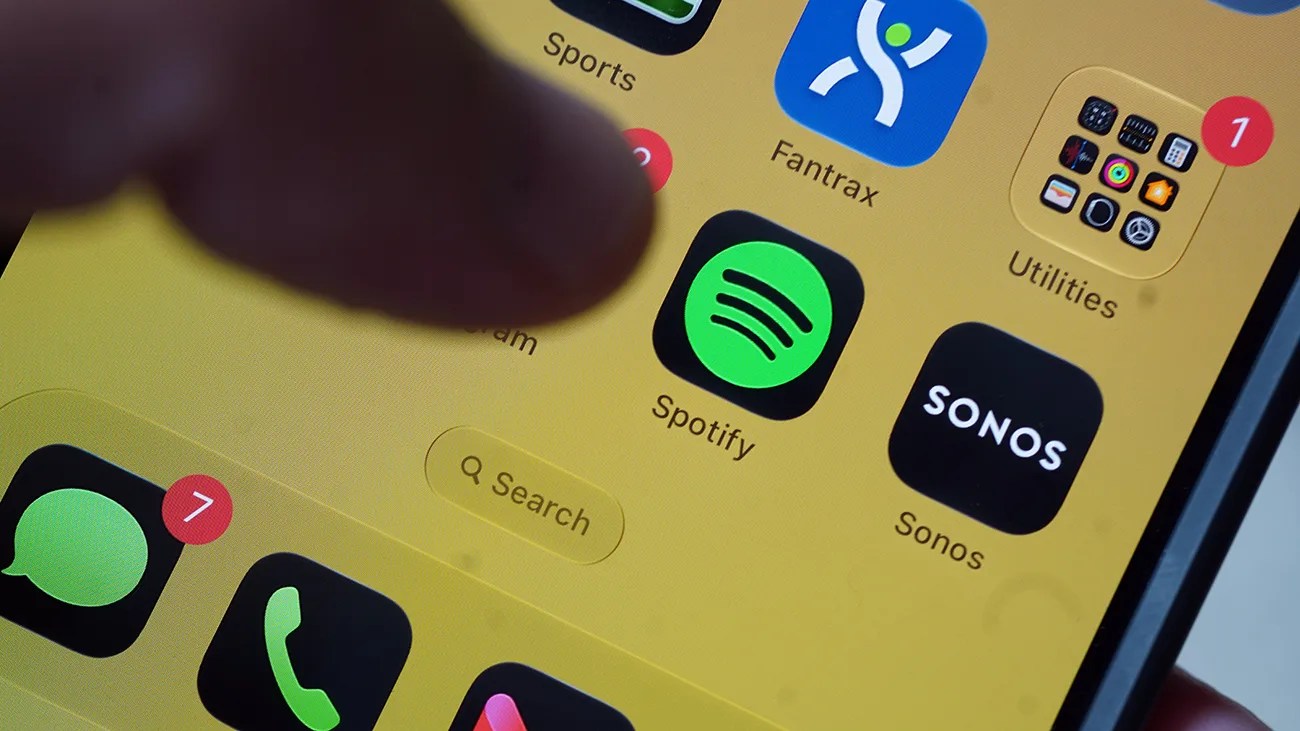
Close-up of a smartphone screen showing app icons including Spotify, Sonos, Messages with 7 notifications, and Utilities with 1 notification.Photo by Tucker Bowe for Gear Patrol

Spotify is on a bit of a roll.

Earlier this month, the streaming giant introduced an AI chatbot feature called “Talk to Spotify” that lets you control playback, discover new music, podcasts and audiobooks, or learn more about each, just by using your voice or by typing in a textbox. It’s like Siri, but just within the Spotify app.

Now, seemingly out of nowhere, Spotify has announced that it’s rolling out a new workout feature that’s specifically designed to help runners get more out of their workouts. It’s called Running Mode.

Spotify’s Running Mode
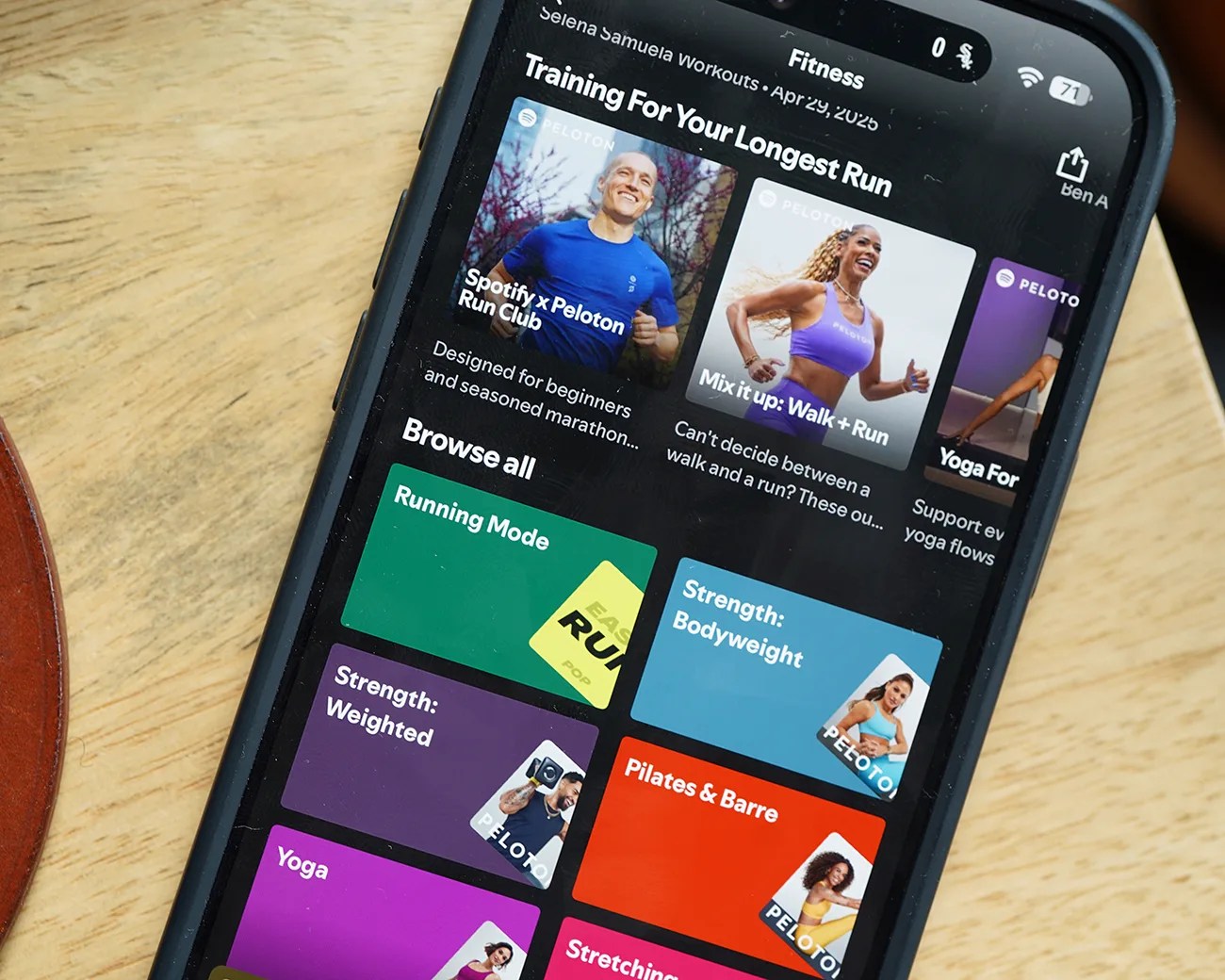
Smartphone screen showing a fitness app with workout categories like Running Mode, Strength, Pilates, and Yoga on a wooden surface.
Spotify’s Running Mode is a little tricky to find. It’s located in the Fitness hub of the iPhone app.
Photo by Tucker Bowe for Gear Patrol

Spotify’s new Running Mode promises to give subscribers a way of creating custom playlists based on what kind of running workout they want to do. They can set the playlist’s duration, the tempo of music, and what type of music they want curated.

The streaming service describes Running Mode as “a new personalized running experience that transforms playlists into running sessions tailored to your goals, music taste, and tempo.”
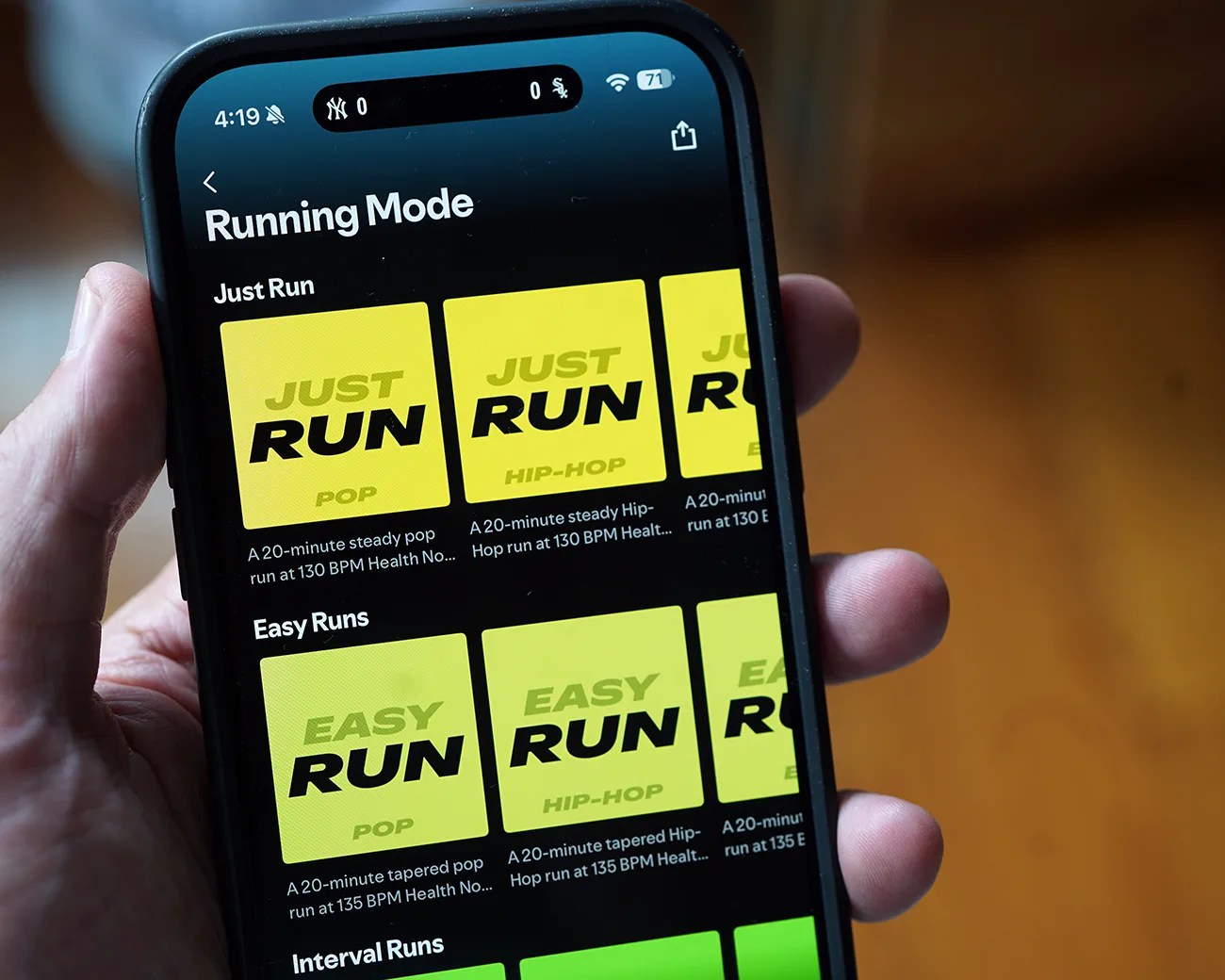
Smartphone screen showing a running app with "Running Mode" and music options for Just Run and Easy Runs in yellow tiles.
There are 25 presets for picking a running workout.
Photo by Tucker Bowe for Gear Patrol
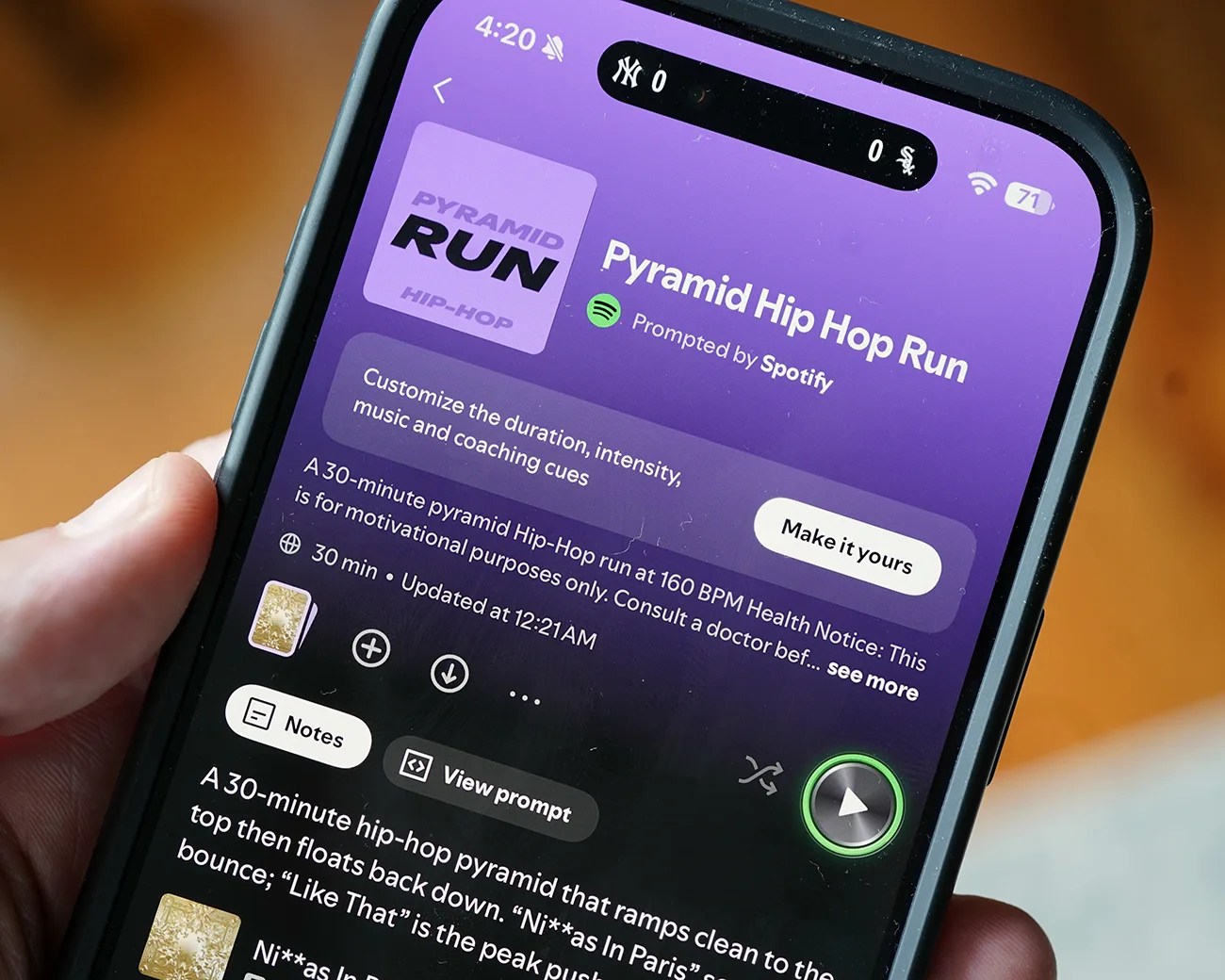
Smartphone screen showing the Spotify app with the "Pyramid Hip Hop Run" playlist open, featuring a purple background and playback controls.
You can also further customize the running playlist.
Photo by Tucker Bowe for Gear Patrol

Running Mode is rolling out to premium subscribers on iOS now. To access it, it takes little navigation.

  1. Open the Spotify app on your iPhone.
  2. Search “fitness” in the top search box.
  3. Scroll down and find the “Running Mode” tab.

Once selected, subscribers have quick access to 25 preset playlists based on the type of running workout they want to do (easy, interval, pyramid or long) and what kind of music they want to listen to (pop, hip-hop, EDM, rock or R&B).

Once you select one, you can either start the workout or select “Make it yours” to further customize the playlist. You can edit things the duration, up the BPM of the tracks, add more music genres or artists for the playlist to choose from.

Additionally, there’s a coaching element to Running Mode for those who want it. You can turn on audio cues to encourage you through the workout. Spotify describes the coach as “like a supportive friend running alongside you, offering timely cues and motivation without getting in the way of your music.”

The Running Mode is rolling out to Premium Subscribers right now.

Want to stay up to date on the latest product news and releases? Add Gear Patrol as a preferred source to ensure our independent journalism makes it to the top of your Google search results.

add as a preferred source on google
,