Apple Is Unexpectedly Breathing New Life Into Some of Its Older iPhones

Have you had the same iPhone for over a decade? You may be in for some good news.

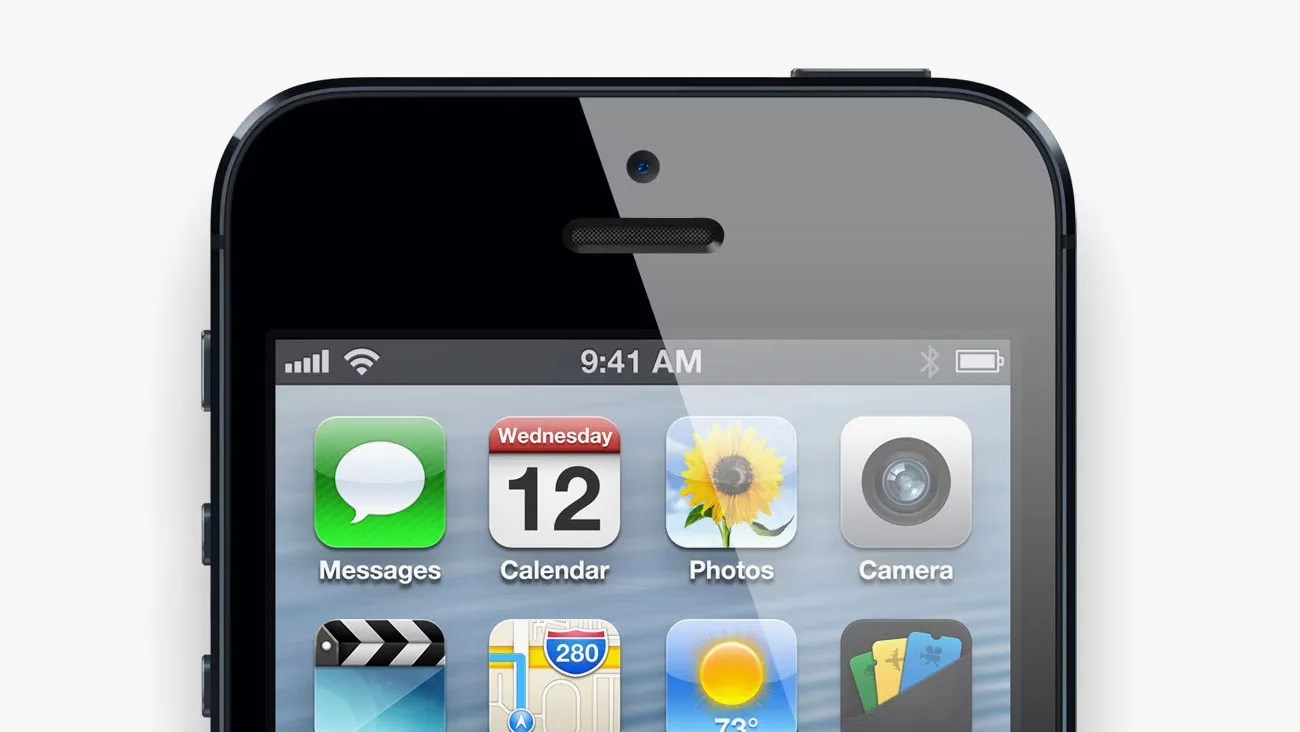
Top portion of a black smartphone screen showing app icons for Messages, Calendar, Photos, and Camera.Apple

The average recommended lifespan of an iPhone is around five to seven years — any model older than that tends to stop receiving the latest major iOS updates and thus doesn’t get the newest features or vital bug and security fixes.

Basically, if you have an iPhone that was released before 2019, so anything older than an iPhone 11, it’s highly encouraged that you upgrade to a newer model.

That said, this week Apple did something a bit out of the ordinary — it rolled out a rare update for some of its very old iPhones.

Have an iPhone 5S or iPhone 6?
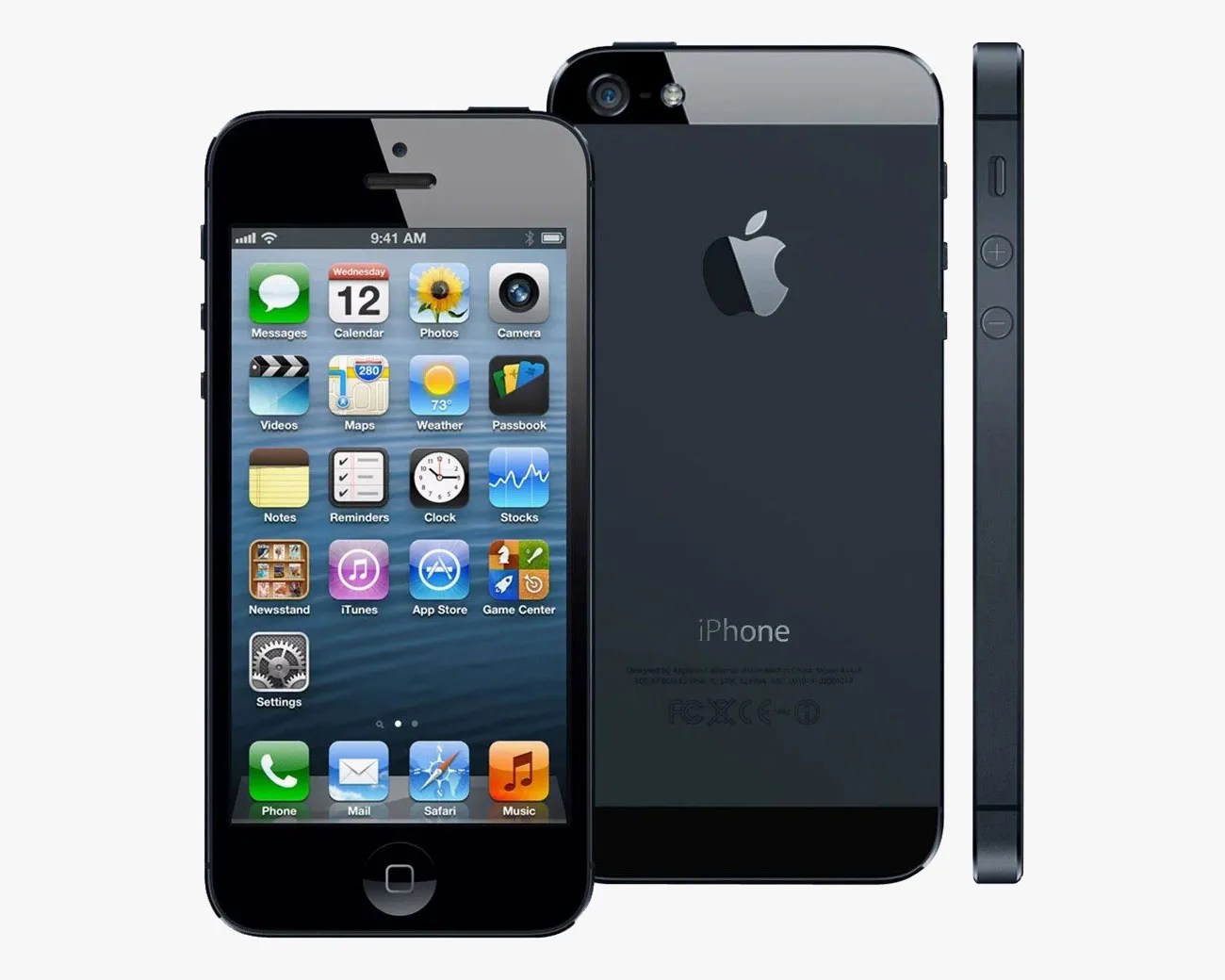
Black iPhone 5 shown from front, back, and side with app icons on the screen.
Apple is rolling out iOS 12.5.8 to some of its older iPhones.
Apple

That’s right, Apple has issued a surprise software update to iPhones (and iPads) that are considerably older than the models that traditionally receive software updates. Specifically, it’s an updated version of iOS 12.

If you have a model as old as the iPhone 5S or the iPhone 6, which were released in 2013 and 2014, respectively, those devices are getting their first software update in years. in the form of iOS 12.5.8.
If you have an older iPad from that time — such as the iPad Air (2013), iPad mini 2 (2013) or iPad mini 3 (2014) — those too are getting their first software update in years in the form of iPadOS 12.5.8.

In Apple’s release notes, it writes: “This update extends the certificate required by features such as iMessage, FaceTime, and device activation to continue working after January 2027.”

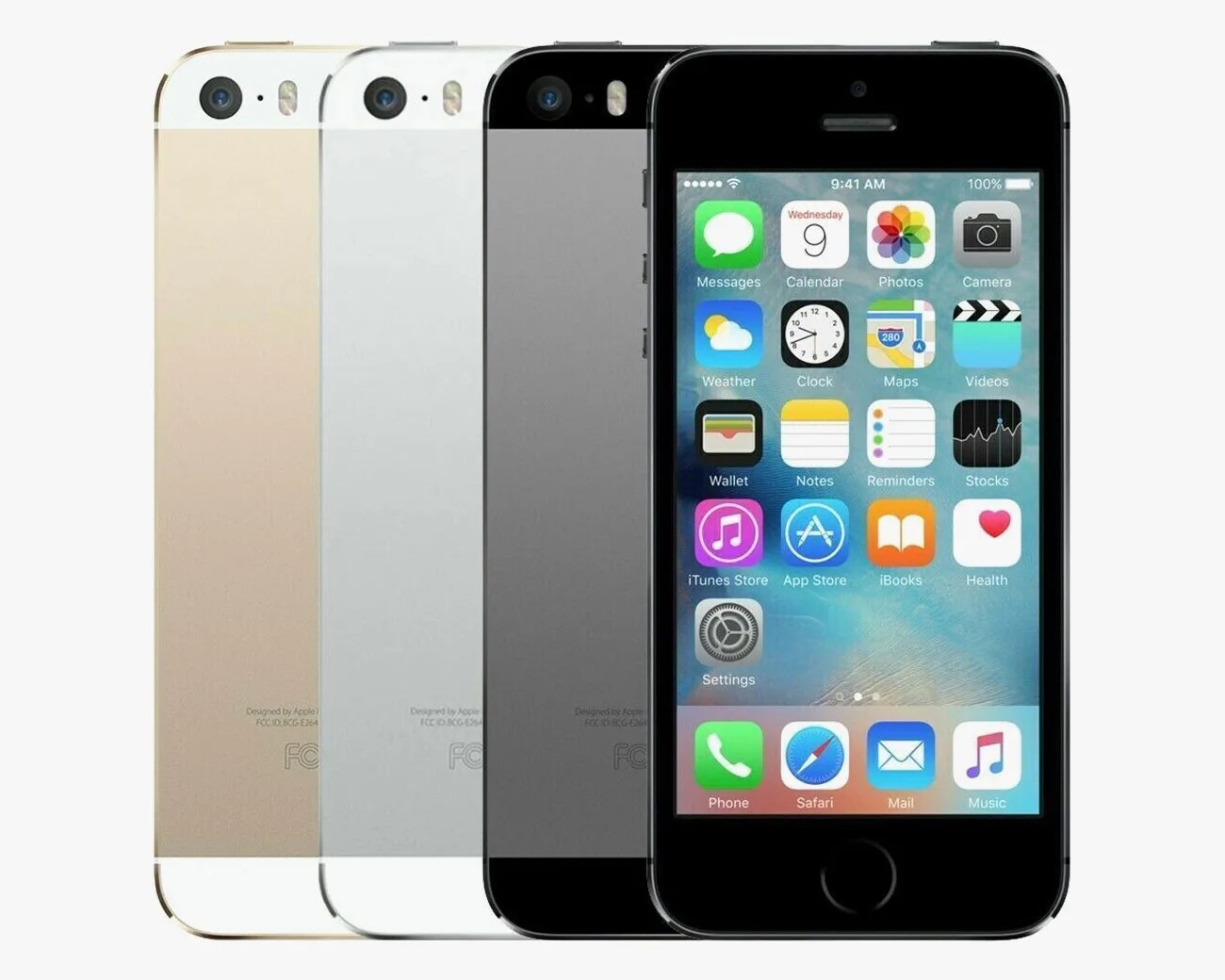
Four iPhone SE models in gold, silver, space gray, and black, with the black one showing the home screen.
The iPhone 5S was released in 2013. It’s getting its first software update in years.
Apple

One year to update

Basically, for those who still use an older iPhone or iPad, it’s important to download this latest software update so they’ll continue to work for years to come. If not, they could stop working as soon as next year.

Other older (but as old) models, like the iPhone 7 through the iPhone X, are also receiving a software update. Apple has rolled out updated versions of iOS 16 and iOS 18, too.

For those who have these older devices, you basically have a year to update them. To do so, simply open the Settings app > General > Software Update and then follow the on-screen instructions.

Want to stay up to date on the latest product news and releases? Add Gear Patrol as a preferred source to ensure our independent journalism makes it to the top of your Google search results.

add as a preferred source on google