

When Apple introduced iOS 26 last fall, it also introduced one of the most controversial iPhone features in years: Liquid Glass.
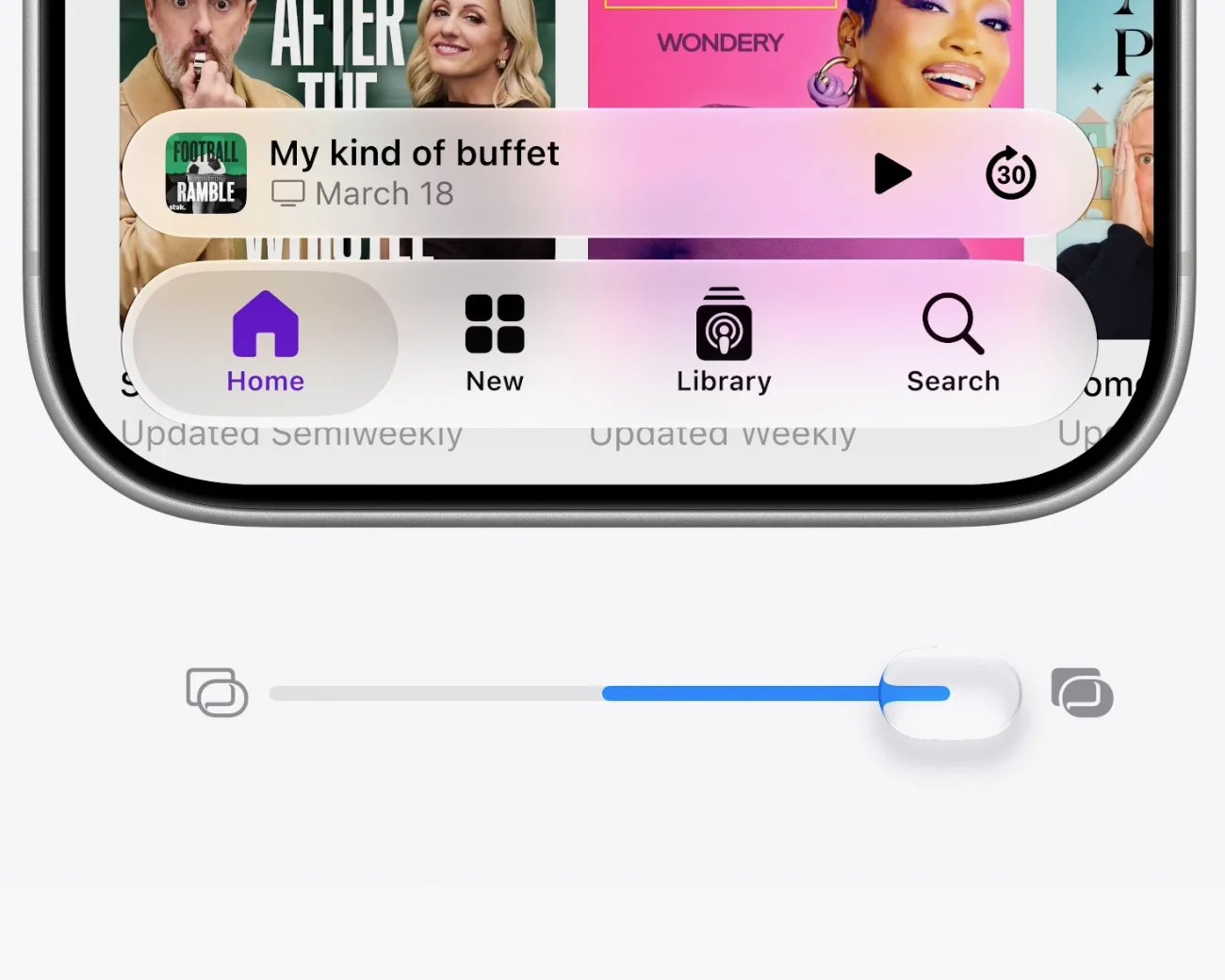
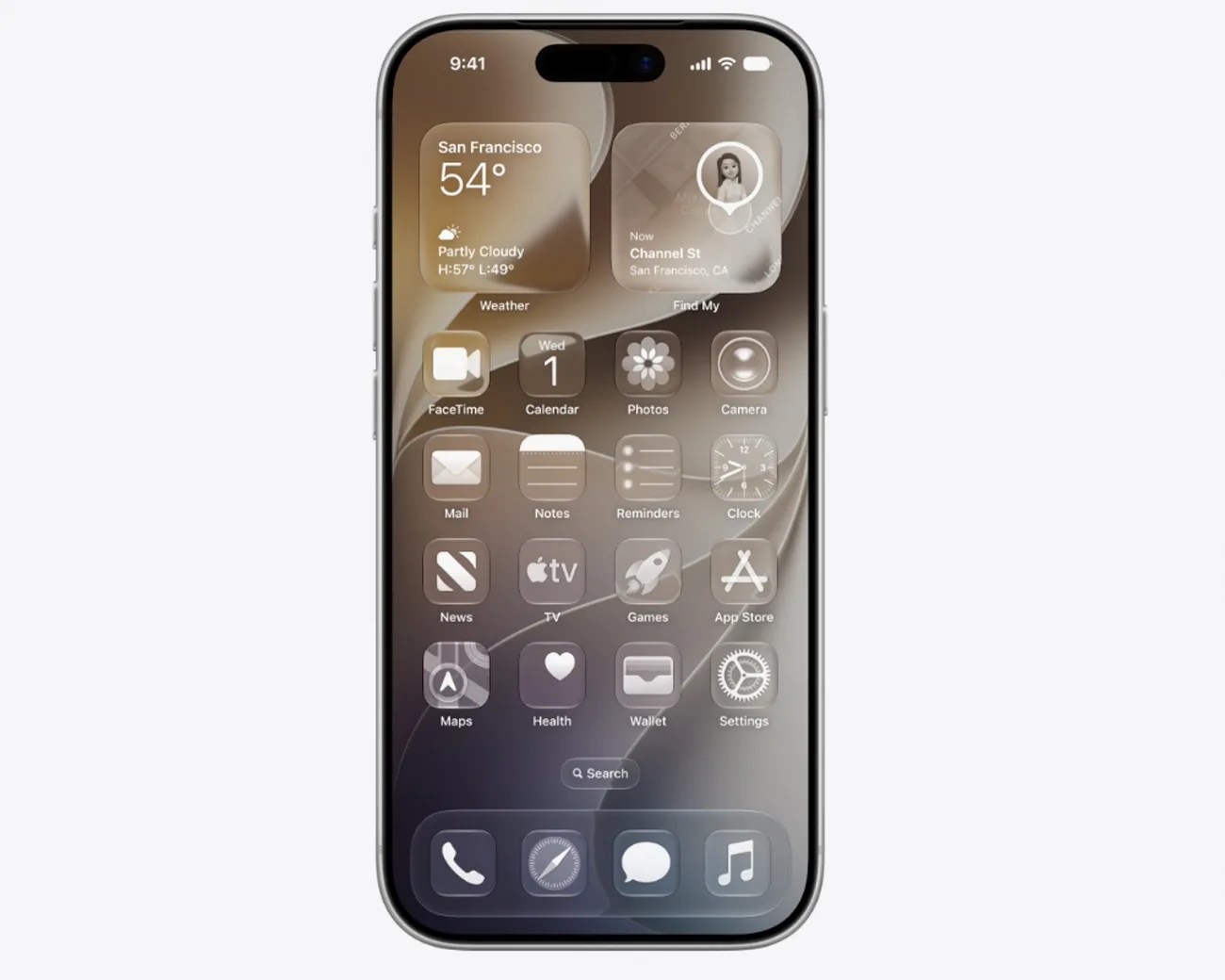
On one hand, the Liquid Glass design makeover was visually cool. It brought a transparent 3D effect to your home screen, as well as various apps, navigation bars, folders and docks, that made it appear like you were looking through a shard of glass.
On the other hand, many found that Liquid Glass made it more difficult to use their iPhones; it created a blurred (or frosted) effect on the foreground and background, making apps and menus less legible.
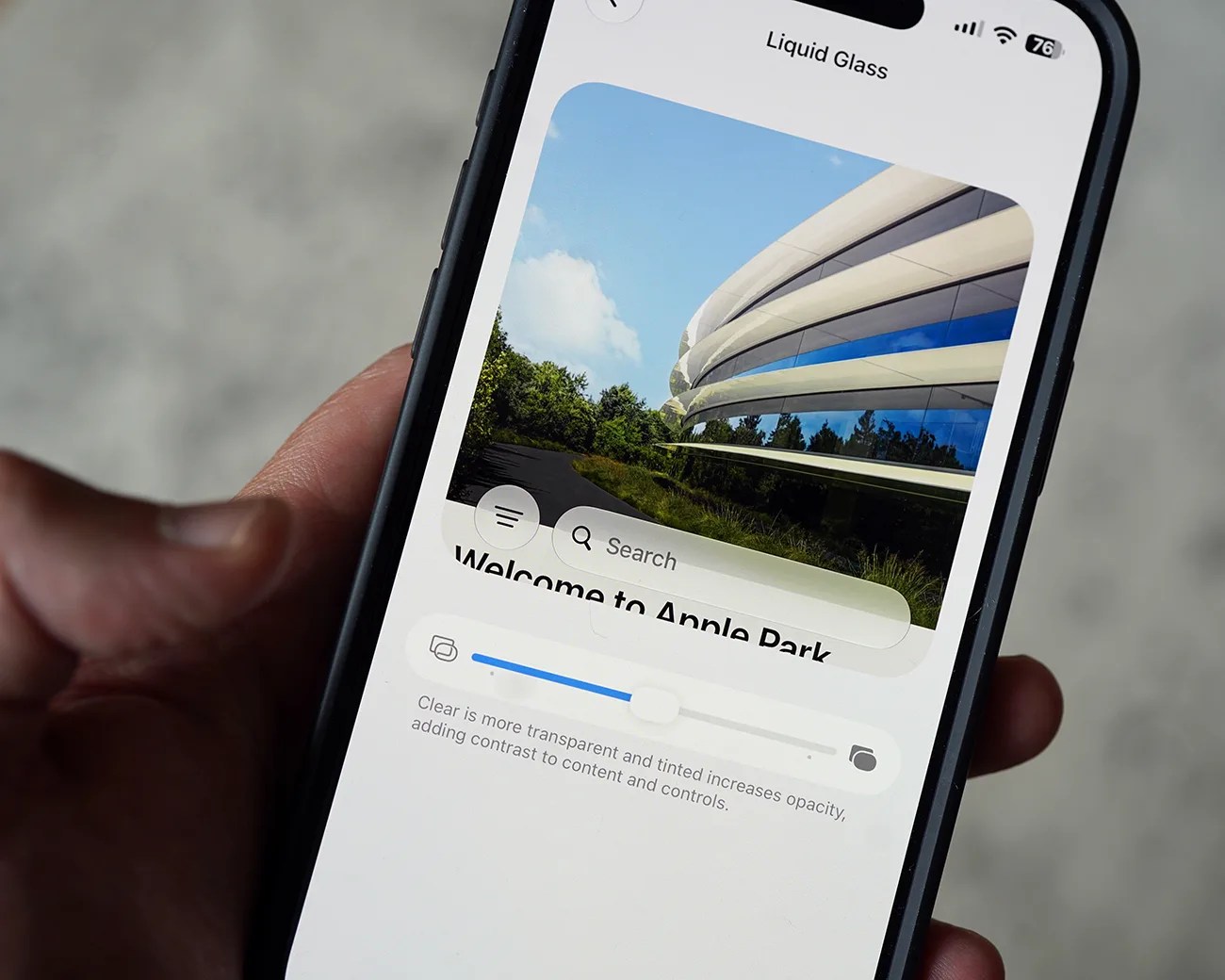
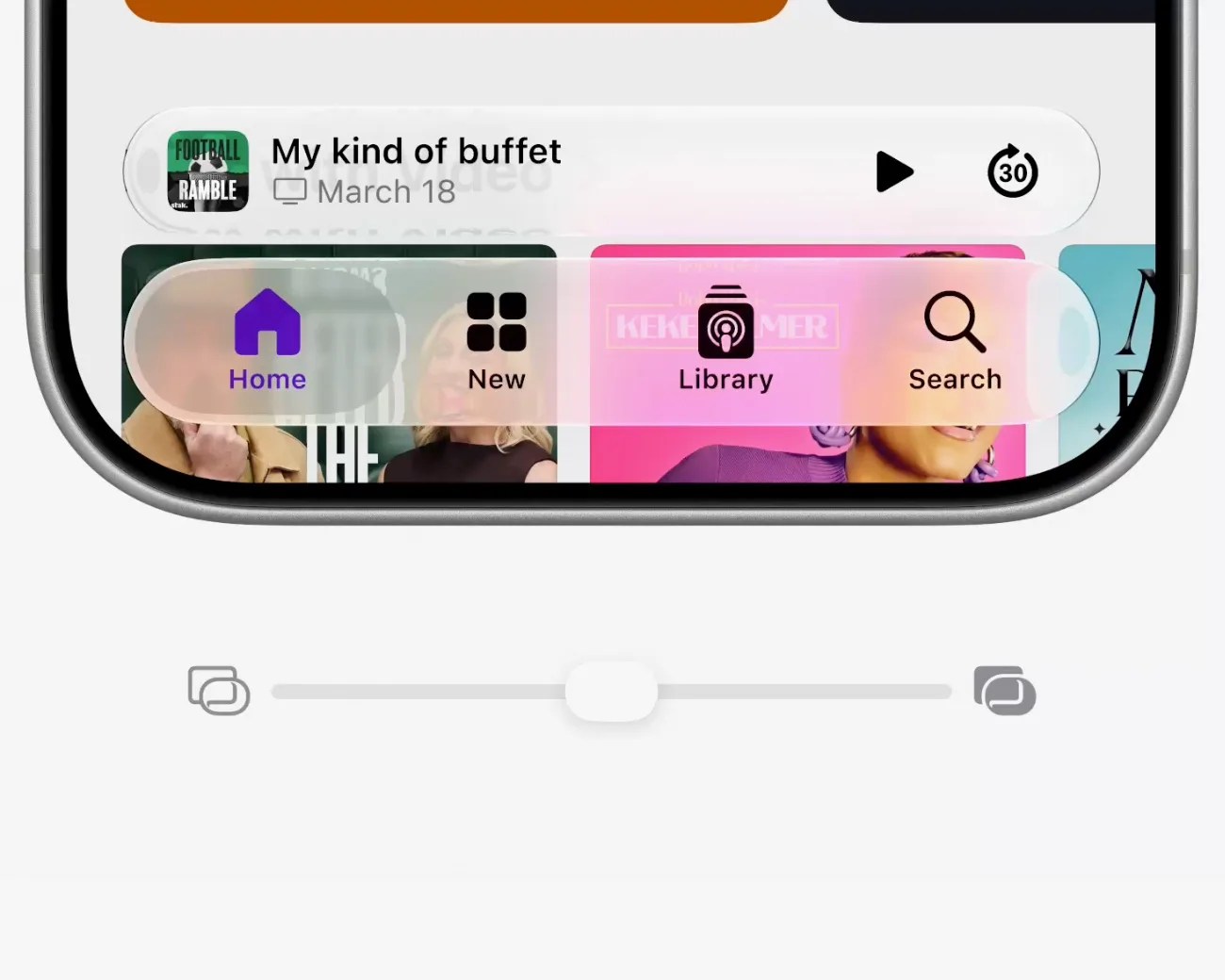
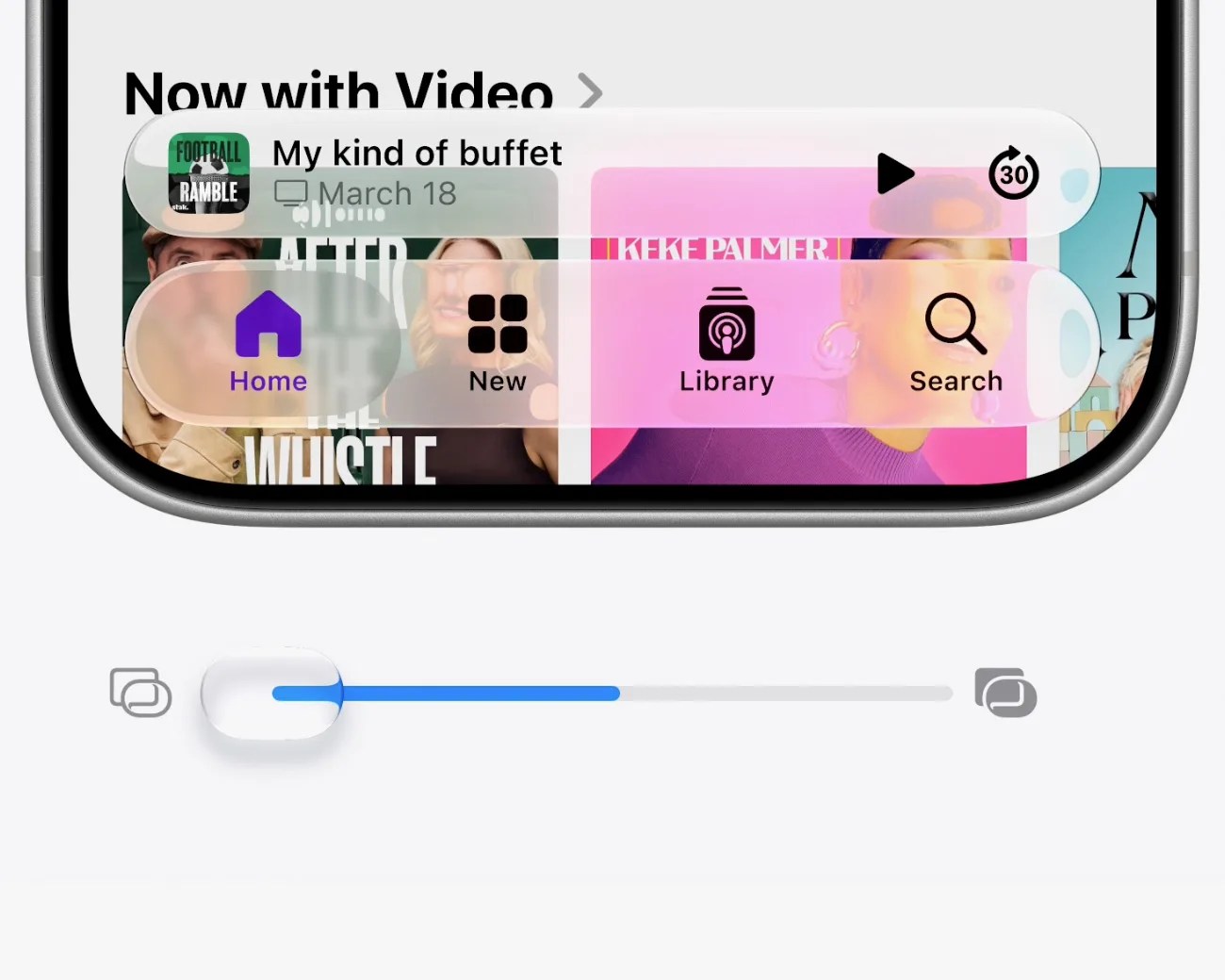
A Liquid Glass slider
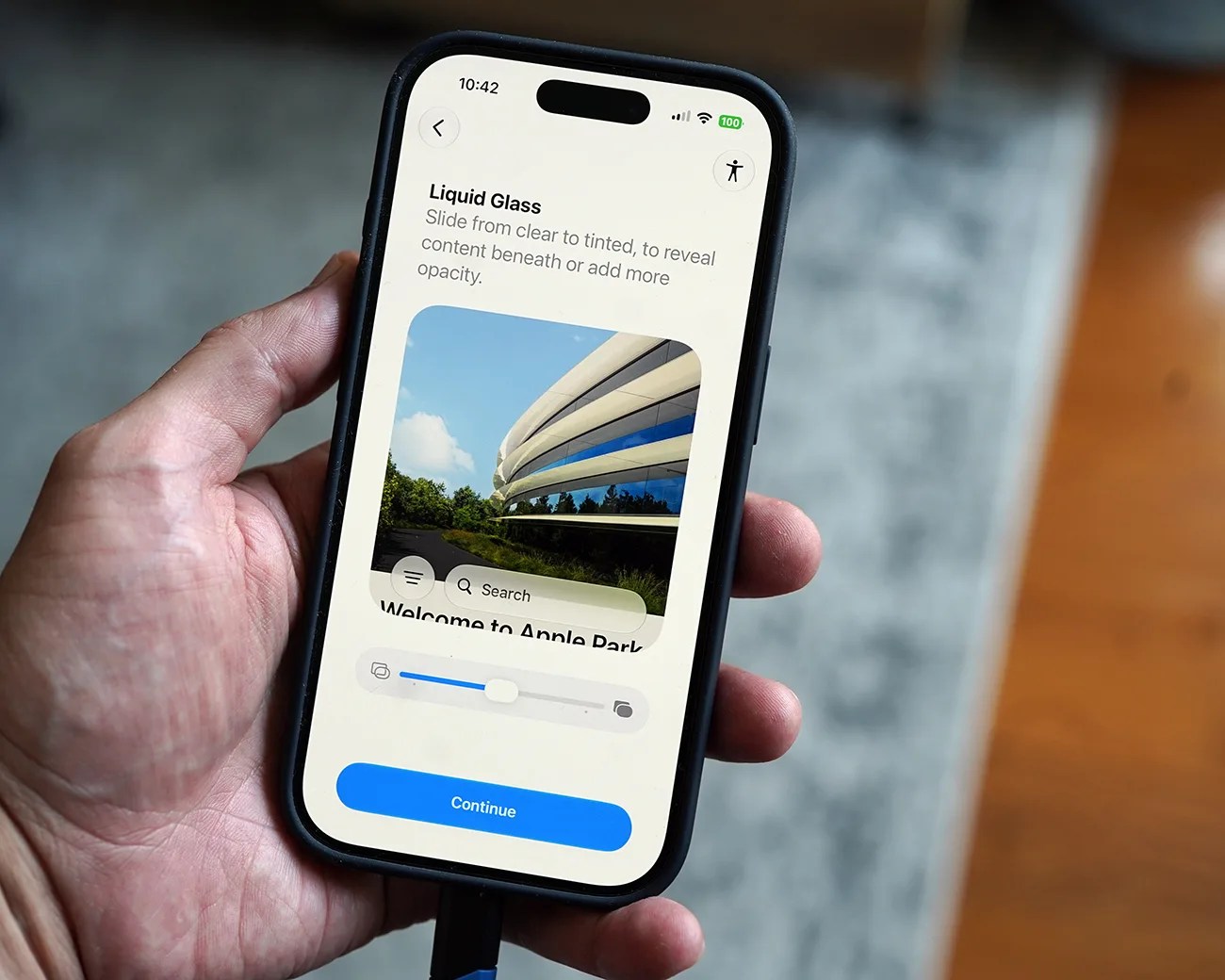
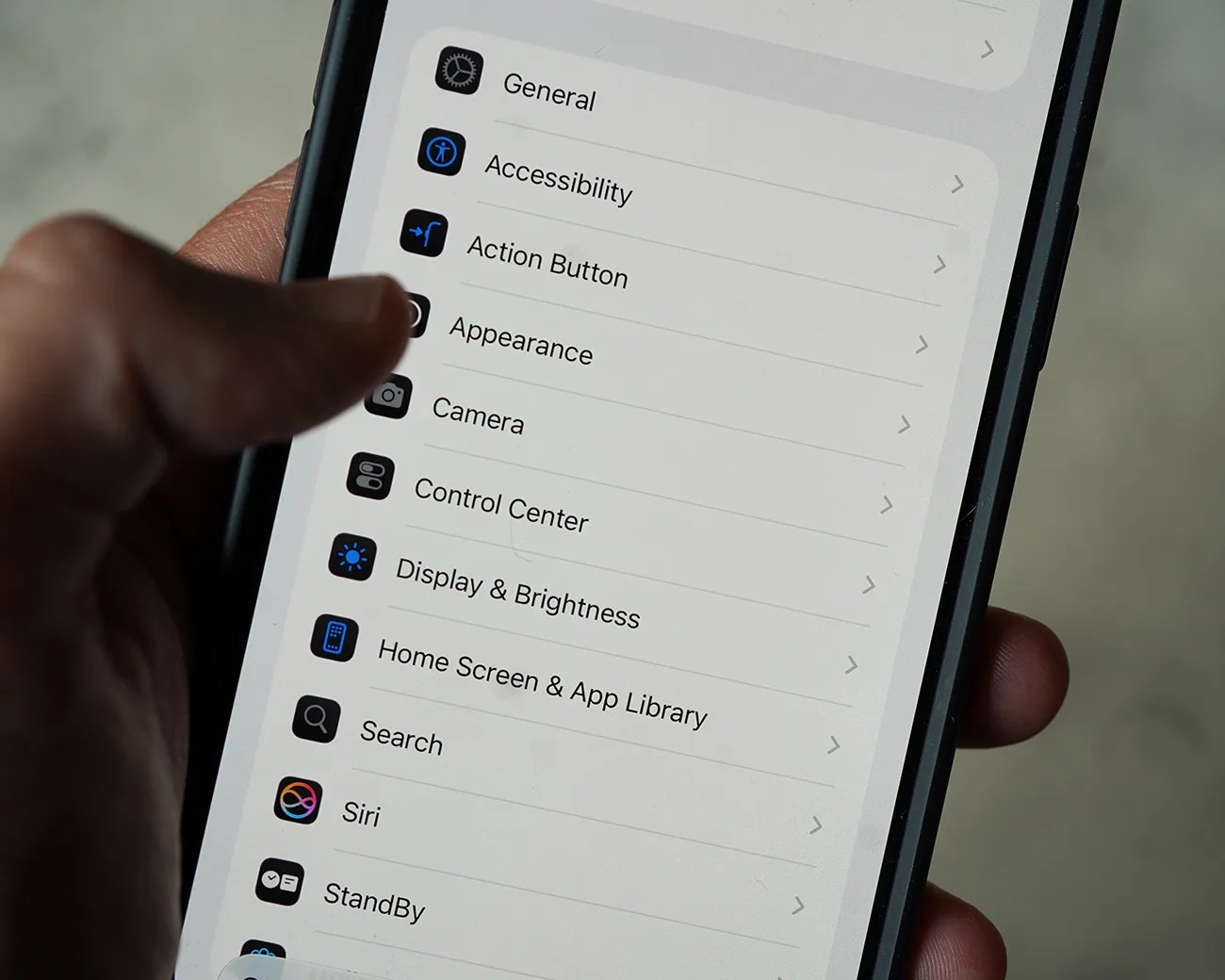
Aware of the criticism, Apple rolled out subsequent software patches that let you reduce the transparency of Liquid Glass and disable it for specific elements on your iPhone’s screen (like the Notification Center and certain search bars). However, you weren’t able to turn it off.
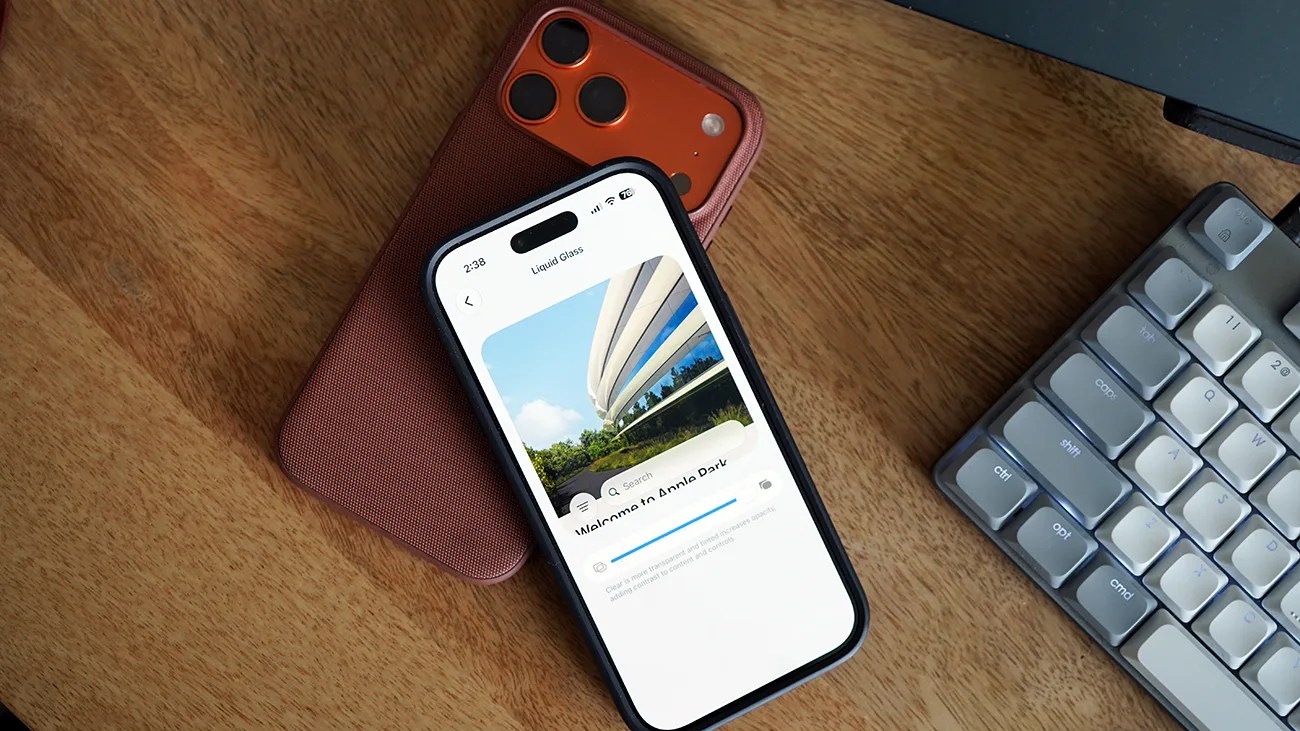
With iOS 27, you still won’t be able to completely turn off Liquid Glass, but Apple is introducing an improved fix in the form of a slider that lets you increase and decrease the effects of Liquid Glass.