
Home / Tech / Apps

Your iPhone Is Getting a New iMessage Feature That You’ll Actually Use

It fixes a common and frustrating issue with the Messages app.

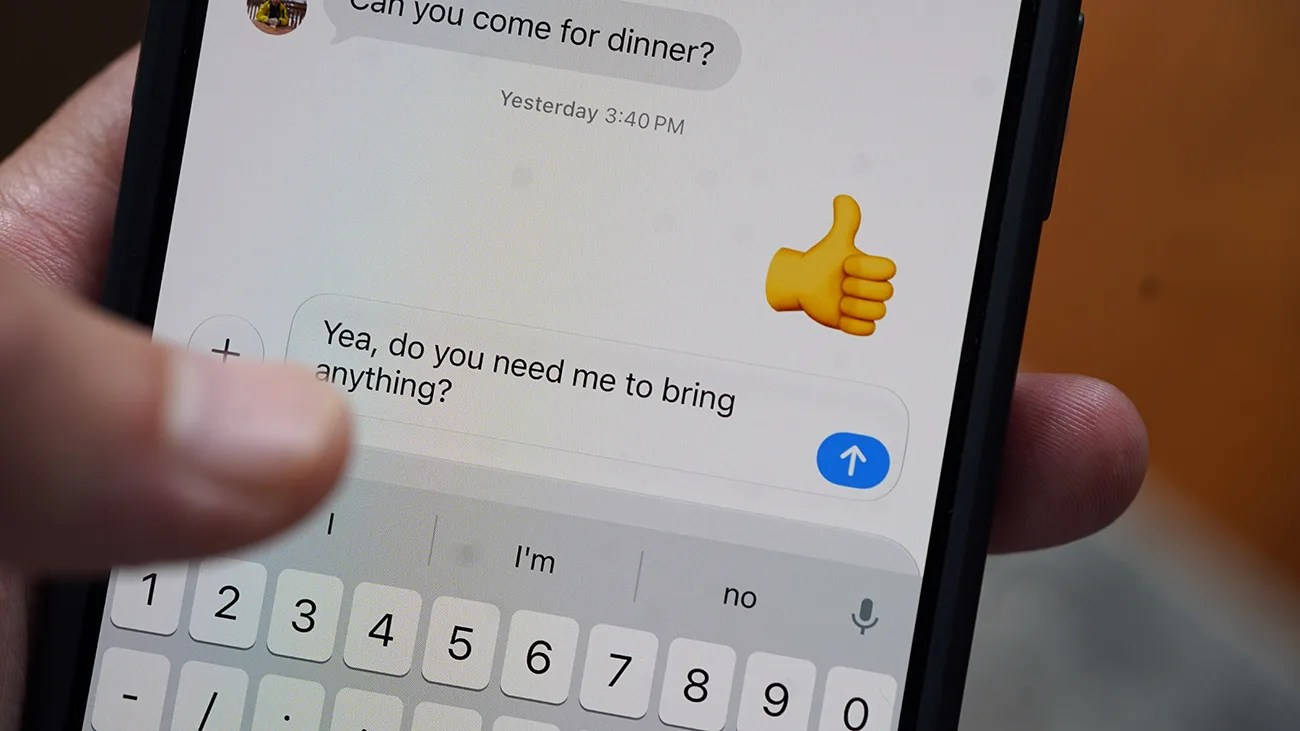
Close-up of a smartphone screen showing a text message conversation with the message "Yea, do you need me to bring anything?" being typed.Photo by Tucker Bowe for Gear Patrol

When iOS 27 gets released this September, it’s going to upgrade your current iPhone in both big and little ways.

Sure, the new Siri capabilities, AI photo-editing tools and an AirPods equalizer are the big “headline grabbers,” but the new operating system will bring loads of smaller features that might actually be more impactful for your everyday iPhone use.

Some of these include a Liquid Glass slider, independent volume controls for alarms and notifications, a new shortcut for copy/pasting and more customization options for your Lock Screen.

And now, as discovered in the public beta of iOS 27 (available now for earlier adopters), there’s a new feature that solves a common frustration in the Messages app.

A Send button fix
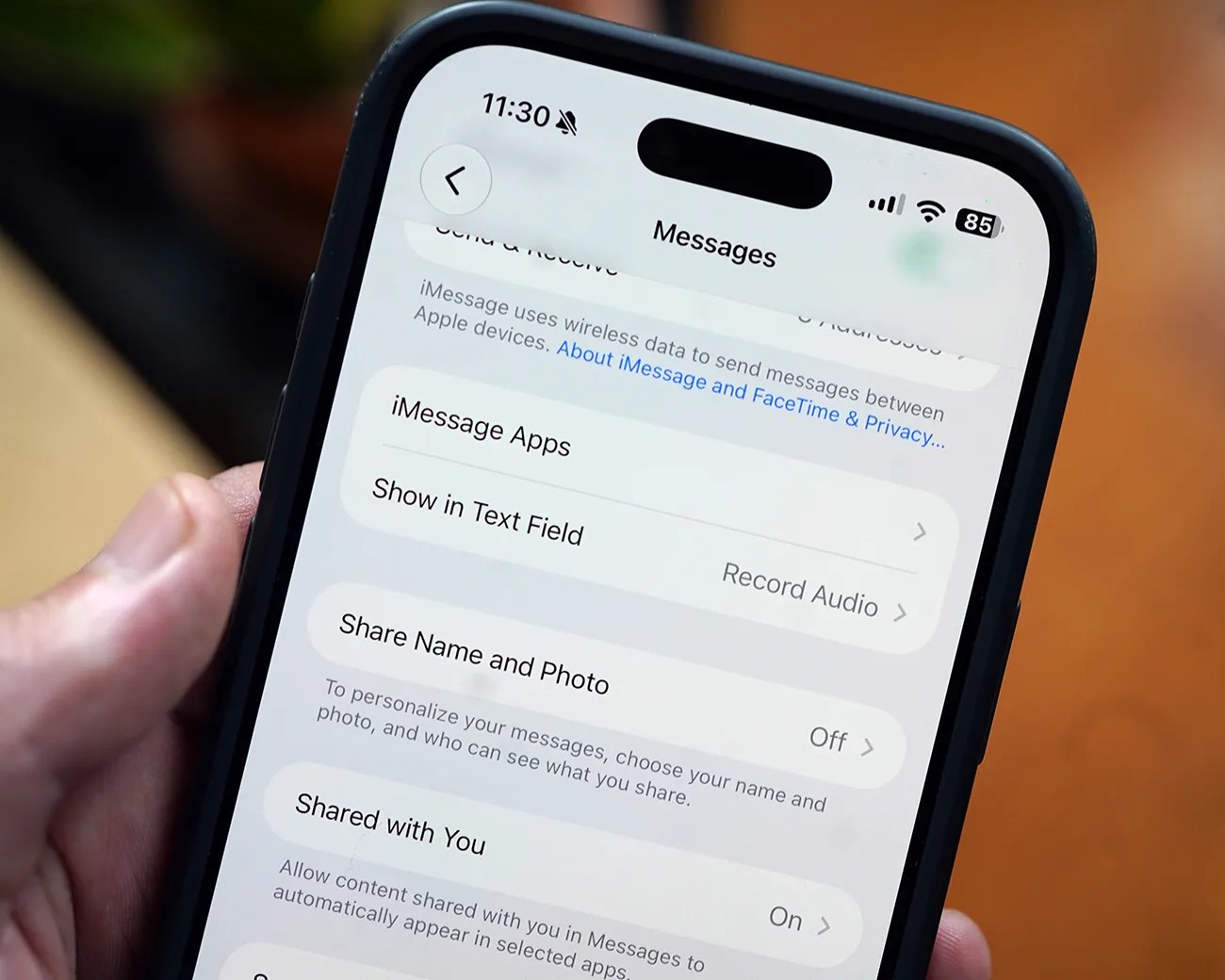
Smartphone screen showing iMessage settings with options for Show in Text Field, Share Name and Photo, and Shared with You.
Buried in the Settings app, Apple has introduced a new option to disable the Dictation and Record Audio buttons in the Messages app.
Photo by Tucker Bowe for Gear Patrol

When texting in the Messages app, there’s an icon in the far right of the textbox for dictating your message. If you don’t feel like typing, being able to dictate your message is super handy.
You likely use this feature all the time … but it can be annoying too.

That’s because the dictation button turns into the send button after you start typing. So, if you send multiple messages in a row, there’s a good chance you’ve mistakenly hit the dictation button, which screws up your flow of sending messages.

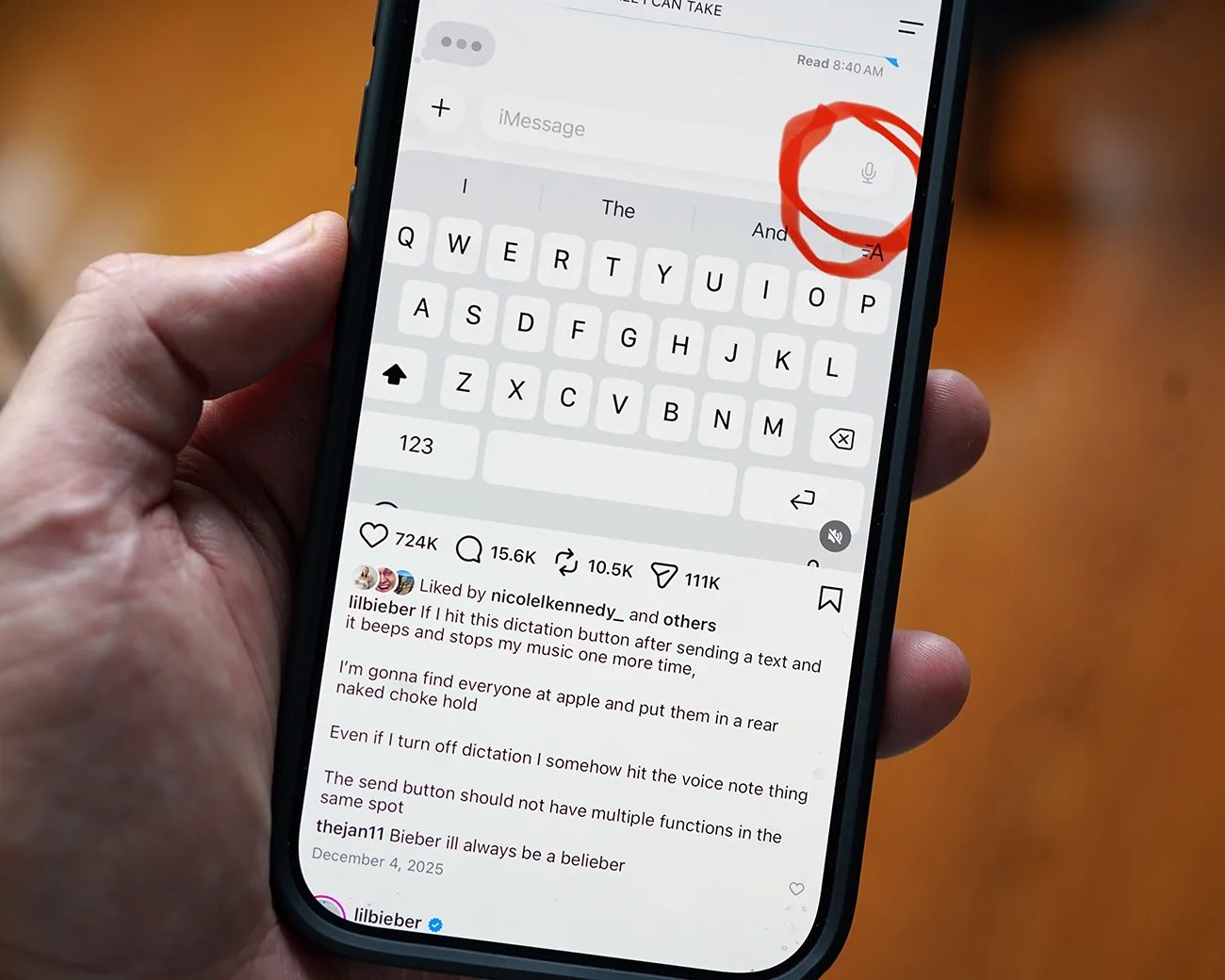
If you want any more evidence about how annoying this issue can be, just check out Justin Bieber’s Instagram post ranting against it. He writes: “If I hit this dictation button after sending a text and it beeps and stops my music one more time, I’m gonna find everyone at apple and put them in a rear naked choke hold.”

Hand holding a smartphone displaying a social media post about a dictation button on a messaging app keyboard, with the microphone icon circled in red.
Justin Bieber (@lilbieber) publicly criticized this feature earlier in the year. You can check out his Instagram post, here.
Photo by Tucker Bowe for Gear Patrol

Well, apparently Apple listened to the Biebs. In iOS 27, there’s a new option hidden in the Settings app that lets change or disable this feature. Here’s how:

  1. Open the Settings app.
  2. Scroll down to the bottom, select Apps.
  3. Scroll down, select Messages.
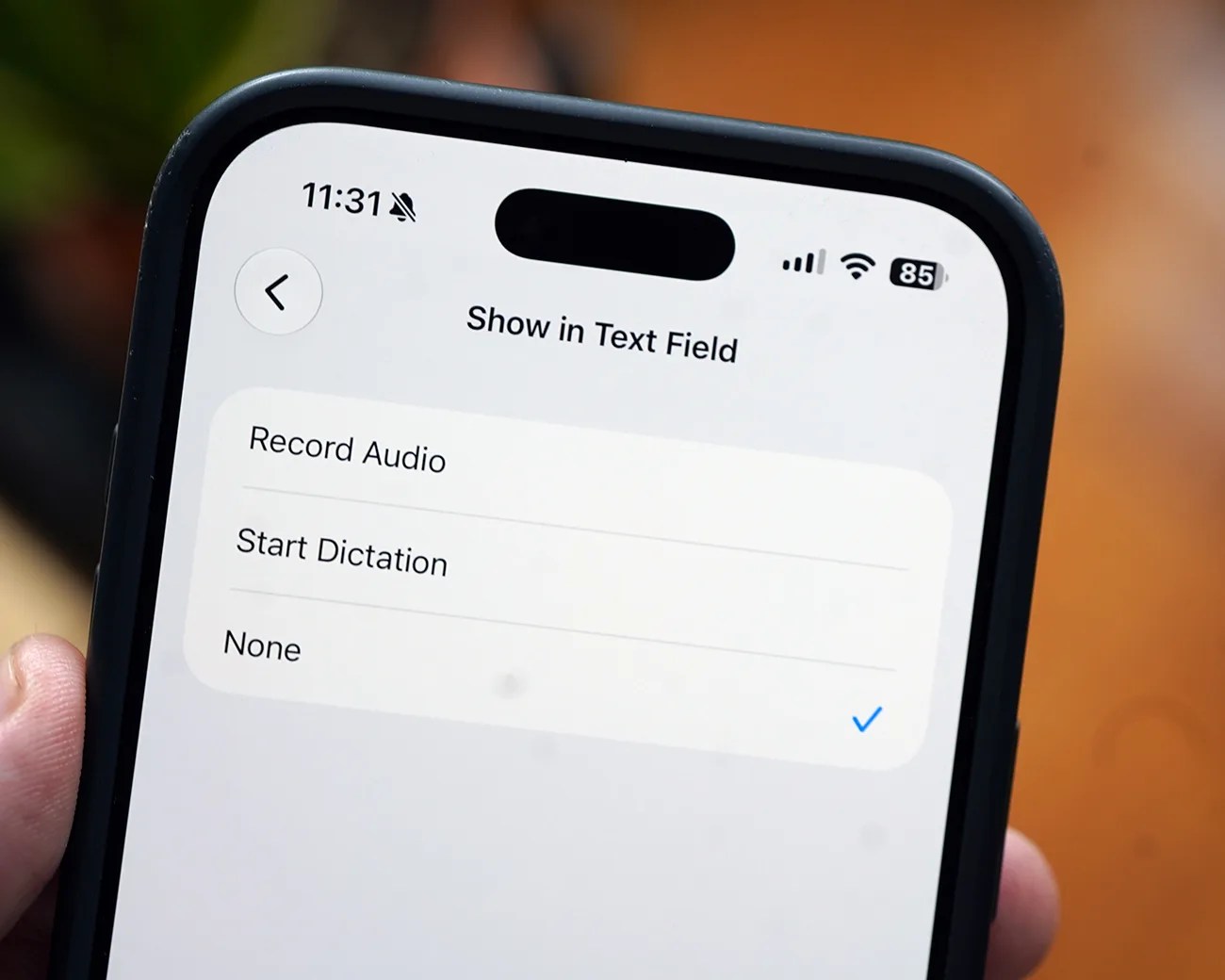
  4. Select Show Text in Field.

This Show Text in Field option is new in iOS 27. Once selected, it gives three options: Record Audio, Start Dictation or None.

Smartphone screen showing "Show in Text Field" options with "None" selected and a blue checkmark.
The new setting is called Shown in Text Field. When selected, you can disable the Record Audio or Dictation buttons by choosing None.
Photo by Tucker Bowe for Gear Patrol

If you select None, then the Send button will be a permanent fixture in the Messages textbox. It won’t change. So it solves the issue of accidentally starting to record audio or dictate a message after sending a text.

It’s a simple fix for a seemingly common issue in the Messages app.

iOS 27 is currently in beta. The new software will be released after Apple announces its next batch of iPhones sometime in September.

Want to stay up to date on the latest product news and releases? Add Gear Patrol as a preferred source to ensure our independent journalism makes it to the top of your Google search results.

add as a preferred source on google
, ,